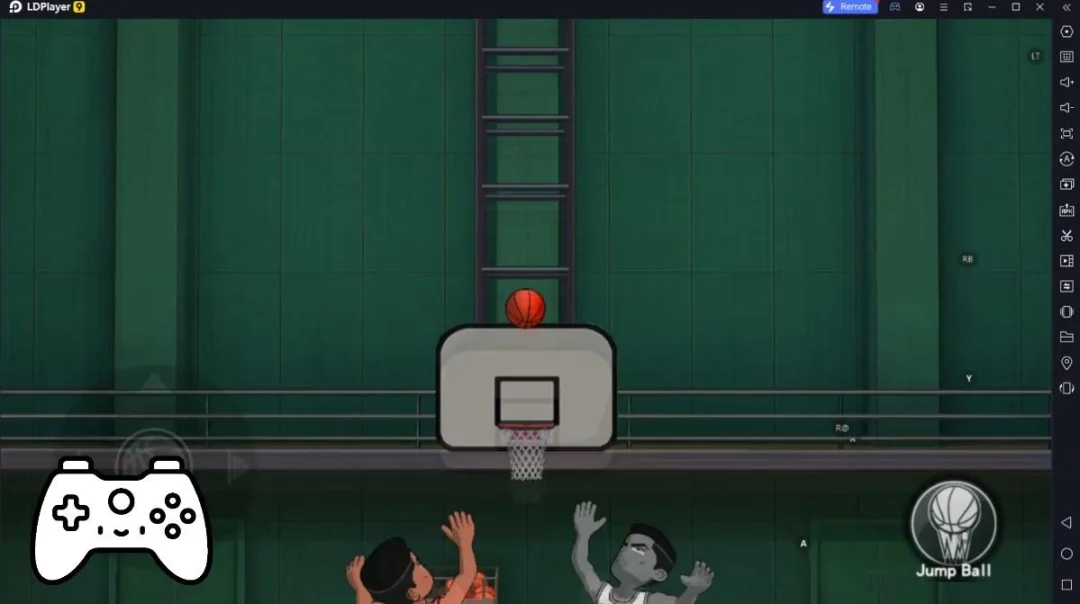
Limits Lock is a Sports game developed by Stark Dev.. LDPlayer is the best platform for playing Limits Lock on Windows PC, offering powerful features to enhance your immersive experience in Limits Lock.
When playing Limits Lock on your computer, the larger screen and more powerful graphics performance enable you to enjoy clearer and smoother game visuals, enhancing the visual experience of the game.
The operation of peripherals such as gamepads is emulated to better mimic the feel of real sports, providing more precise control and richer operation options.
Furthermore, if you wish to execute a series of continuous key combinations, the one-click macro feature will be the functionality you've been dreaming of, allowing you to effortlessly stay one step ahead with one-touch operation. Start downloading and playing Limits Lock on your computer now!
Limits Lock es un vertiginoso título de deportes y supervivencia en pixel art que redefine el género del fútbol competitivo. En este universo, no juegas para el equipo, juegas para tu propia gloria. El juego te sumerge en un centro de entrenamiento de alta tecnología donde 300 delanteros compiten por un solo puesto en la élite mundial. A través de una estética Pixel art, deberás dominar el sistema de "Ego-Drive", una mecánica que permite a los jugadores entrar en un estado de concentración absoluta para visualizar trayectorias imposibles y quebrar la defensa rival.El núcleo de Limits Lock reside en la evolución constante. No solo se trata de marcar goles, sino de "devorar" el estilo de juego de tus oponentes para desbloquear nuevas habilidades pasivas y mejorar tus estadísticas de tiro, velocidad y percepción. Con un sistema de físicas dinámico y animaciones fluidas, cada partido se siente como una batalla de vida o muerte. Elige a tu personaje favorito, entrena en simuladores de realidad virtual y toma decisiones drásticas en el campo para demostrar que tu talento no tiene límites. En este estadio, el altruismo es una debilidad y el hambre de victoria es tu única aliada.