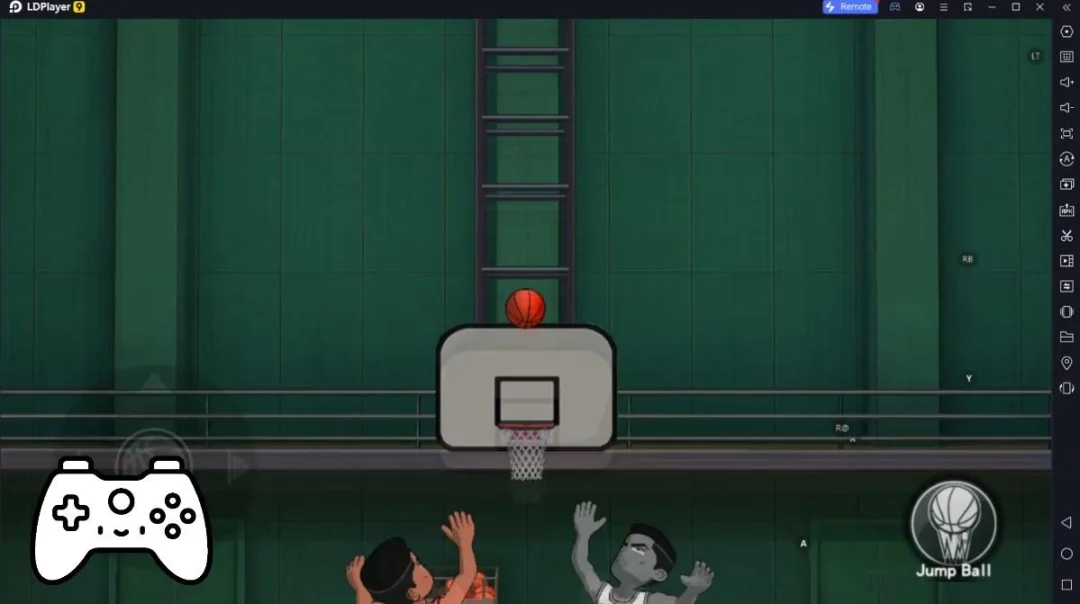
DraftBattle is a Sports game developed by DraftBattle. LDPlayer is the best platform for playing DraftBattle on Windows PC, offering powerful features to enhance your immersive experience in DraftBattle.
When playing DraftBattle on your computer, the larger screen and more powerful graphics performance enable you to enjoy clearer and smoother game visuals, enhancing the visual experience of the game.
The operation of peripherals such as gamepads is emulated to better mimic the feel of real sports, providing more precise control and richer operation options.
Furthermore, if you wish to execute a series of continuous key combinations, the one-click macro feature will be the functionality you've been dreaming of, allowing you to effortlessly stay one step ahead with one-touch operation. Start downloading and playing DraftBattle on your computer now!
Build the ultimate basketball team. Then prove it's the best.DraftBattle is the competitive basketball team-building game where every draft is a new challenge. Build dream teams, battle real players, climb the rankings, and prove your basketball knowledge.
Every challenge is different.
Build the greatest defensive team ever.
Create the perfect starting five.
Beat legendary dynasties.
Find the best young core.
There are endless ways to play.
5 Game Modes
Association Mode
Travel across the map and conquer every basketball franchise. Build the greatest all-time team for each city, complete unique challenges, and create the ultimate basketball dynasty.
Division Drafts
Draft your team in just 60 seconds and battle real players from around the world. Every matchup is unique.
Weekend League
Compete in weekly events, climb the leaderboard, and earn exclusive rewards against the best drafters.
Tournaments
Take on themed competitions, survive multiple rounds, and prove you can build winning teams under any challenge.
Daily Challenge
A brand-new basketball challenge every day. New rules. New teams. New debates.
Build Better Teams
Winning isn't just about picking the biggest stars.
Every draft rewards strategy, chemistry, and smart team building. Use Redraft, Rewind, and Reposition to perfect your lineup and outsmart your opponents.
Rise Through the Ranks
Earn XP, unlock rewards, complete achievements, and climb from Bronze all the way to Hall of Fame.
Whether you're chasing the perfect team, conquering every franchise, or competing against the world's best players, there's always another challenge waiting.
Build your dream team.
Beat everyone.