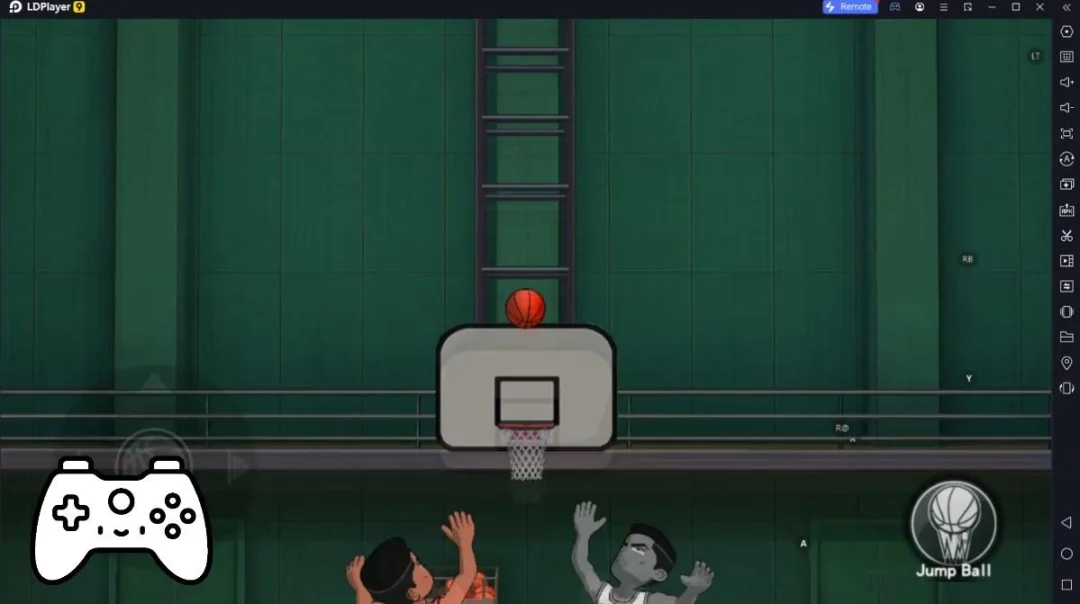
PRO Play is a Sports game developed by PRO INTERNATIONAL MARKETING L.L.C. LDPlayer is the best platform for playing PRO Play on Windows PC, offering powerful features to enhance your immersive experience in PRO Play.
When playing PRO Play on your computer, the larger screen and more powerful graphics performance enable you to enjoy clearer and smoother game visuals, enhancing the visual experience of the game.
The operation of peripherals such as gamepads is emulated to better mimic the feel of real sports, providing more precise control and richer operation options.
Furthermore, if you wish to execute a series of continuous key combinations, the one-click macro feature will be the functionality you've been dreaming of, allowing you to effortlessly stay one step ahead with one-touch operation. Start downloading and playing PRO Play on your computer now!
PRO Play is the sports app built for fans across — football first, with combat sports, padel, horse racing, and more.LIVE FOOTBALL SCORES & FIXTURES
Real-time scores from hundreds of competitions worldwide. Instant notifications for goals, kick-off, red cards, and full-time for the teams you follow.
HIGHLIGHTS
Watch official highlights, goals, and analysis from verified league, club, and broadcaster channels — embedded directly inside the app.
LIVE STREAMING (LICENSED EVENTS)
Watch live football, combat sports, padel, horse racing, and more — where PRO Play holds broadcast rights. Every stream is fully licensed. Some events are available only in regions where our rights apply, clearly indicated in the app.
GAMES HUB
Free-to-play games for sports fans. Pick'em, Daily Quiz, Survivor, and more. No real money. No gambling. Just bragging leaderboards.
BILINGUAL — ENGLISH & ARABIC
Full bilingual support with right-to-left typography for a native MENA experience.
PRO Play is built by sports fans for sports fans. Clean. Fast. Honest.