Home/

Games/

Casual/

Crypto Tap

Crypto Tap
4.0100+

Crypto Tap

Learn Bitcoin trends in this fun sim game Master the crypto market, get some BTC

Play on PC with LDPlayer
recommend

NosbigApp Inc

How to Download&Play Crypto Tap on PC?
Last Updated: 2026-10-14
app.crypto.tap
  • Overview

  • FAQ

Use LDPlayer to Play Crypto Tap on PC

Crypto Tap is a Casual game developed by NosbigApp Inc. LDPlayer is the best platform for playing Crypto Tap on Windows PC, offering powerful features to enhance your immersive experience in Crypto Tap.

When playing Crypto Tap on your computer, if you find repetitive actions or tasks tedious and time-consuming, fret not! Macro can alleviate your concerns. Simply record your actions with a click of the screen recording feature and let macros take care of the rest. Macros automate your operations, allowing you to effortlessly conquer the game with minimal effort! Start downloading and playing Crypto Tap on your computer now!

Master the Market with Crypto Tap -- The Bitcoin Game!

Experience the thrill of the crypto world without the risk. Use real-time Bitcoin prices to practice your trading strategies in a fun, educational environment.

Key Features:
• Market Simulation: Predict price movements using live data to climb the leaderboards.
• Trading Challenges: Join competitive events to test your skills against others.
• Earn BTC Rewards: Complete in-game achievements and participate in draws for rewards.
• Collect Tickets: To help you out and other perks.
• Educational Fun: Learn to navigate the famous volatility of Bitcoin 24/7.

Unlock advanced trading features as you grow your virtual portfolio and collect prestigious achievements. Whether you're a crypto enthusiast or a skeptic, Crypto Tap offers a risk-free way to understand how the market moves.

Important Information:
Crypto Tap is a GAME. All trading is conducted with virtual currency.
This is a game. You don't trade for real money or Bitcoin.
Nowhere in Crypto Tap can players use or spend real cryptocurrency or real currency.
Open up

Screenshots and Videos of Crypto Tap PC

Experience a wider field of view, exquisite game graphics, and cooler combat skills and effects by downloading and playing Crypto Tap on PC with LDPlayer. Enjoy the ultimate gaming experience with LDPlayer.

Why Play Crypto Tap on PC with LDPlayer?

LDPlayer offers unique emulator features including multi-instance support, macros, operation recorder, and other functions not available on mobile devices.

Operation Recorder

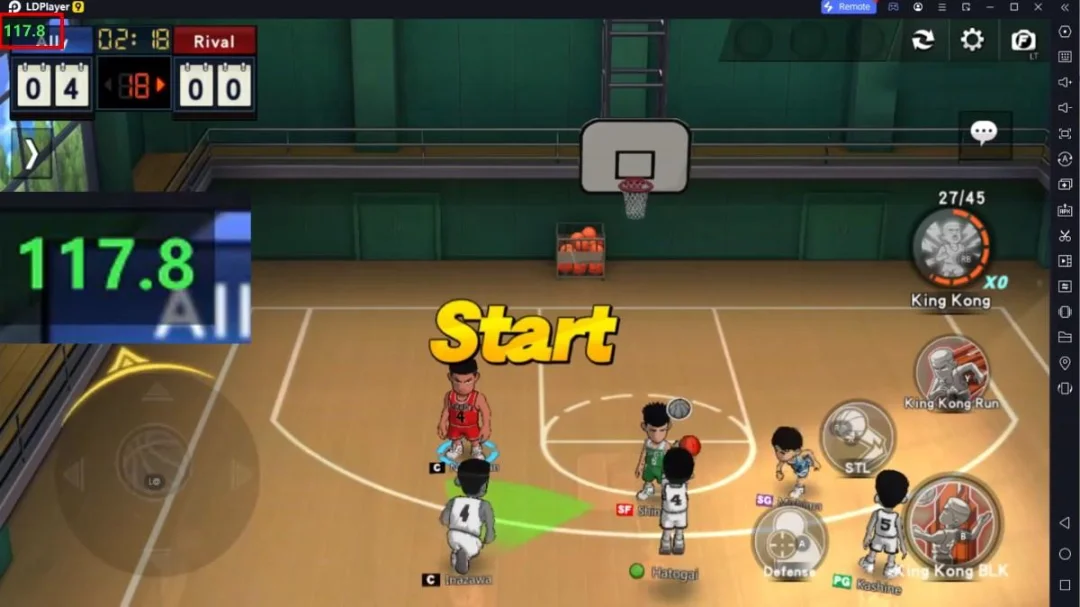
High FPS

Custom Controls

Operation RecorderHigh FPSCustom Controls

Record operations to easily execute repetitive upgrades and mission operations in Crypto Tap with a single click. Additionally, it can be utilized for auto-battling bosses, thereby enhancing gaming efficiency.

  • One-Click Macros

    Combine a series of operations into one keystroke to help you quickly and automatically complete the grinding in Crypto Tap, improving gaming efficiency and experience.
  • Extended Battery Life

    When running Crypto Tap on your computer, you need not worry about low battery or device overheating issues. Enjoy playing for as long as you desire.

How to Download&Play Crypto Tap on PC?

  • 1

    Download and install LDPlayer on your computer

  • 2

    Locate the Play Store in LDPlayer's system apps, launch it, and sign in to your Google account

  • 3

    Enter "Crypto Tap" into the search bar and search for it

  • 4

    Choose and install Crypto Tap from the search results

  • 5

    Once the download and installation are complete, return to the LDPlayer home screen

  • 6

    Click on the game icon on the LDPlayer home screen to start enjoying the exciting game