Home/

Games/

Sports/

Chicago Bulls

Chicago Bulls
4.05+

Chicago Bulls

The official mobile app for the Chicago Bulls.

Play on PC with LDPlayer
recommend

Chicago Bulls

How to Download&Play Chicago Bulls on PC?
Last Updated: 2026-11-02
com.bulls.android
  • Overview

  • FAQ

Use LDPlayer to Play Chicago Bulls on PC

Chicago Bulls is a Sports game developed by Chicago Bulls. LDPlayer is the best platform for playing Chicago Bulls on Windows PC, offering powerful features to enhance your immersive experience in Chicago Bulls.

When playing Chicago Bulls on your computer, the larger screen and more powerful graphics performance enable you to enjoy clearer and smoother game visuals, enhancing the visual experience of the game.

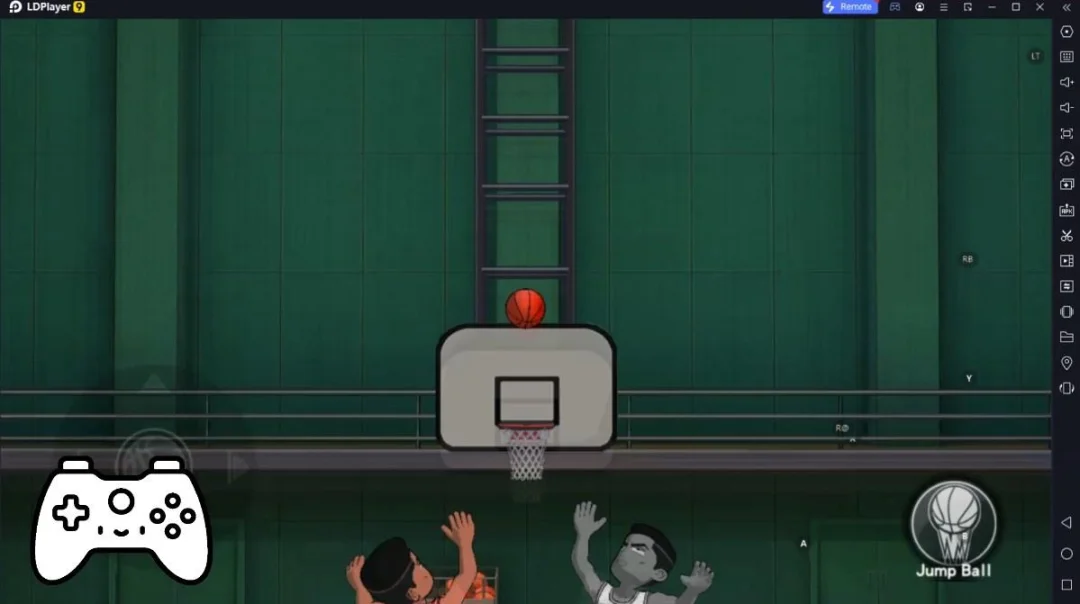
The operation of peripherals such as gamepads is emulated to better mimic the feel of real sports, providing more precise control and richer operation options.

Furthermore, if you wish to execute a series of continuous key combinations, the one-click macro feature will be the functionality you've been dreaming of, allowing you to effortlessly stay one step ahead with one-touch operation. Start downloading and playing Chicago Bulls on your computer now!

The all-new, official app of the Chicago Bulls. This app is your direct connection to everything Bulls, including:

- Fan-favorite features: The new app features design improvements on fan-favorite features like pre- and post-game matchups, schedule, roster, ticket access, and more. Fans will get better and faster-to-access match-up information for each Bulls game.

- Experiences made for you:  Share preferences with your all-new Bulls ID to get access to drops, personalized app notifications, highlights, news, benefits and offers, and invitations to virtual and in-person events.
Open up

Screenshots and Videos of Chicago Bulls PC

Experience a wider field of view, exquisite game graphics, and cooler combat skills and effects by downloading and playing Chicago Bulls on PC with LDPlayer. Enjoy the ultimate gaming experience with LDPlayer.

Why Play Chicago Bulls on PC with LDPlayer?

LDPlayer offers unique emulator features including multi-instance support, macros, operation recorder, and other functions not available on mobile devices.

Gamepad

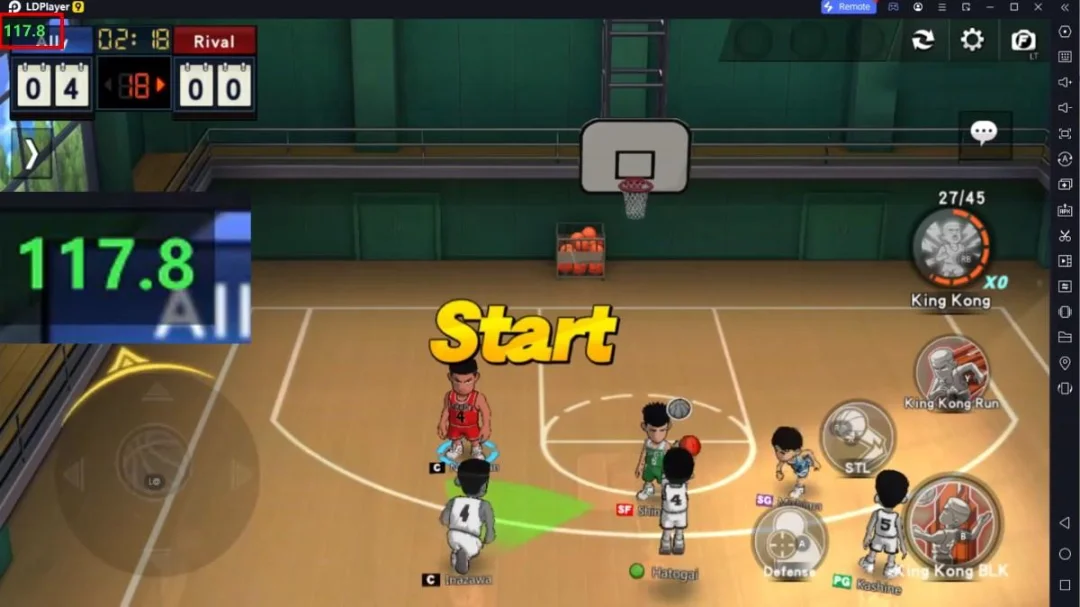
High FPS

One-Click Macro

GamepadHigh FPSOne-Click Macro

Emulate a more realistic driving experience in Chicago Bulls, allowing for full freedom of movement for your hero. This enhances comfort, precision, and flexibility in controls, empowering players to better control their vehicles and win races.

  • Large Screen

    Offering a high-definition experience for Chicago Bulls on a large screen, animations and images are smoother, allowing for more comfortable content browsing and video watching.
  • Extended Battery Life

    When running Chicago Bulls on your computer, you need not worry about low battery or device overheating issues. Enjoy playing for as long as you desire.

How to Download&Play Chicago Bulls on PC?

  • 1

    Download and install LDPlayer on your computer

  • 2

    Locate the Play Store in LDPlayer's system apps, launch it, and sign in to your Google account

  • 3

    Enter "Chicago Bulls" into the search bar and search for it

  • 4

    Choose and install Chicago Bulls from the search results

  • 5

    Once the download and installation are complete, return to the LDPlayer home screen

  • 6

    Click on the game icon on the LDPlayer home screen to start enjoying the exciting game