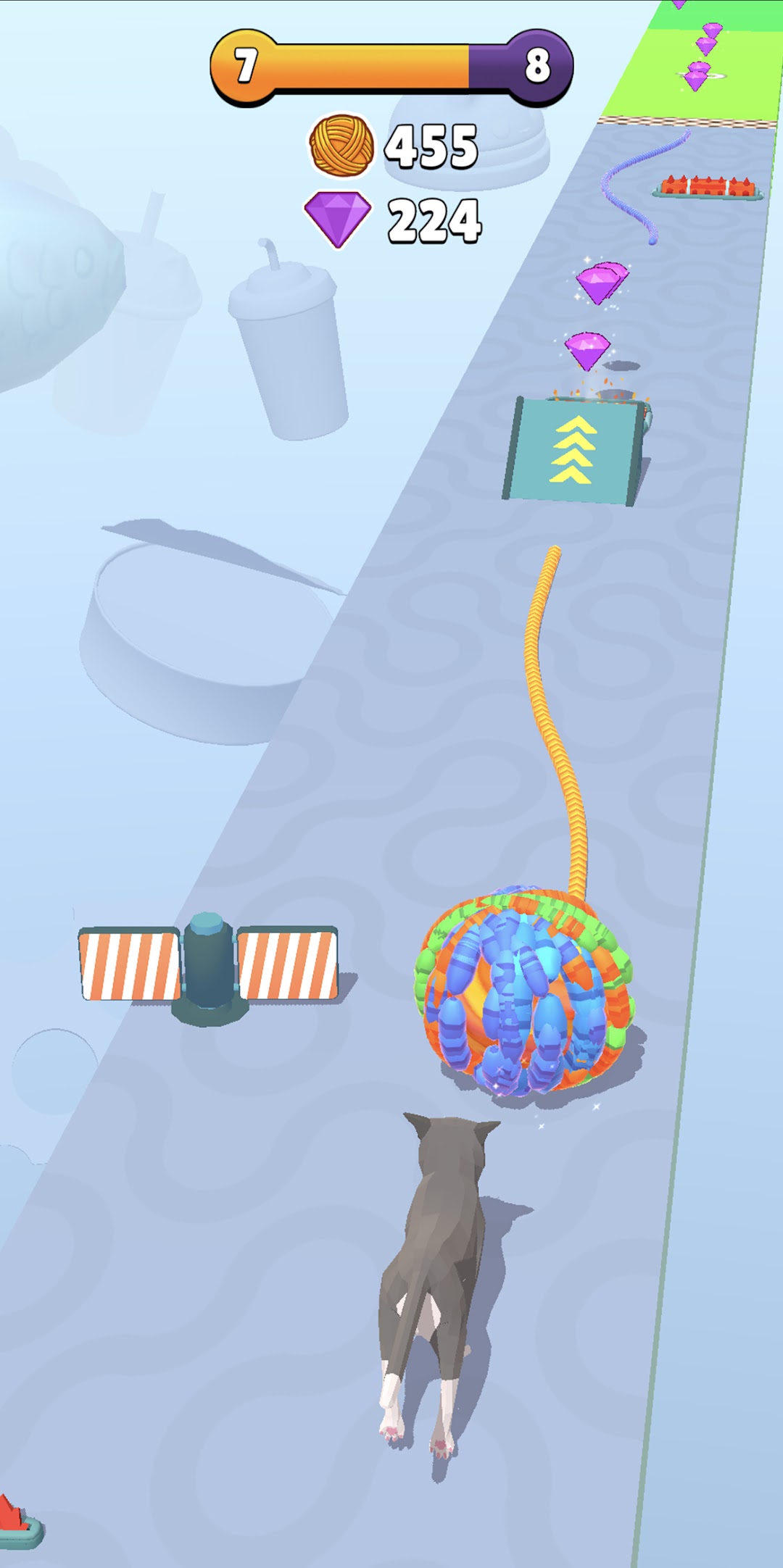


Cat Thread is a Casual game developed by Ararat Games. LDPlayer is the best platform for playing Cat Thread on Windows PC, offering powerful features to enhance your immersive experience in Cat Thread.
When playing Cat Thread on your computer, if you find repetitive actions or tasks tedious and time-consuming, fret not! Macro can alleviate your concerns. Simply record your actions with a click of the screen recording feature and let macros take care of the rest. Macros automate your operations, allowing you to effortlessly conquer the game with minimal effort! Start downloading and playing Cat Thread on your computer now!
Roll the biggest yarn ball you've ever seen!