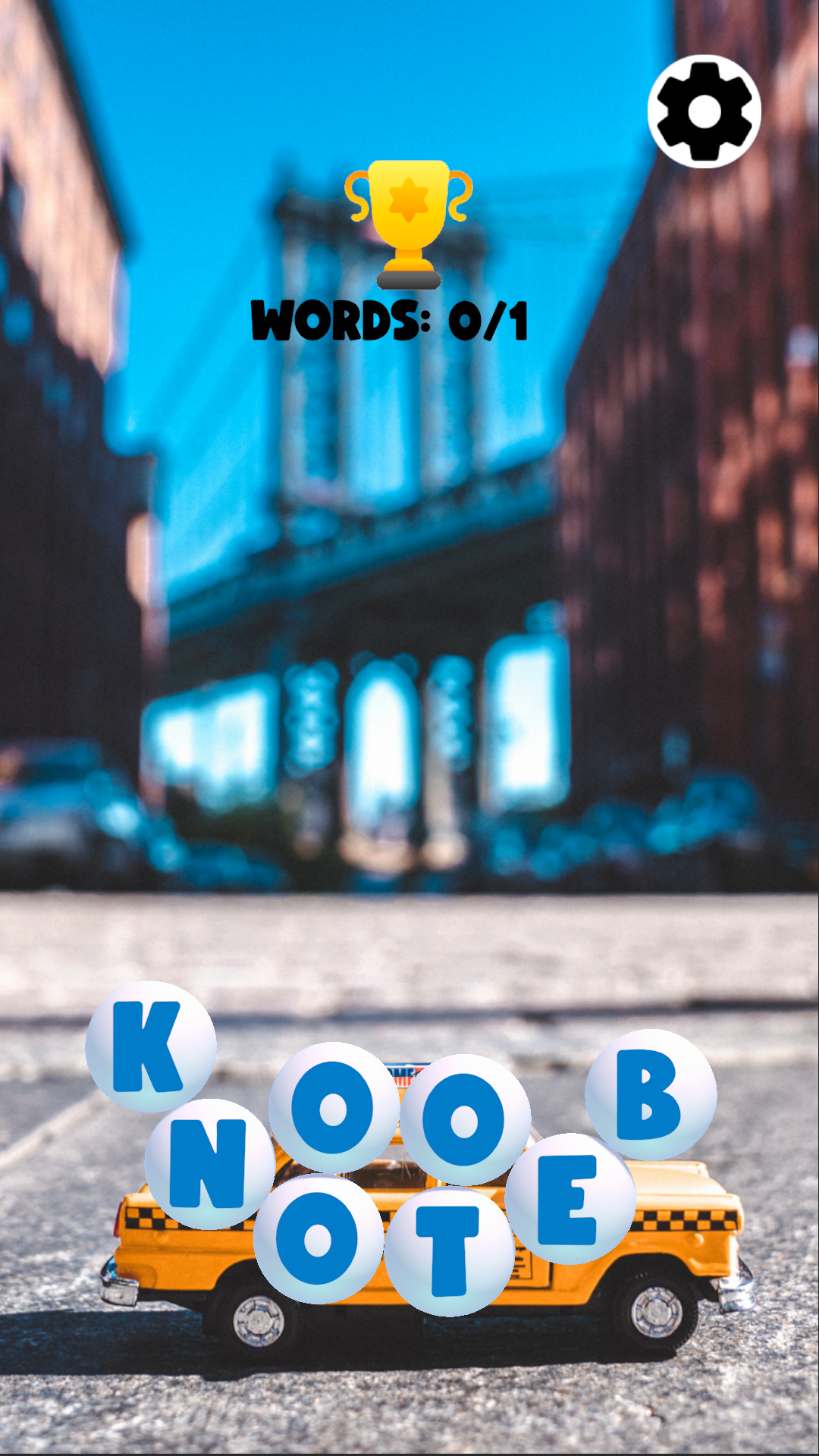
BubbleWords is a Puzzle application developed by Hide Games, but with the best Android emulator-LDPlayer, you can download and play BubbleWords on your computer.
Running BubbleWords on your computer allows you to browse clearly on a large screen, and controlling the application with a mouse and keyboard is much faster than using touchscreen, all while never having to worry about device battery issues.
With multi-instance and synchronization features, you can even run multiple applications and accounts on your PC.
And file sharing makes sharing images, videos, and files incredibly easy.
Download BubbleWords and run it on your PC. Enjoy the large screen and high-definition quality on your PC!
Bubble Words is a word puzzle game where the player is presented with a grid of bubbles containing letters. The objective of the game is to form words by connecting adjacent bubbles with letters, in any direction, to create valid words.The game typically consists of multiple levels, each with increasing difficulty, and the player must complete a certain number of words to progress to the next level. The game may also include power-ups or special bubbles, such as bombs or color-changing bubbles, to add an additional layer of challenge and strategy to the gameplay.
To play Bubble Words, the player typically taps or clicks on the bubbles in sequence to spell out a word. If the word is valid, the bubbles will disappear and the player will earn points. If the word is not valid, the bubbles will remain and the player will need to try again. The game may also include a dictionary or word list to help the player determine if a word is valid or not.
Overall, Bubble Words is a fun and engaging word puzzle game that challenges players to think creatively and strategically to form words and progress through the levels. It's a great game for people who love word games or are looking for a fun and challenging way to exercise their brain.