Brick Switch is a Casual game developed by Poi7ioN. LDPlayer is the best platform for playing Brick Switch on Windows PC, offering powerful features to enhance your immersive experience in Brick Switch.
When playing Brick Switch on your computer, if you find repetitive actions or tasks tedious and time-consuming, fret not! Macro can alleviate your concerns. Simply record your actions with a click of the screen recording feature and let macros take care of the rest. Macros automate your operations, allowing you to effortlessly conquer the game with minimal effort! Start downloading and playing Brick Switch on your computer now!
🔥 Amazing Brick Meets Color Switch – With Epic Slow-Mo & Super Powers! 🔥Experience the next evolution of arcade gaming where precision meets style, and timing meets power!
The legendary Amazing Brick returns with a bold new twist—featuring a Color Switch-inspired mode, cinematic slow-mo, and a game-changing Super Brick Mode! 🚀
🎮 Classic Amazing Brick Mode:
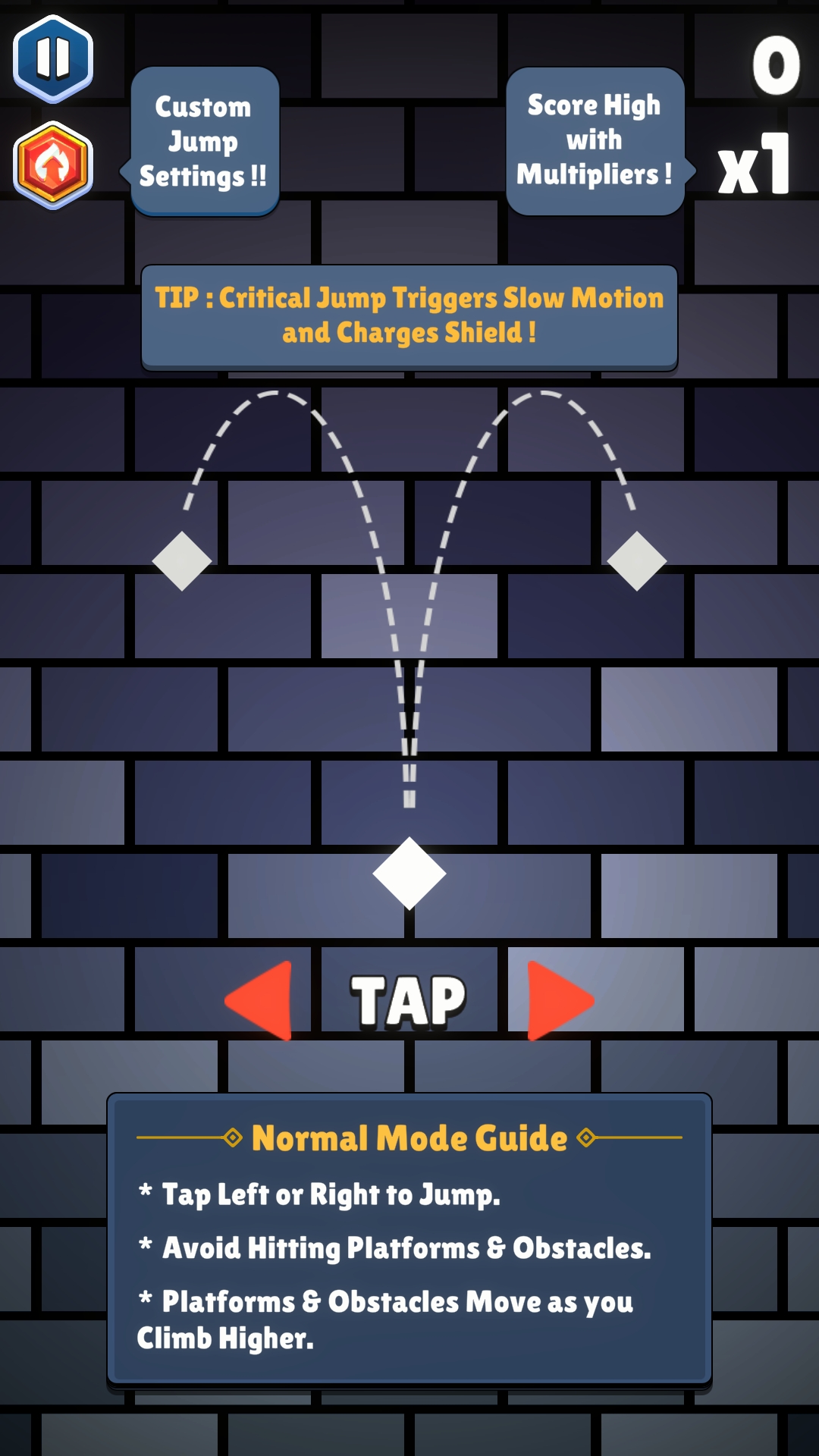
Tap left or right to climb between deadly gaps.
One wrong move ends it all—unless you slow time at the perfect moment!
Fast-paced, skill-based, and now supercharged with slow-mo magic!
🌈 New Color Mode – Strategic & Stylish!
Collect the correct color orb to pass through vibrant gates.
A rising lava wall keeps the pressure on—stay sharp, keep climbing! 🔥
Use slow motion to survive tight gaps and outsmart the wall!
💥 Super Brick Mode – Unleash the Power!
Charge up your slow-mo bar and unlock Super Brick Mode:
⚡ Smash through obstacles with unstoppable force
⚡ Become invincible for a limited time
⚡ Turn chaos into a clean vertical path to victory!
It’s your explosive reward for perfect timing and bold plays!
🛠️ Customizable Controls – Play It Your Way!
✅ Fine-tune your upward and sideways jumps
✅ Adjust slow-mo duration for your ideal pace
✅ Create a personalized, skillful, or chaotic experience!
✨ Polished Visuals & Effects:
✔ Minimalist design, enhanced for modern screens
✔ Parallax scrolling and dynamic lighting
✔ Smooth animation for buttery movement
🔹 Features at a Glance:
✅ Two thrilling game modes – Classic & Color
✅ Slow-mo available in both modes
✅ Super Brick Mode adds epic payoff to perfect gameplay
✅ Fully offline – play anytime, anywhere
✅ Quick to learn, hard to master, impossible to put down!
Two arcade legends collide. One game. Infinite possibilities.
Slow time. Smash walls. Climb higher.
Download now and become the Super Brick! 🧱⚡🌈🔥