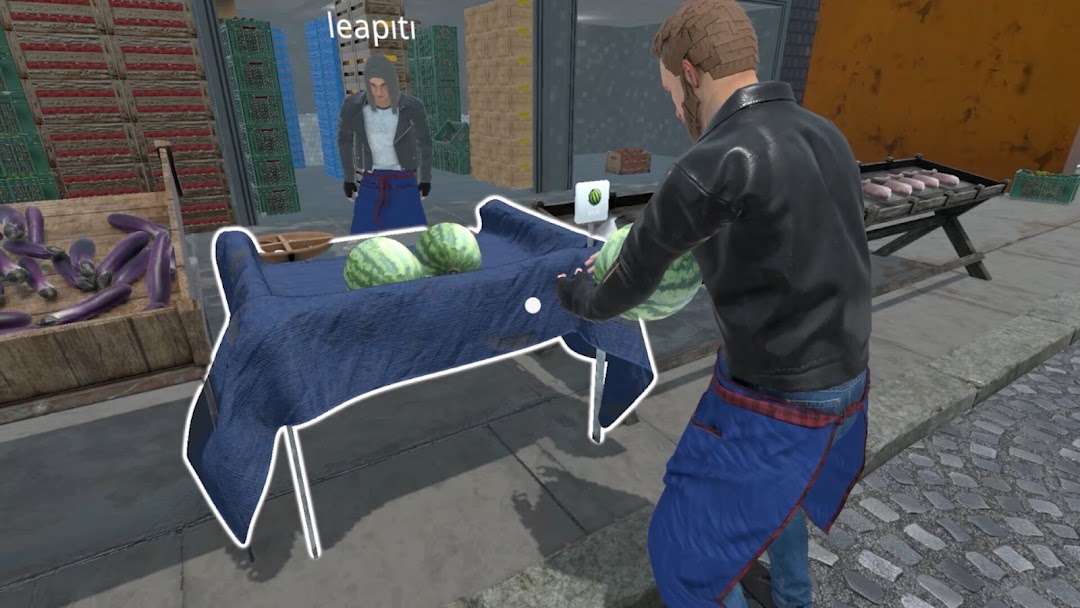
Bazaar Simulator is a Simulation application developed by Pocket Snake, but with the best Android emulator-LDPlayer, you can download and play Bazaar Simulator on your computer.
Running Bazaar Simulator on your computer allows you to browse clearly on a large screen, and controlling the application with a mouse and keyboard is much faster than using touchscreen, all while never having to worry about device battery issues.
With multi-instance and synchronization features, you can even run multiple applications and accounts on your PC.
And file sharing makes sharing images, videos, and files incredibly easy.
Download Bazaar Simulator and run it on your PC. Enjoy the large screen and high-definition quality on your PC!
Bazaar Simulator – First-Person Market SimulationImmerse yourself in the life of a traditional fruit and vegetable market. Start with a lemon stand and take steps to build your own market empire.
Key Features:
Traditional and Digital Scales: Weigh your fruits and vegetables using traditional scales or upgrade to digital scales for faster and more efficient operations.
Stock Management: Organize and transfer your stock from crates to the stands, and manage perishables to avoid losses and ensure success.
Fishing and Product Variety: Expand your range by adding fresh fish to your stand, making your stall the most popular at the market.
Interactive Sales Experience: Assist customers in choosing products, manage payments via cash, QR codes, or IBAN, and build a loyal customer base.
Adapt to Market Fluctuations: Buy goods when prices are low, set competitive selling prices, and balance profit margins with customer satisfaction.
From a Lemon Stand to a Market Empire
Every decision you make in Bazaar Simulator impacts your success. Will you build a market empire, or remain just a lemon vendor?