Citysnap NYC Rentals & Homes is a House&Home application developed by Homesnap, but with the best Android emulator-LDPlayer, you can download and play Citysnap NYC Rentals & Homes on your computer.
Running Citysnap NYC Rentals & Homes on your computer allows you to browse clearly on a large screen, and controlling the application with a mouse and keyboard is much faster than using touchscreen, all while never having to worry about device battery issues.
With multi-instance and synchronization features, you can even run multiple applications and accounts on your PC.
And file sharing makes sharing images, videos, and files incredibly easy.
Download Citysnap NYC Rentals & Homes and run it on your PC. Enjoy the large screen and high-definition quality on your PC!
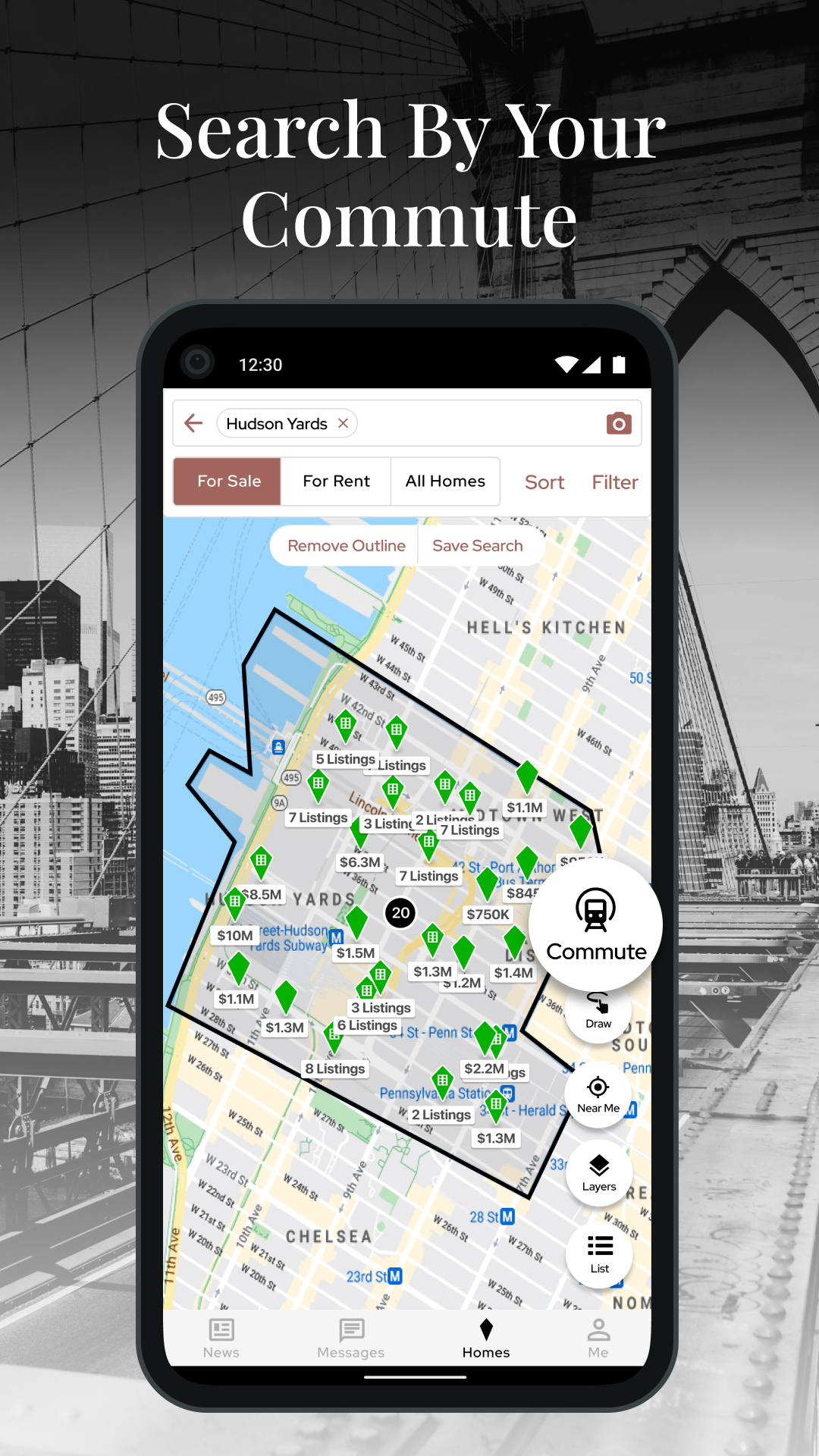
Find your next apartment or home in New York City with the Ultimate NYC Real Estate App for agents, buyers and renters. Citysnap is powered by the same real-time data used by real estate agents. Search your ideal neighborhood or borough and instantly see home value estimates, interior photos, beds, baths, taxes, ACRIS historical records, school ratings, and much more. Get the app to see why New Yorkers are making the switch to Citysnap.New features to boost your home search: search for homes and rentals by subway station and search open house listings by date. Plus, now you can swipe through listing photos on the map and list without loading complete details.
Map layers reveal school zones, satellite imagery, and even your commute by subway, bike, or car. Listings in the same building are grouped to make comparison-shopping easier.
Neighborhood pages allow you to explore the latest market stats, for sale listings and rental listings. Bespoke neighborhood descriptions allow future residents to get a feeling of what it is like to live in each diverse NYC neighborhood.
For Buyers, Renters and Sellers
Search for your next home with help from the important people in your life. Talk about the listings and gorgeous photos that catch your eye. Chat with anyone, whether they’re using Citysnap or not. Every home you mention is saved and updated in real-time.
For Real Estate Agents
Find potential listings using our Likelihood to List Score, public record heatmaps & filters, and advanced homeowner profiles. Citysnap Messages was specifically built for real estate agents. For your buyers, keep track of the homes you’ve discussed in one place. For your listings, all related conversations appear on the listing page.
If you have any problems, comments, or suggestions for improving Citysnap, please contact us at support@citysnap.com