Vocoder is a Libraries&Demo application developed by Guitar Tabs X, but with the best Android emulator-LDPlayer, you can download and play Vocoder on your computer.
Running Vocoder on your computer allows you to browse clearly on a large screen, and controlling the application with a mouse and keyboard is much faster than using touchscreen, all while never having to worry about device battery issues.
With multi-instance and synchronization features, you can even run multiple applications and accounts on your PC.
And file sharing makes sharing images, videos, and files incredibly easy.
Download Vocoder and run it on your PC. Enjoy the large screen and high-definition quality on your PC!
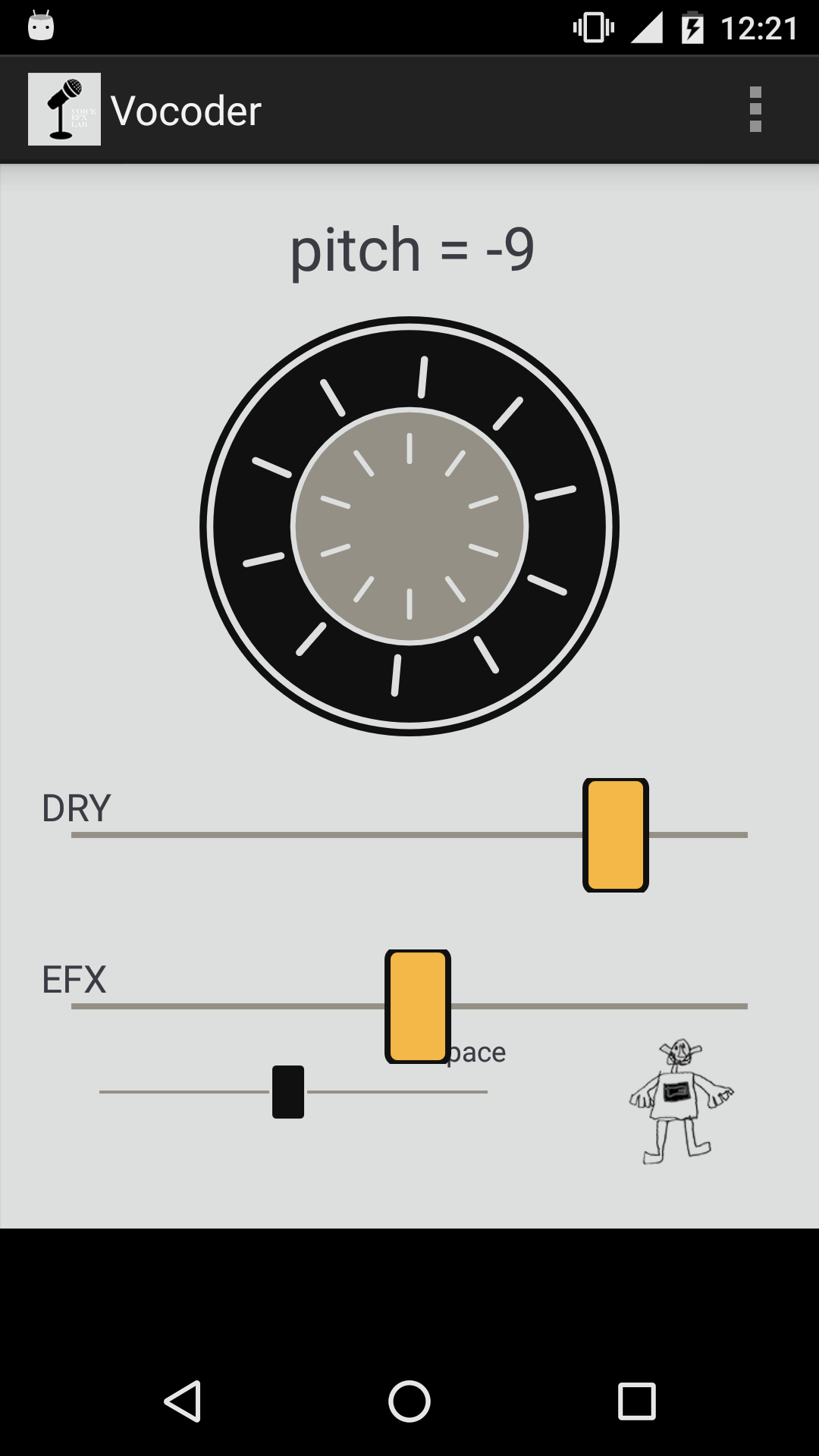
Vocoder is real time pitch shifter stompbox like effect. I made this app to test some ideas for new pitch shifting algorithm and it worked well. It is not great but just fine. It is not real vocoder logic but instead a combination of my secret algorithms that I am playing with at the moment.I tried to make it real time as possible but there is a delay because of the current java api. However it is fun enough and real time enough to make you have some good time. Imagine delayed vocoder :)
Vocoder features:
- dry signal volume
- effects signal volume
- space algorithm
- pitch shifting control (range is one octave up and one octave down)
Works only when connected to headphones or speakers. The reason is the feedback (feedback cancellation is hard to do and not my aim at the moment)