TSX is a Entertainment application developed by TSX Entertainment, but with the best Android emulator-LDPlayer, you can download and play TSX on your computer.
Running TSX on your computer allows you to browse clearly on a large screen, and controlling the application with a mouse and keyboard is much faster than using touchscreen, all while never having to worry about device battery issues.
With multi-instance and synchronization features, you can even run multiple applications and accounts on your PC.
And file sharing makes sharing images, videos, and files incredibly easy.
Download TSX and run it on your PC. Enjoy the large screen and high-definition quality on your PC!
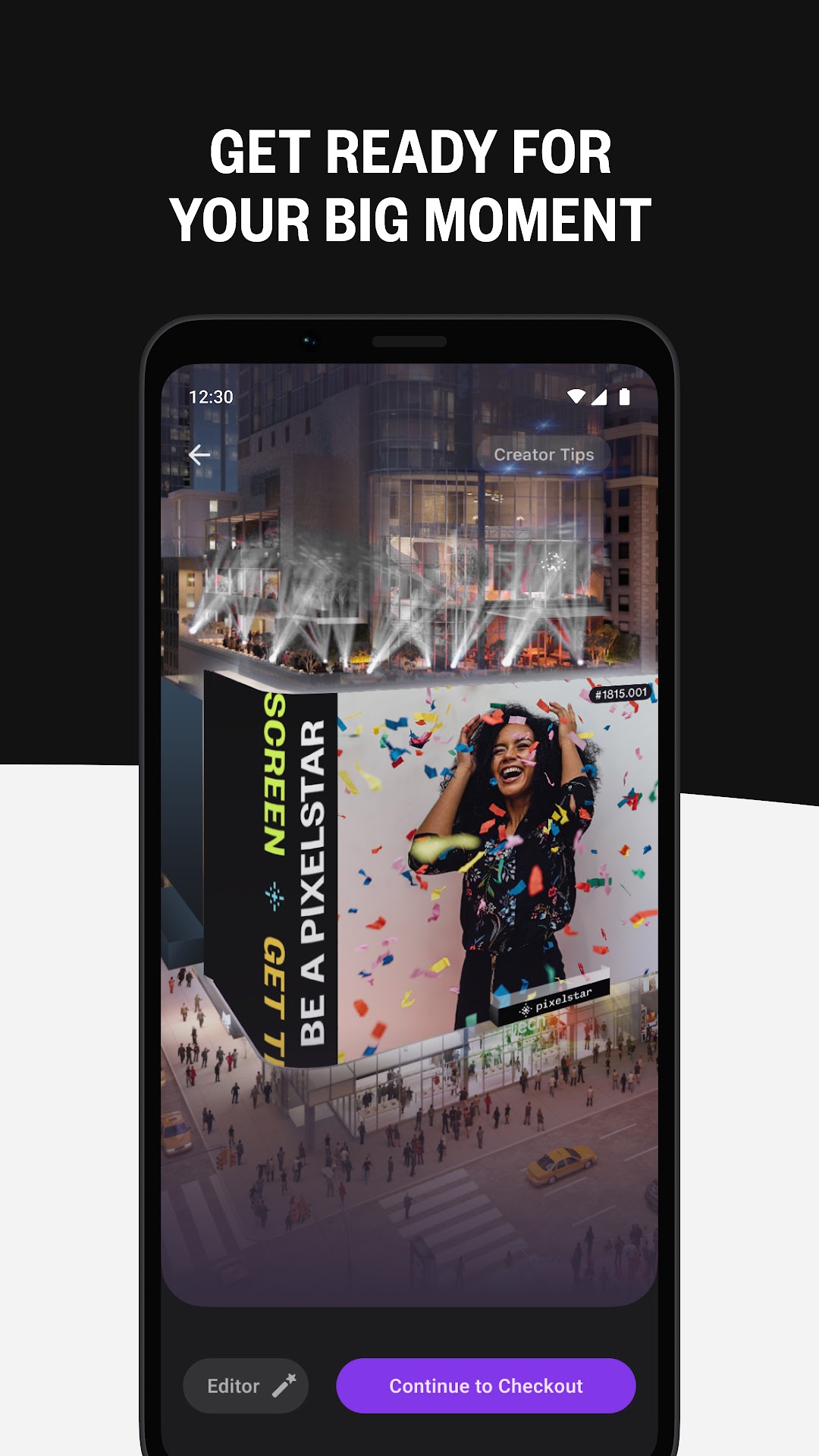
TAKE OVER TIMES SQUAREExperience PixelStar and feature yourself on our 18,000 sq. ft. interactive screen at the center of Times Square, where anyone, anywhere, can have their 15 seconds of fame on the world's largest social feed.
UPLOAD YOUR CONTENT
Upload a single photo or short video (at least 15-seconds in length) from your camera roll.
FORMAT
Crop your content to fit the TSX screen, and trim video to 15 seconds.
GET CREATIVE
Use available in-app tools to enhance your content, by adding text or text design.
CLAIM YOUR 15 SECONDS OF FAME
Select the preferred date and time for your content to be displayed on the TSX digital billboard at the center of Times Square — the most trafficked corner in the Western Hemisphere.
BE NOTIFIED
Opt-in to notifications and receive real-time updates for when your PixelStar feature will take over Times Square.
CELEBRATE YOUR MOMENT IN THE SPOTLIGHT
Take a seat and enjoy your moment, as your PixelStar feature displays on the big screen with the prime viewing area on the seats in Duffy Square. Or, watch from anywhere in the world, via the in-app Livestream.
SHARE YOUR PIXELSTAR DIGITAL KEEPSAKE
After your content has aired, remember the moment by creating an account to access a digital version of your PixelStar feature, that can be shared and viewed by others, anytime.
TSX Entertainment is an immersive entertainment platform where anyone can access the culture-defining experiences of the future. Download the app and stay connected to access exclusive physical and digital experiences with artists and brands worldwide.
SUPPORT: https://tsx.live/contact.html
PRIVACY POLICY: https://tsx.live/privacy-policy.html
TERMS OF USE: https://tsx.live/terms-of-use.html
CONTENT GUIDELINES: https://tsx.live/content-guidelines.html