Tides is a Travel&Local application developed by David Easton, but with the best Android emulator-LDPlayer, you can download and play Tides on your computer.
Running Tides on your computer allows you to browse clearly on a large screen, and controlling the application with a mouse and keyboard is much faster than using touchscreen, all while never having to worry about device battery issues.
With multi-instance and synchronization features, you can even run multiple applications and accounts on your PC.
And file sharing makes sharing images, videos, and files incredibly easy.
Download Tides and run it on your PC. Enjoy the large screen and high-definition quality on your PC!
Tidal predictions for over 8500 locations showing high/low tide times, tide curve and current predicted tide height.Sea temperature (2 days) for 7000+ locations.
Wave forecast (5+ days) for 5600+ locations.
Storm surge forecast (2-3 days) for UK and nearby.
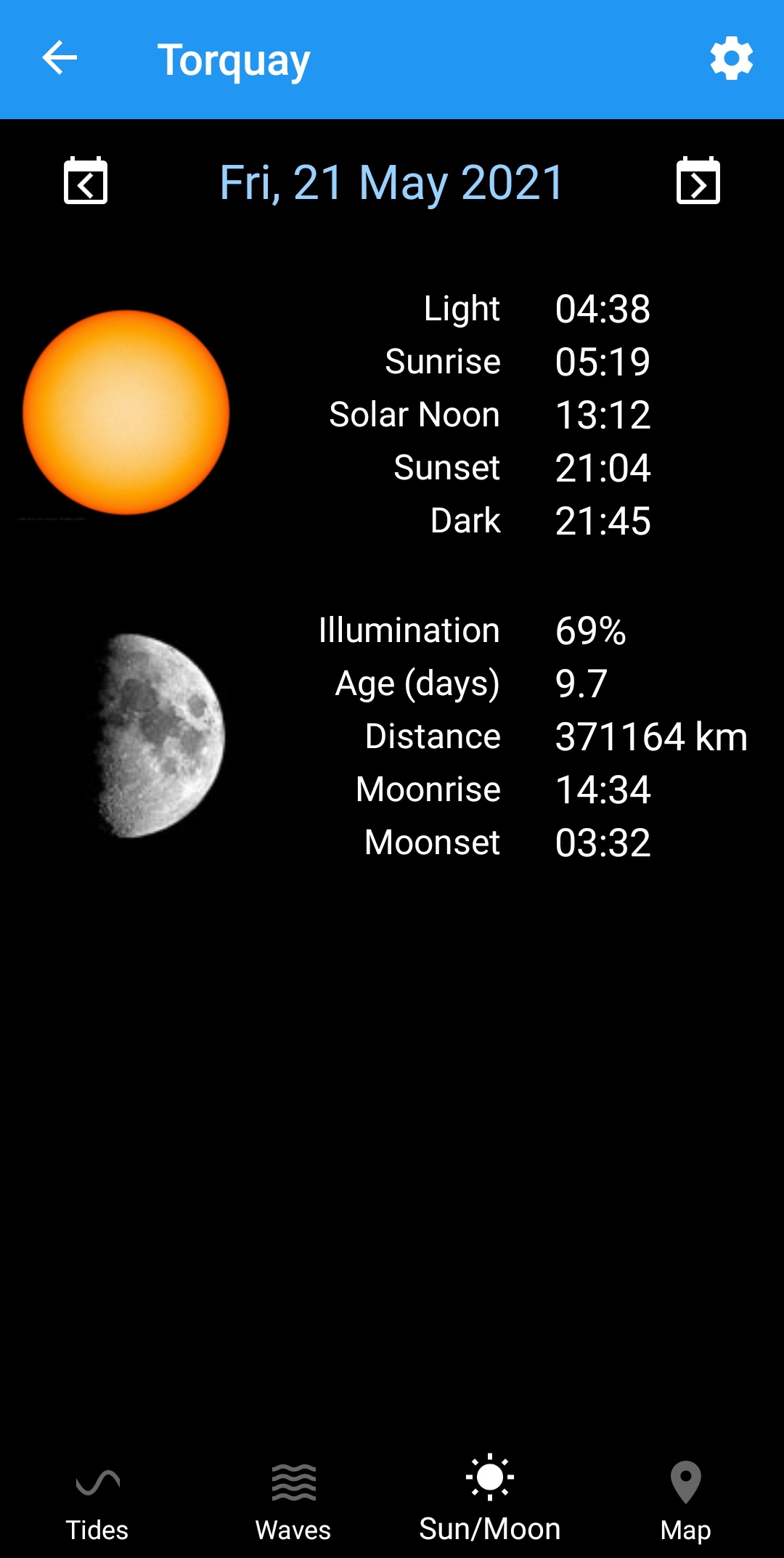
Sun/Moon data worldwide.
Covers: UK, Europe, Africa, Middle East, North/South America, Asia, Australia, New Zealand and more.
Tide predictions based on data from UKHO, HOAA, NTSLF and others.
Features:
- Search, nearest and recent locations.
- Map
- Tidal prediction charts.
- Current predicted tide height.
- Tide predictions from 2015 to 2050 for all locations.
- Works completely offline (except for maps, sea temperature, wave forecasts).
- No adverts and no in-app purchases.
- No personal data collected.
Version 6.0
- Added wave forecasts.
- Added tabs for additional data.
- Many minor improvements.
Version 5.0
- Added sea temperature.
- Additional moon information.