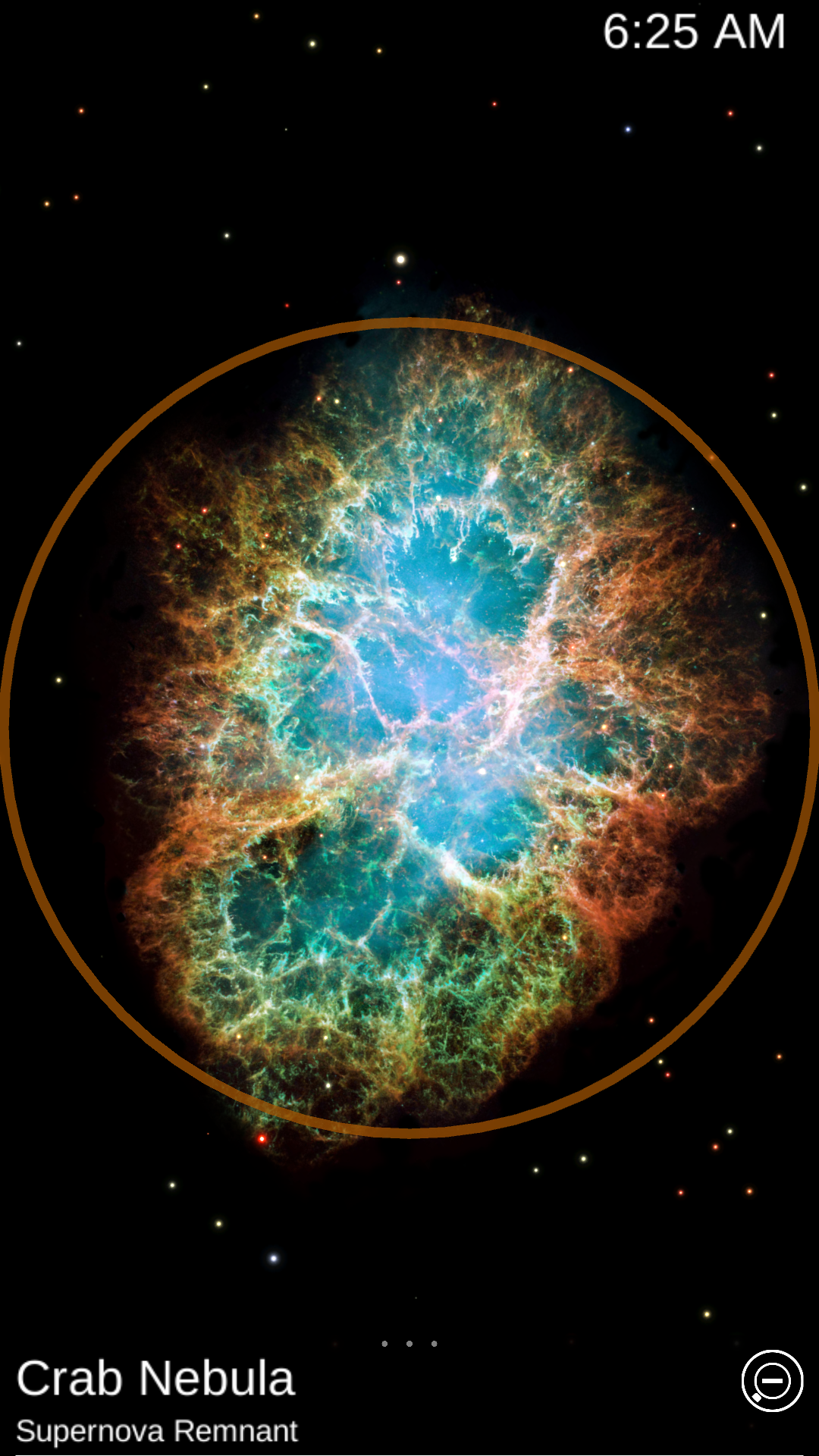
Star Chart is a Education application developed by Escapist Games Limited, but with the best Android emulator-LDPlayer, you can download and play Star Chart on your computer.
Running Star Chart on your computer allows you to browse clearly on a large screen, and controlling the application with a mouse and keyboard is much faster than using touchscreen, all while never having to worry about device battery issues.
With multi-instance and synchronization features, you can even run multiple applications and accounts on your PC.
And file sharing makes sharing images, videos, and files incredibly easy.
Download Star Chart and run it on your PC. Enjoy the large screen and high-definition quality on your PC!
Used by over 30 million people world-wide, Star Chart provides a magical star gazing experience like no other.You can now have a virtual planetarium in your pocket! Look through the eyes of your Android device to see a virtual window into the whole visible universe.
All you have to do is point your Android deviceº at the sky and Star Chart will tell you exactly what you are looking at.
Using state of the art GPS technology, an accurate 3D universe, and all of the latest high tech functionality, Star Chart calculates – in real time - the current location of every star and planet visible from Earth and shows you precisely where they are; even in broad daylight!
Want to know what that bright star is called? Point your device at it – you might just find out it’s a planet!
Want to know what the night sky looks like to people on the other side of the earth? Well just point your device down!
Want to know where your star sign is in the sky? Star Chart will tell you all this and more.
Star Chart's features include:
- Just point and view. No need to scroll around the screen to find out what you are looking at*.
- Alternatively, look around the sky using finger gestures – perfect for armchair astronomers!
- Voice Control: Explore the solar system with commands like: "Fly me to the Moon" / "Go to Saturn" / "Tour Mars" / "Look at Andromeda" / "Where is the Cigar Galaxy?"[English only]
- Supports dynamic device orientation viewing. Allows you to view the night sky whilst holding your Android device at any angle.
- Accurately depicts all the visible stars of the northern and southern hemispheres - a total of over 120,000 stars!
- Fly to and explore all the planets of the solar system, their moons and the sun all rendered in beautiful 3D with state of the art visual effects.
- Displays all 88 constellations, with constellation imagery based on the beautiful artwork by 17th century astronomer Johannes Hevelius.
- Includes entire Messier catalogue of exotic deep sky objects.
- Using the powerful Time Shift feature allows you to shift up to 10,000 years forward or backward in time.
- Tap on anything in the sky and get the facts on what you are looking at, including distance and brightness.
- Very powerful zoom function, lets you view the sky in extra detail, using intuitive finger gestures.
- Fully configurable. Star Chart displays only the sky objects that you are interested in.
- Allows you to view the sky underneath the horizon. So now you can see where the sun is, even at night!
- Manually set your location to find out what the sky looks like from anywhere in the world.
- Full search feature
So point your Android device at the sky and see what's out there!
------------
Star Chart is published by Escape Velocity Ltd and developed by Escapist Games Ltd. We update Star Chart regularly, so please send us your feedback and feature requests to starchart@escapistgames.com.
And thanks for all your feedback so far!
Like us on Facebook: www.facebook.com/starchart
Follow Star Chart on Twitter: StarChartApp
º Augmented Reality (AR) mode only available if your device supports it, as this feature requires a built-in compass. Manual scrolling is supported on all other devices.
* Star Chart does not require internet access for normal usage. Internet access is only required initially to verify the license and subsequently when accessing the support page and external links.