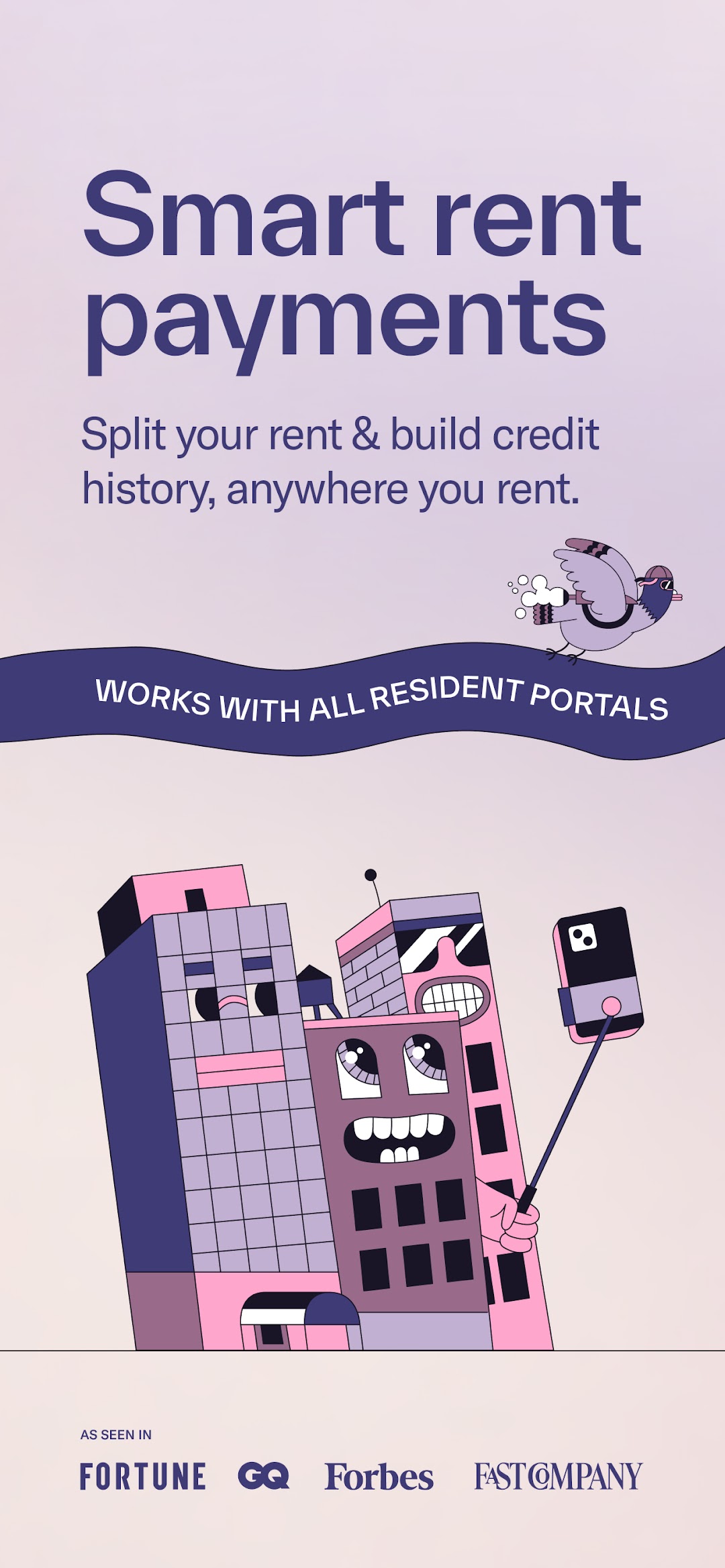
Split Pay by Rent App is a Finance application developed by Visible Ideas, Inc., but with the best Android emulator-LDPlayer, you can download and play Split Pay by Rent App on your computer.
Running Split Pay by Rent App on your computer allows you to browse clearly on a large screen, and controlling the application with a mouse and keyboard is much faster than using touchscreen, all while never having to worry about device battery issues.
With multi-instance and synchronization features, you can even run multiple applications and accounts on your PC.
And file sharing makes sharing images, videos, and files incredibly easy.
Download Split Pay by Rent App and run it on your PC. Enjoy the large screen and high-definition quality on your PC!
Break your biggest monthly expense in half AND build credit history just by paying rent.Rent day stress is real, but it doesn't have to be. Rent App's Split Pay feature lets you break your rent into two more manageable payments every month, so you can breathe easier and budget smarter. Pay half on your due date, and half two weeks later. Your landlord still gets paid in full and on time, every time.
Why Split Pay Changes Everything:
- Bite-sized payments - No more scrambling to cover rent in one go
- Better budgeting - Spread your biggest expense across two paychecks
- Build credit history - Turn rent payments into credit-building opportunities
- Instant relief - Get approved in minutes, use it for next month's rent
Works Anywhere You Rent:
Whether you pay rent through a building portal or to your landlord directly, you can use Split Pay. No more juggling different systems or worrying about compatibility—we work with all building management platforms or direct landlord payments.
Autopay and Credit Reporting:
Turn on autopay and never miss a payment again. Plus, tenants who use autopay can opt into free credit reporting, turning every rent payment into a powerful financial tool. (Payment history makes up 35% of your credit score!)
Real Impact for Real Renters:
Join thousands of renters who've discovered the freedom of flexible rent payments. Stop letting rent day dictate your entire month. With Split Pay, you control when and how you pay, while your landlord gets the reliability they need.
Get Started in Minutes:
- Download the app
- Connect your bank account (bank-level security)
- Check your Split Pay eligibility
- Schedule your first payment, sit back, and relax
No more end-of-month budget stress. No more choosing between rent and everything else. Split Pay by Rent App gives you the flexibility to manage your money on your terms while building a stronger financial future.
Your rent, reimagined. Download Rent App today.