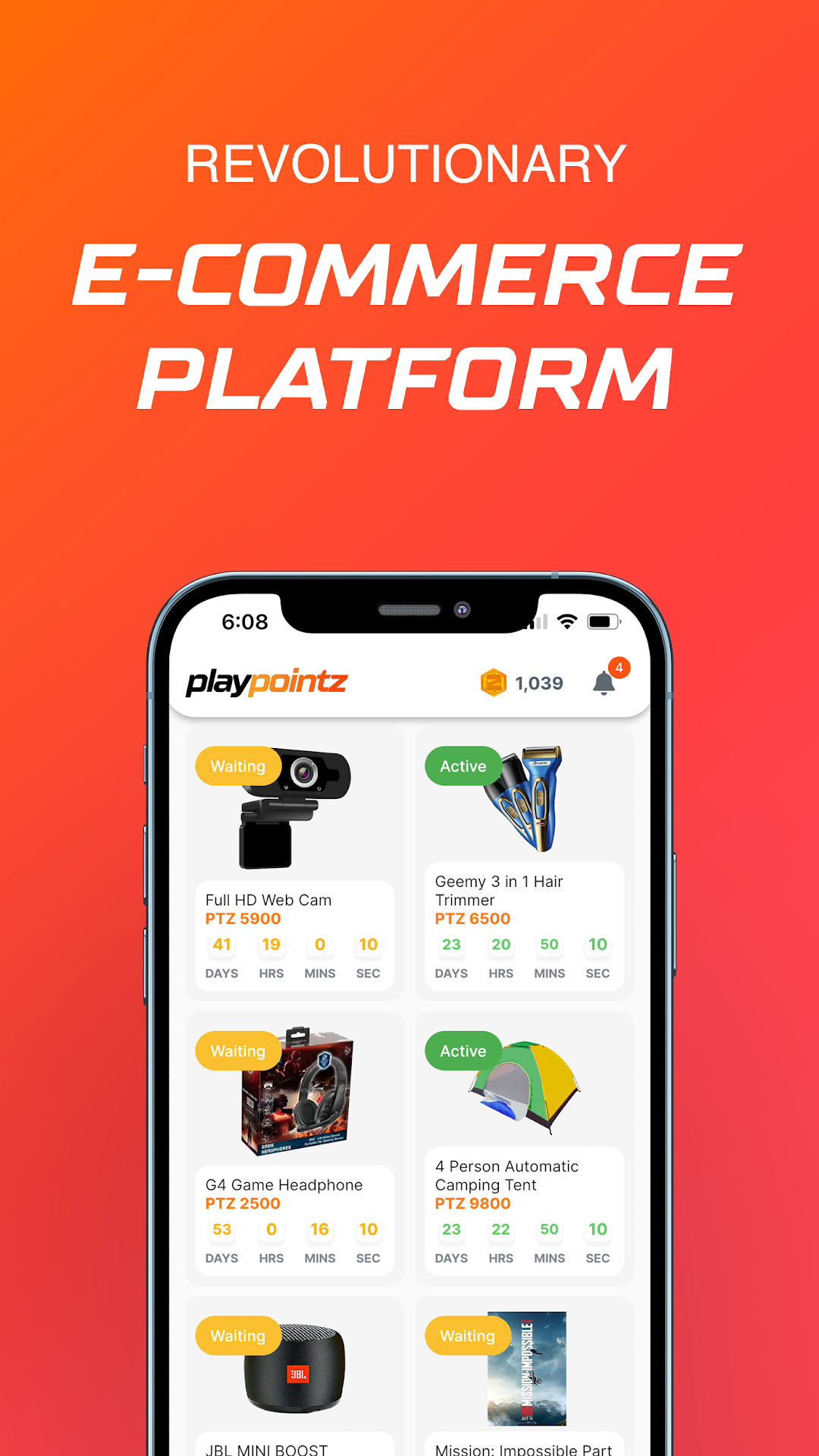
PlayPointz is a Entertainment application developed by AVANUX (PVT) LTD, but with the best Android emulator-LDPlayer, you can download and play PlayPointz on your computer.
Running PlayPointz on your computer allows you to browse clearly on a large screen, and controlling the application with a mouse and keyboard is much faster than using touchscreen, all while never having to worry about device battery issues.
With multi-instance and synchronization features, you can even run multiple applications and accounts on your PC.
And file sharing makes sharing images, videos, and files incredibly easy.
Download PlayPointz and run it on your PC. Enjoy the large screen and high-definition quality on your PC!
How to play PlayPointzPlayPointz gives you an amazing time by playing while earning Pointz. As it sounds like, this is an amazing e-commerce experience you all can enjoy for some time which is totally worth it. You can earn as much as Pointz you can to redeem the items given in the Store. So you see, you can buy items without spending money on them.
What you have to do to get more and more Pointz is, play the daily challenges we put in the Play section. We will be giving you some simple questions to answer. If you gave the correct answer, a certain amount of Pointz will be added to your Pointz wallet. If you fail to give the correct answer, you will lose a certain amount of Pointz. And on the other hand, if you log in daily to PlayPointz, we will be giving you daily Pointz, while if you fail to log in daily, you will be losing some amount of Pointz.
Apart from these two methods of earning Pointz, you can suggest to your friends to use PlayPointz. You can go to the Connect section and copy the referral link and send it to your friends. You will be getting Referral Pointz once they are signed up to PlayPointz.
And when you are having enough Pointz to redeem items, you can buy a certain item within the time period. But you should be quick enough to buy the item before someone else redeems the item.
What are Playpointz?
Playpointz are the currency that we use inside our Playpointz platform.
You will Play to Earn Playpointz and use those Playpointz to Redeem products from our Pointz Store.
Play
This is where you get to have some fun and play some daily challenges.
We will be updating our daily challenges with quizzes you can answer and videos that you can watch.
Earn
here are three ways in which you can earn Playpointz.
Answer more - Earn more:
Visit Playpointz every day and complete our daily challenges to earn Playpointz. But there’s a catch. If you attempt a daily challenge and don’t complete it successfully, you will lose the Playpointz attached to that challenge. So, get your game faces on when you attempt these daily challenges!
Connect more - Earn more:
The best thing about gaming is when you get to play together with a community. So, why not invite your friends and share the fun? You will earn Playpointz for each friend who creates a Playpointz profile from your Connect invite. Get inviting today
Visit more - Earn more:
We love when our Playpointz community participates every day. For each day you log in to your profile, we will reward you with 2 bonus Playpointz – yay! But on the flip side, if you don’t log in to your Playpointz account daily, you will lose 2 Playpointz. So, make sure to visit your Playpointz account daily to keep your hard-earned Playpointz and earn a bonus Playpointz.
It’s pretty simple. All you have to do is Play. Earn. Redeem.