myAT&T is a Productivity application developed by AT&T Services, Inc., but with the best Android emulator-LDPlayer, you can download and play myAT&T on your computer.
Running myAT&T on your computer allows you to browse clearly on a large screen, and controlling the application with a mouse and keyboard is much faster than using touchscreen, all while never having to worry about device battery issues.
With multi-instance and synchronization features, you can even run multiple applications and accounts on your PC.
And file sharing makes sharing images, videos, and files incredibly easy.
Download myAT&T and run it on your PC. Enjoy the large screen and high-definition quality on your PC!
Bring your world together with the myAT&T app!View and manage your connected devices, pay your AT&T bill, test your internet speed, add a line,upgrade to a new phone, and more.
Manage your AT&T account
- Pay your AT&T bill
- Sign up for an AutoPay discount
- Get personalized recommendations to optimize your account
AT&T Wireless
- Shop our best cell phone deals
- Shop for a new phone or bring your own phone
- Add a line to your AT&T account
- Connect your iPad or Apple Watch
- Manage add-ons, like International Day Pass, device protection, and more
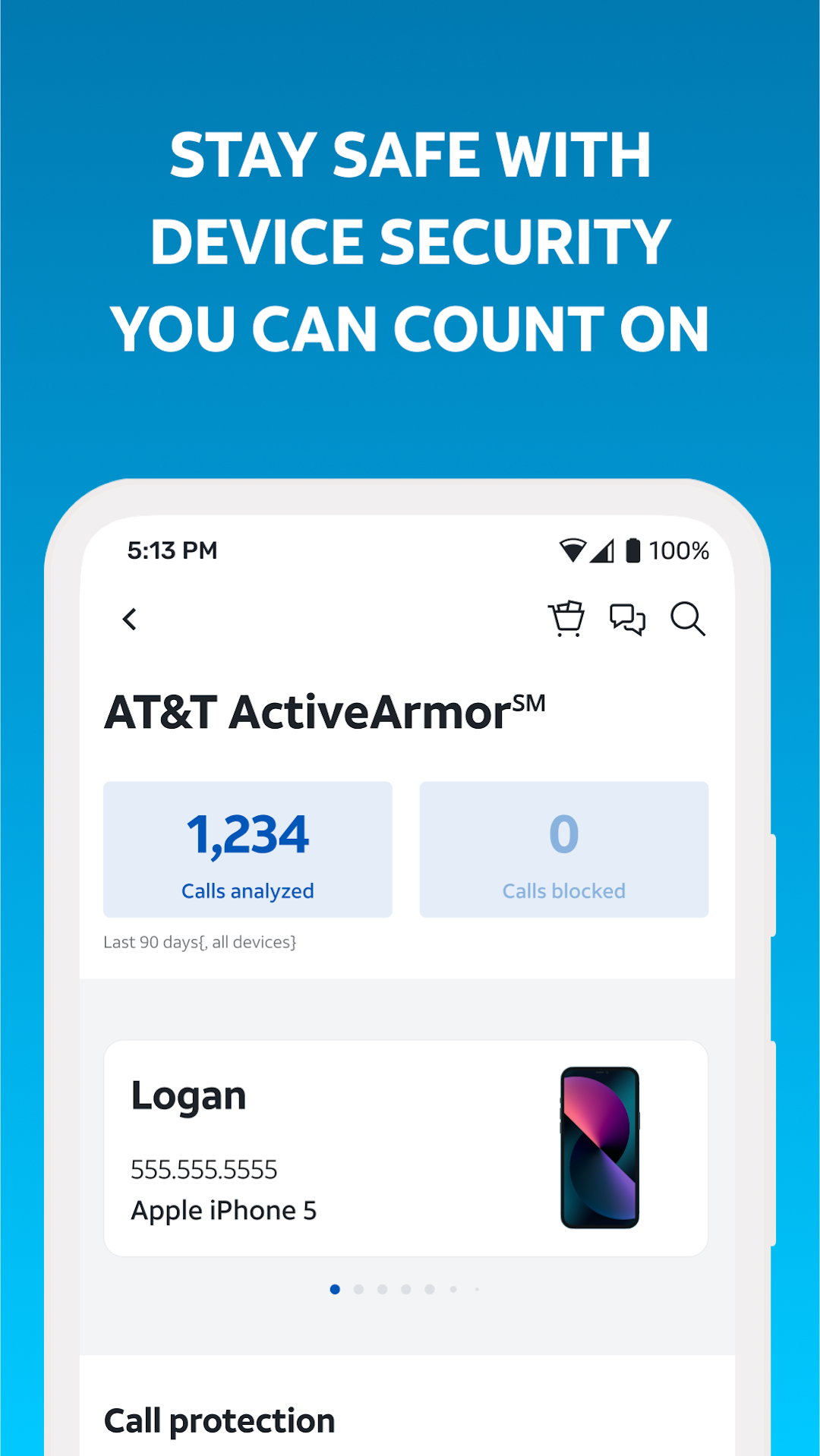
AT&T ActiveArmor
- Get 24/7 proactive network security at home and at work
- Check your AT&T data usage
AT&T Internet, including AT&T Fiber
- Shop our best internet deals
- Check for faster internet speeds at your address
- Change your Wi-Fi password
- Restart your AT&T Wi-Fi Gateway
Try AT&T
- Get a free trial of the AT&T Wireless network
AT&T customer service
- Get help over the phone or troubleshoot through chat
Find an AT&T store near you!