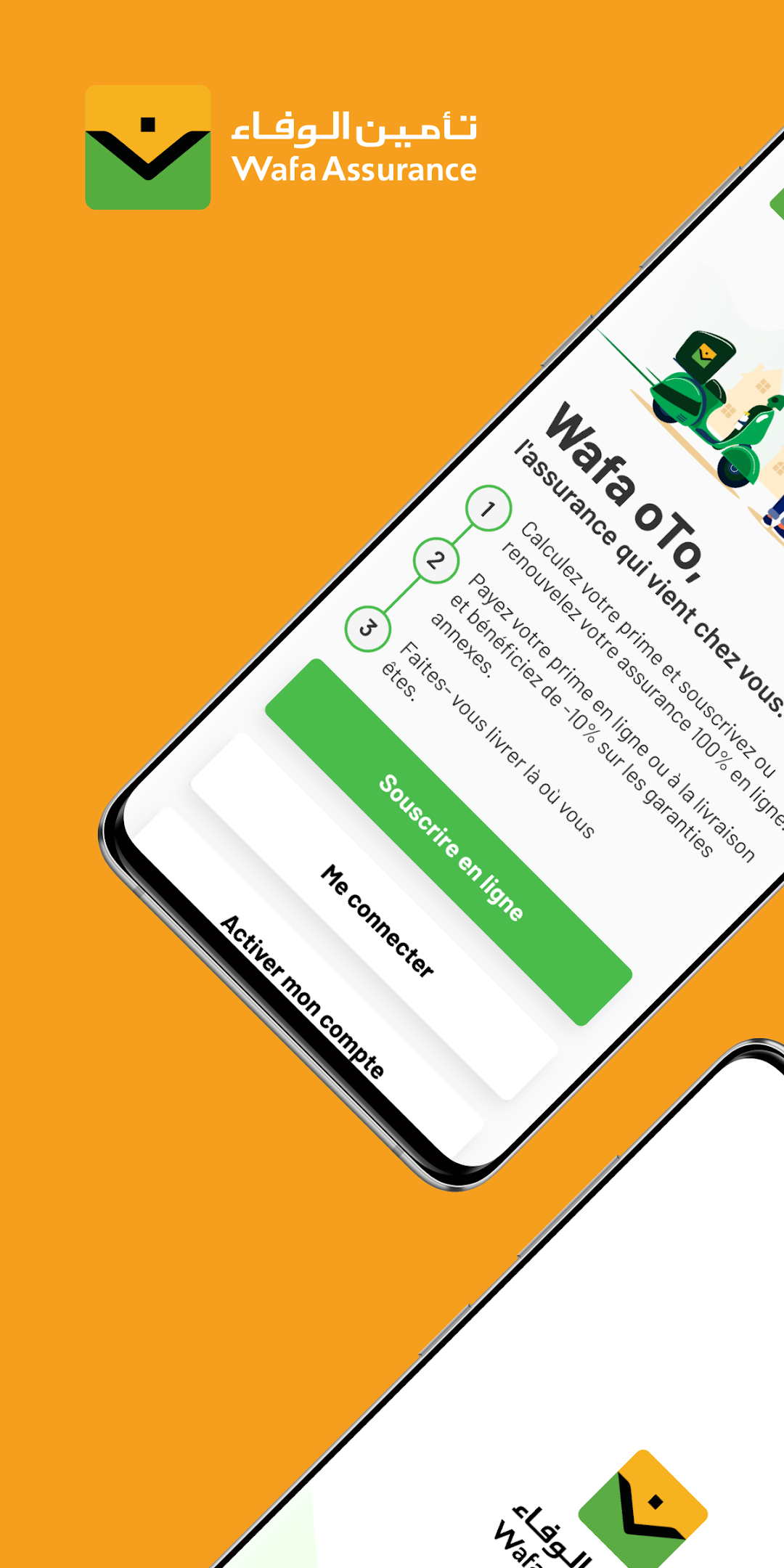
My Wafa is a Finance application developed by Wafa Assurance, but with the best Android emulator-LDPlayer, you can download and play My Wafa on your computer.
Running My Wafa on your computer allows you to browse clearly on a large screen, and controlling the application with a mouse and keyboard is much faster than using touchscreen, all while never having to worry about device battery issues.
With multi-instance and synchronization features, you can even run multiple applications and accounts on your PC.
And file sharing makes sharing images, videos, and files incredibly easy.
Download My Wafa and run it on your PC. Enjoy the large screen and high-definition quality on your PC!
A new My Wafa application dedicated to automobile insurance:With My wafa from Wafa assurance, insure your vehicle in just a few clicks!
A mobile application for a simple and efficient customer experience.
With My wafa from Wafa Assurance:
> Access your personal space to consult your automobile contracts.
> Get a quick and personalized quote thanks to the Scan To GO functionality of the vehicle registration document and the license.
> Pay your insurance online and have your insurance certificate delivered to you by the agent of your choice.
> Get your quote by email and sign a contract with an agency if you don't want to pay online.
> Ask to be called back by assistance in the event of an accident or breakdown and benefit from rapid intervention thanks to the geolocation service of your position.
> Declare your claim online.
> Ask for your support
> Follow the progress of your claims file in real time
> Follow the breakdown steps for your vehicle if you opt for
a repair at our authorized repairers.
> Access emergency numbers with just one click.
In case of difficulties encountered on the application, for any suggestion or for any request for information, contact us on: contact_wafa@wafaassurance.co.ma or call us on 080 100 30 30.