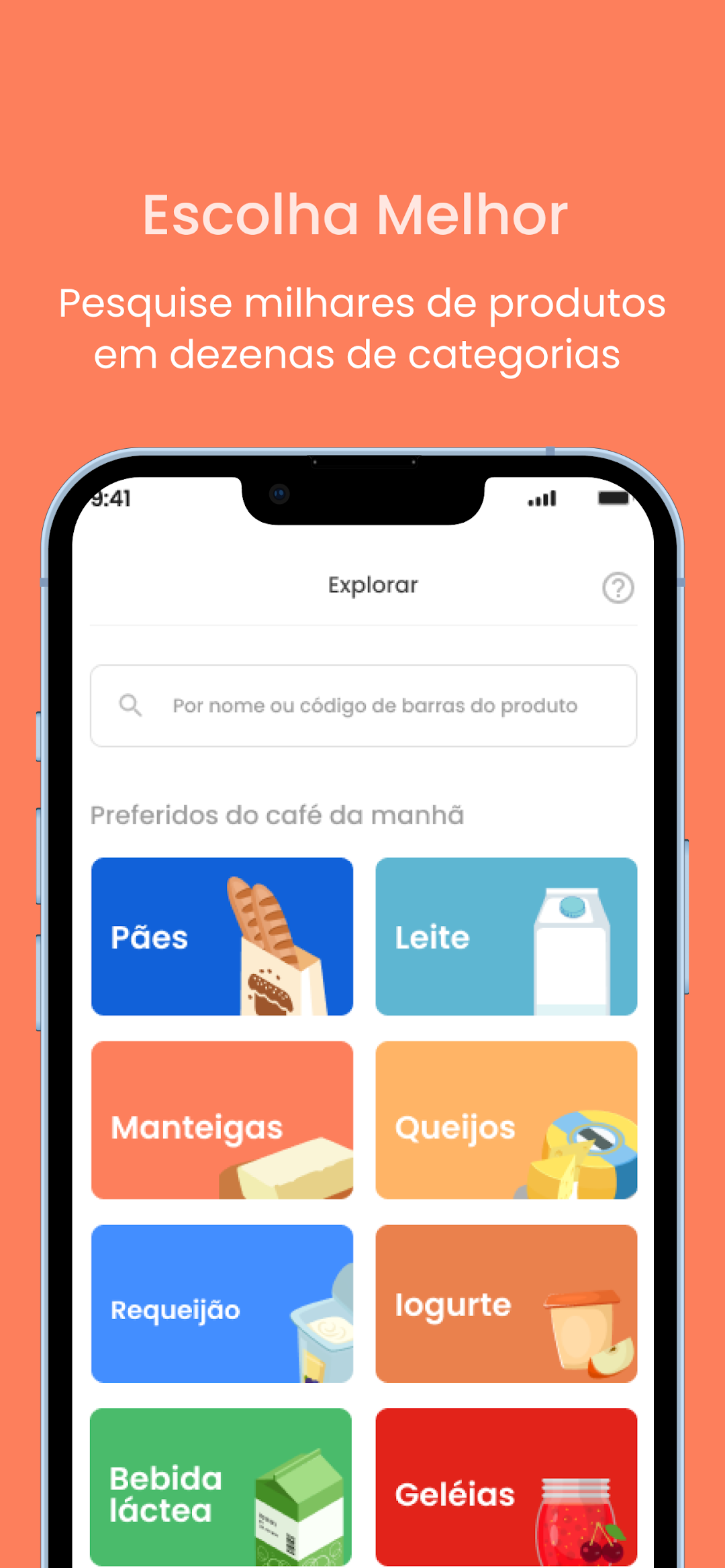
Desrotulando is a Health&Fitness application developed by Desrotulando Ltda., but with the best Android emulator-LDPlayer, you can download and play Desrotulando on your computer.
Running Desrotulando on your computer allows you to browse clearly on a large screen, and controlling the application with a mouse and keyboard is much faster than using touchscreen, all while never having to worry about device battery issues.
With multi-instance and synchronization features, you can even run multiple applications and accounts on your PC.
And file sharing makes sharing images, videos, and files incredibly easy.
Download Desrotulando and run it on your PC. Enjoy the large screen and high-definition quality on your PC!
Make healthier choices in a practical way: learn about the nutritional assessment of products, find better options and feel good about your choices.Join over 2 million people who use DESROTULANDO.
*** DOWNLOAD THE APP NOW ***
===============
We know that buying healthier processed foods is a difficult task, especially with so much misinformation and excess of options.
Which products are the healthiest out of so many available? Does the product have ingredients you should avoid? How to circumvent products that are “healthy” only on the packaging? Is the more expensive better, or are there good options that fit in your pocket?
Doubt, distrust, difficulty of choice. As consumers, we feel that too… but we created Desrotulando to change that reality.
===============
With Desrotulando you can discover the healthiest processed foods in the palm of your hands. So you choose with more confidence, practicality and tranquility.
1. Know the nutritional assessment of products: scan the barcode and see the score from 1 to 100 given by experts
2. Discover healthier product options in each category
3. Choose better and feel good about your food
===============
Whether at home or in the market, Desrotulando helps you choose the best and healthiest products. Check out some features of the app:
- Barcode reader
- Detailed assessment of the ingredients and nutrients of each product
- Suggestions for healthier alternatives
- Filters to explore the best of each category
- Lists to save favorite products
- Register products for evaluation
- Preferences customization
===============
Daily we analyze, classify and select the best products so you can eat better. There are more than 60,000 products evaluated, and dozens of new products registered by the Desrotulando community every day.
Not sure if Desrotulando is for you? You will certainly benefit if:
* You are following a diet and need to choose the most suitable products
* Do you want to offer your children healthier food?
* Have any allergies, intolerances, restrictions or food preferences
* You are simply looking for a better, healthier diet
Don't let the difficulty of choosing stop you from having a better diet. Desrotulando has already helped more than 2 million people and can help you too.
*** Only available for products sold in Brazil ***
Website: https://desrotulando.com
Email: contato@desrotulando.com
Terms of Use: https://desrotulando.com/terms-de-uso
Privacy Policy: https://desrotulando.com/politica-de-privacidade/