Blackmagic Camera is a Photography application developed by Blackmagic Design Inc., but with the best Android emulator-LDPlayer, you can download and play Blackmagic Camera on your computer.
Running Blackmagic Camera on your computer allows you to browse clearly on a large screen, and controlling the application with a mouse and keyboard is much faster than using touchscreen, all while never having to worry about device battery issues.
With multi-instance and synchronization features, you can even run multiple applications and accounts on your PC.
And file sharing makes sharing images, videos, and files incredibly easy.
Download Blackmagic Camera and run it on your PC. Enjoy the large screen and high-definition quality on your PC!
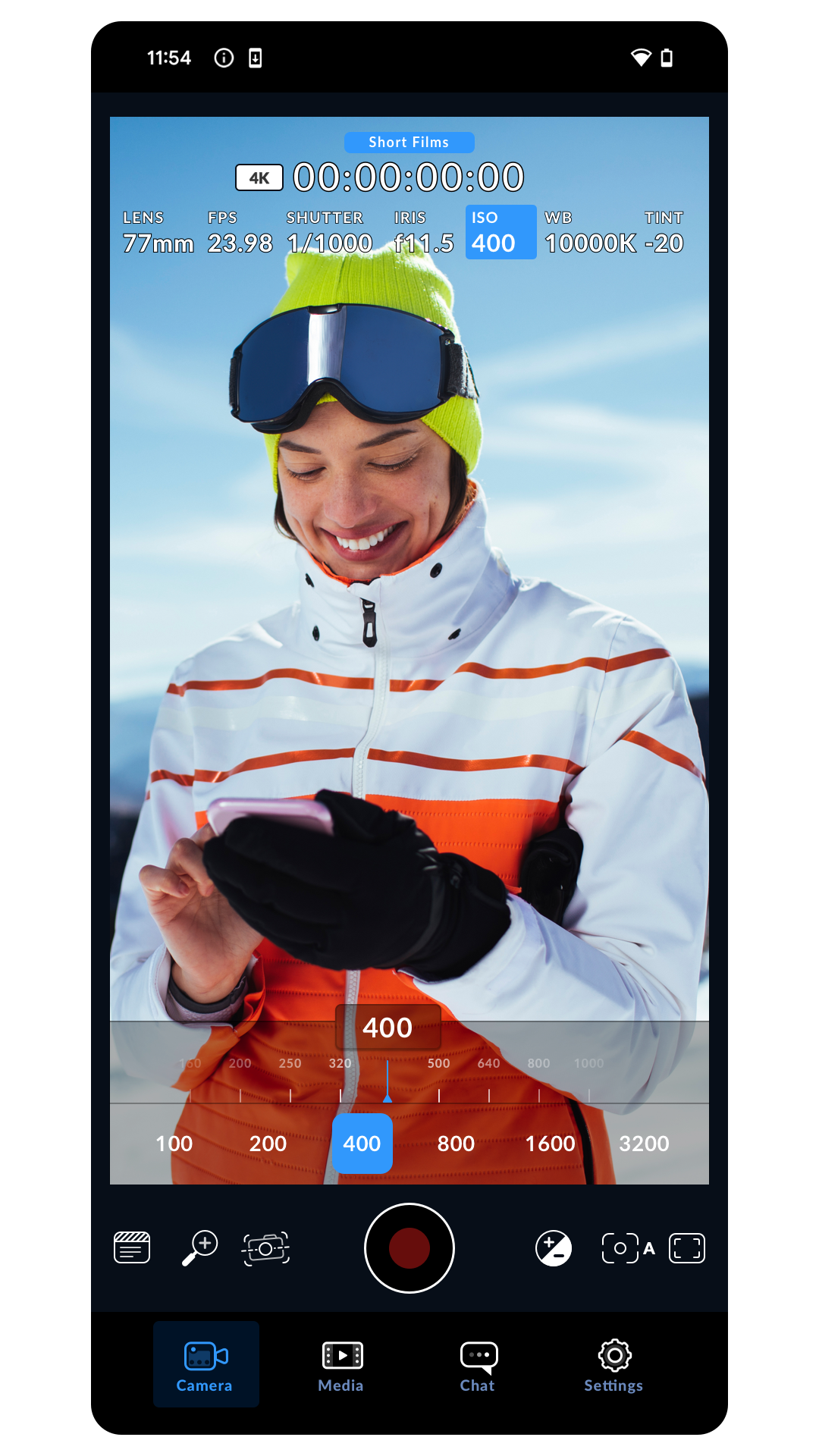
Blackmagic Camera unlocks the power of your phone by adding Blackmagic’s digital film camera controls and image processing! Now you can create the same cinematic ‘look’ as Hollywood feature films. You get the same intuitive and user friendly interface as Blackmagic Design’s award winning cameras. It’s just like using a professional digital film camera! You can adjust settings such as frame rate, shutter angle, white balance and ISO all in a single tap. Or, record directly to Blackmagic Cloud in industry standard files up to 8K! Recording to Blackmagic Cloud Storage lets you collaborate on DaVinci Resolve projects with editors anywhere in the world, all at the same time!Some features are device dependent and may not be available on your device.