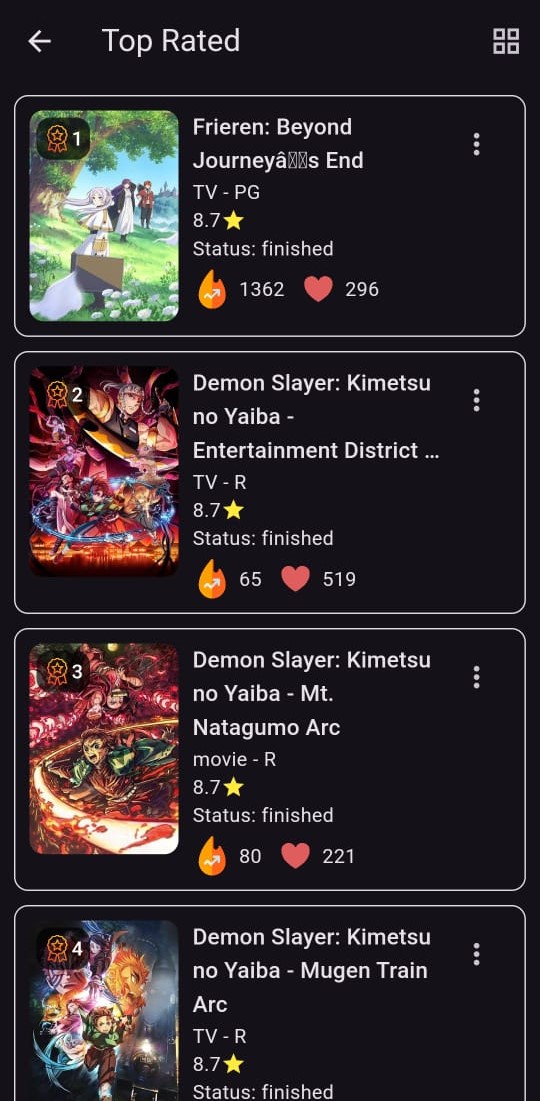
Anime Stack - with AI Chat is a Entertainment application developed by Mohammed Shibil M, but with the best Android emulator-LDPlayer, you can download and play Anime Stack - with AI Chat on your computer.
Running Anime Stack - with AI Chat on your computer allows you to browse clearly on a large screen, and controlling the application with a mouse and keyboard is much faster than using touchscreen, all while never having to worry about device battery issues.
With multi-instance and synchronization features, you can even run multiple applications and accounts on your PC.
And file sharing makes sharing images, videos, and files incredibly easy.
Download Anime Stack - with AI Chat and run it on your PC. Enjoy the large screen and high-definition quality on your PC!
Anime Stack is the ultimate app for anime lovers! With a database of over 45,000+ anime shows and movies, this app is your go-to source for all things anime.Key Features:
- Offline Watchlist: Easily add shows and movies you want to watch later to your personalized watchlist, accessible even offline.
- Stack AI Otaku Chat Bot: Get anime recommendations and play fun word games with our AI-powered chat bot, perfect for any anime enthusiast.
- Comprehensive Info: Access detailed information about thousands of anime titles, including summaries, ratings, and more.
- Light Theme/Dark Theme: Choose between a sleek light theme or an eye-friendly dark theme to match your preference.
Credits:
This app uses the Kitsu API for providing extensive anime information. Visit kitsu.io for more details.
Download Anime Stack now and dive into the world of anime with all the features you need to enhance your viewing experience!