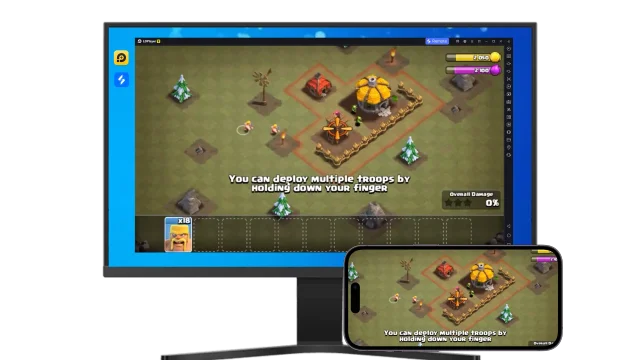
Cooking Clash is a Simulation application developed by SOFISH GAMES, but with the best Android emulator-LDPlayer, you can download and play Cooking Clash on your computer.
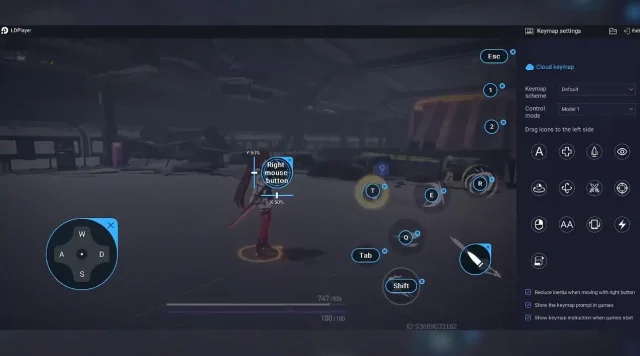
Running Cooking Clash on your computer allows you to browse clearly on a large screen, and controlling the application with a mouse and keyboard is much faster than using touchscreen, all while never having to worry about device battery issues.
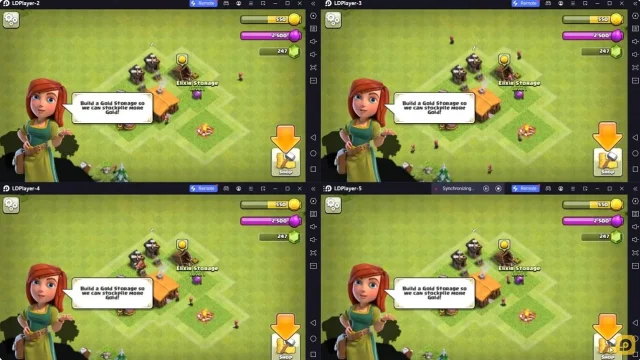
With multi-instance and synchronization features, you can even run multiple applications and accounts on your PC.
And file sharing makes sharing images, videos, and files incredibly easy.
Download Cooking Clash and run it on your PC. Enjoy the large screen and high-definition quality on your PC!
Cooking is just the beginning. There are plenty more surprises waiting in the kitchen.Mix ingredients, serve quirky customers, and protect your tips — every shift brings something new. Cooking Clash adds a fun twist to cooking games with creative food combinations, unusual diners, and fast-paced kitchen challenges.
🍳 Cook, Mix & Experiment
Your kitchen is your playground. Mix and match ingredients to create surprising dishes and keep your customers happy. Try different combinations, make the right choices, and keep the kitchen running while serving every customer.
👨🍳 Deal with Picky Customers
Every customer brings a different challenge. Some are picky, some are demanding, and some may even take your tips. Pay attention to what customers want, serve them well, and always be ready for whatever happens next.
💰 Protect Your Tips
Cooking is only part of the challenge. Your earnings matter too. Keep an eye on your customers while managing the kitchen, and make sure the tips you earn stay safe. Can you keep everything under control?
🔥 What Makes Cooking Clash Fun
• Creative Food Experiments — Combine ingredients to create unexpected dishes.
• Unpredictable Customers — Serve picky diners, handle unusual requests, and stay ready for surprises.
• Kitchen Chaos — Keep cooking and serving through all kinds of unexpected situations.
• Tip Trouble — Stay alert and protect the tips you earn while managing your customers.
• Easy to Learn — Quickly learn the basics and jump straight into the kitchen action.
Ready for a Kitchen Clash?
Mix ingredients, serve customers, protect your tips, and see how well you can handle the chaos. If you enjoy cooking games, food games, and fast-paced kitchen challenges, Cooking Clash brings a kitchen showdown full of surprises and variety to every shift.
Step into the kitchen and let the cooking clash begin!