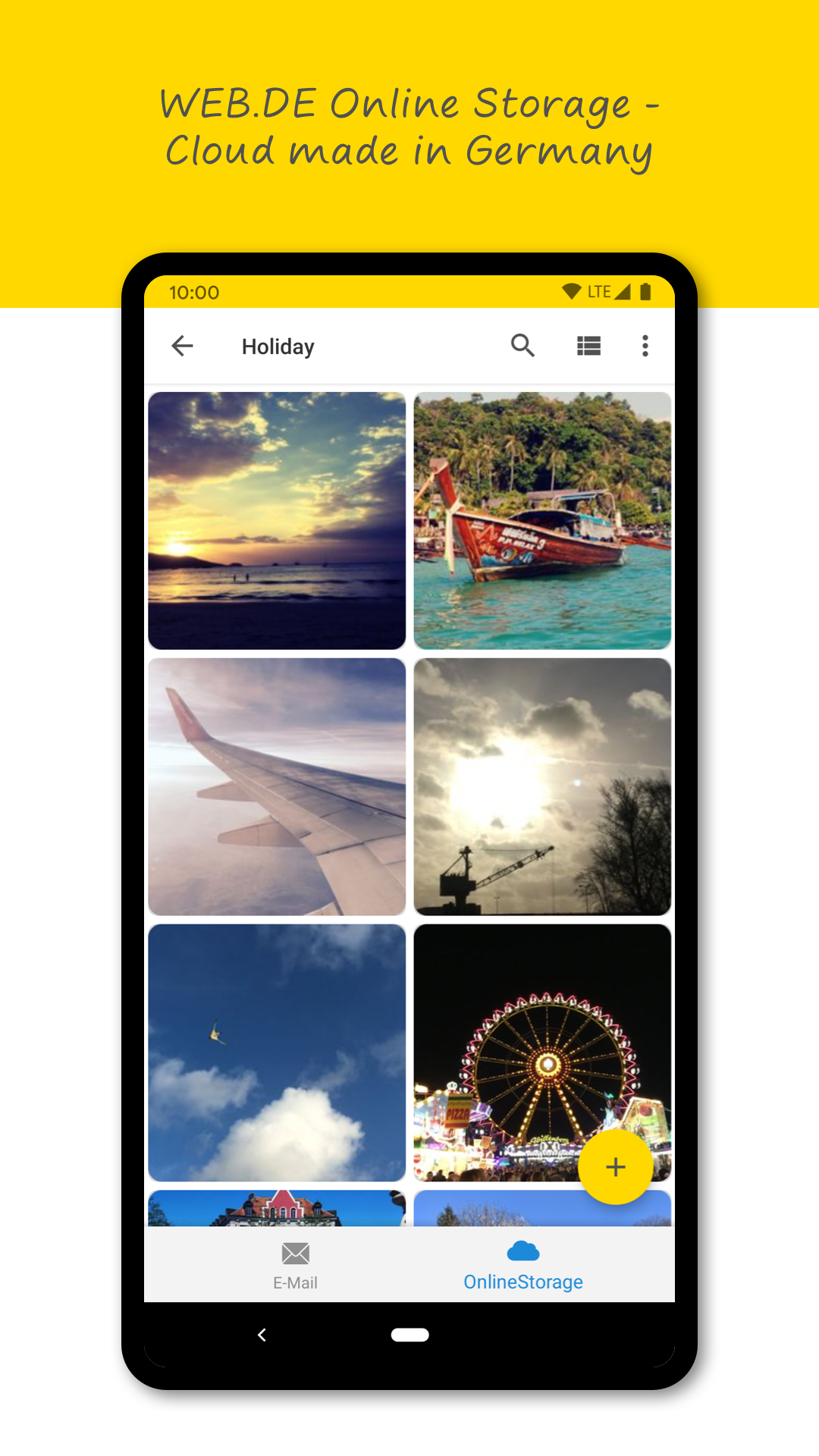
WEB.DE Mail & Cloud is a Communication application developed by WEB.DE, but with the best Android emulator-LDPlayer, you can download and play WEB.DE Mail & Cloud on your computer.
Running WEB.DE Mail & Cloud on your computer allows you to browse clearly on a large screen, and controlling the application with a mouse and keyboard is much faster than using touchscreen, all while never having to worry about device battery issues.
With multi-instance and synchronization features, you can even run multiple applications and accounts on your PC.
And file sharing makes sharing images, videos, and files incredibly easy.
Download WEB.DE Mail & Cloud and run it on your PC. Enjoy the large screen and high-definition quality on your PC!
WEB.DE MailYour new easy-to-use e-mail client: With WEB.DE Mail all your e-mails are at your fingertips. Create a free mail account and choose your desired WEB.DE mail address (@web.de).
New: Optimized mail app widget (access your mail folders, 4x1 widget and incl. compose mail option)
WEB.DE Mail at a glance:
✓ Login with mail address and password
✓ Configurable push notifications
✓ Lightweight and intuitive user interface
✓ Read and write mails on the go
✓ Secure access with PIN code
✓ Send and receive encrypted mails
✓ Synchronization with your GMX or WEB.DE address book (optional)
Add all your mail accounts to WEB.DE Mail. Simply login with email address and password. A manual set up is possible as well.
✰About WEB.DE Mail
WEB.DE is one of the biggest mail providers in Germany. Create your WEB.DE email address for free.
✰Mails in real-time
Never miss an important mail again: push notifications will inform you about incoming mails. Configure your push notifications and set quiet times. Have all mails in your inbox anytime.
✰Secure mail account
You can send and receive encrypted e-mails (PGP). Add a PIN code to secure your WEB.DE Mail app.