Sphero Edu is a Education application developed by Sphero, Inc., but with the best Android emulator-LDPlayer, you can download and play Sphero Edu on your computer.
Running Sphero Edu on your computer allows you to browse clearly on a large screen, and controlling the application with a mouse and keyboard is much faster than using touchscreen, all while never having to worry about device battery issues.
With multi-instance and synchronization features, you can even run multiple applications and accounts on your PC.
And file sharing makes sharing images, videos, and files incredibly easy.
Download Sphero Edu and run it on your PC. Enjoy the large screen and high-definition quality on your PC!
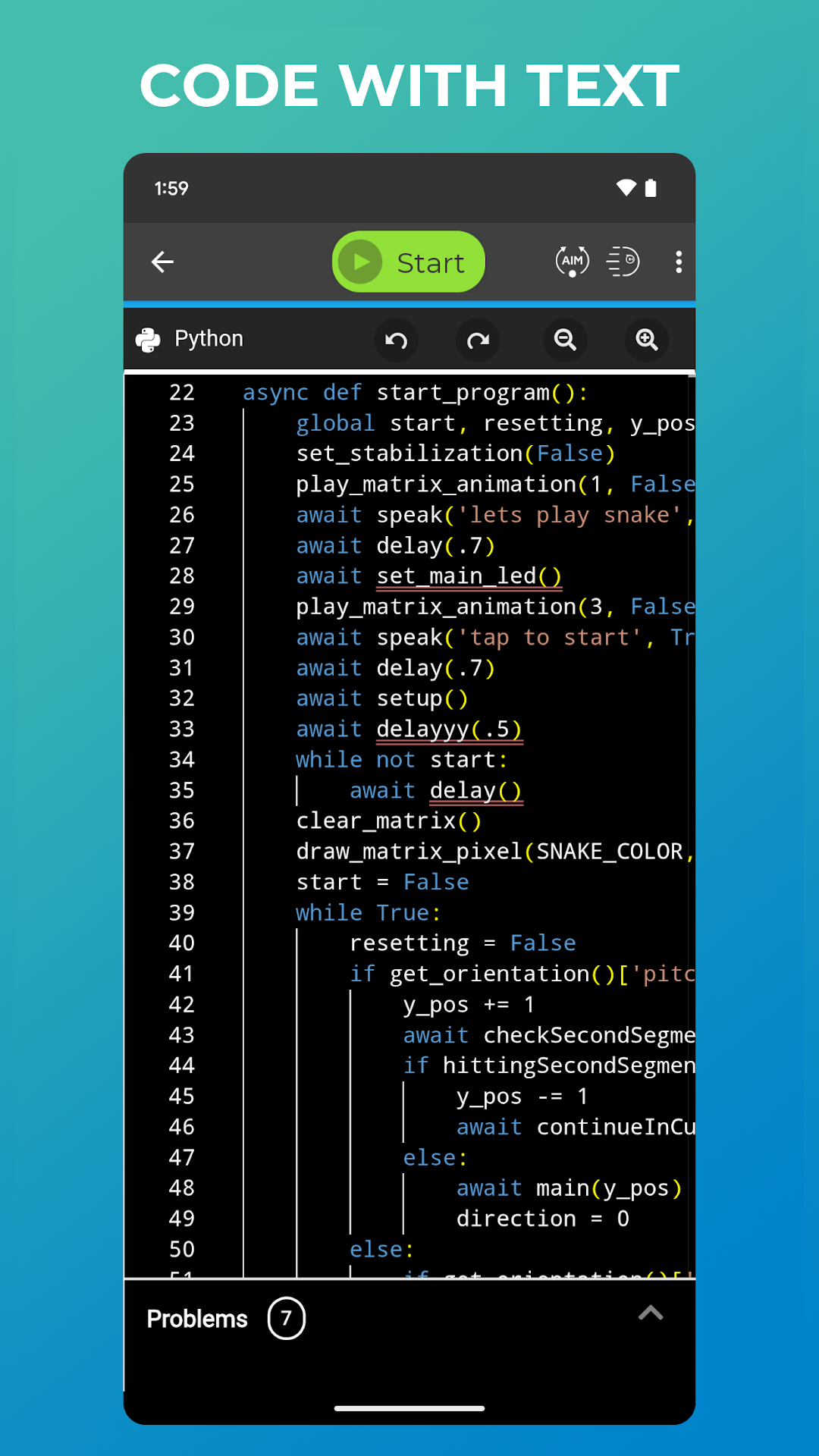
Sphero Edu is your hub to create, contribute, and learn with Sphero robots. Go beyond code by incorporating unique STEAM lessons to complete with your bot.Designed for learner progression, Sphero Edu beginners can give robots commands by drawing a path in the app for their robot to follow. Intermediate coders can use Scratch blocks to learn more advanced logic, while pros can use text programming and write their own JavaScript or Python code.
Sphero Edu is built for makers, learners, educators, and parents. The interactive platform allows you to keep track of your class or group from one easy place. Anyone can save their progress, jump from device to device, and continue the discovery from anywhere. Preparing for the future has never been so fun.
SPHERO EDU FEATURES
PROGRAMS: Program your bots in 3 ways with Draw, Block, and Text modes. Start with the basics and grow.
SENSOR DATA: See location, accelerometer, gyroscope, velocity, and distance sensor data through visual graphs.
LESSONS: Program a painting. Navigate a maze. Mimic the solar system. The only limit is your imagination.
TAKE A DRIVE: Need a brain break? Set LED colors on your robot and zoom around in Drive mode.
ASSIGNMENTS: Are you a teacher? Monitor progress by creating lessons and assigning them to your students.
INTEGRATIONS: Simplify classroom use by signing in and syncing classrooms with Google and Clever accounts.
COMPATIBILITY
Supported Robots: Sphero BOLT+, Sphero BOLT, Sphero RVR/RVR+, Sphero SPRK+, Sphero SPRK Edition, Sphero 2.0, Sphero Mini, Ollie, BB-8, BB-9E, R2-D2, R2-Q5
Unsupported Robots: Sphero Original, Force Band, Lightning McQueen, Spider-Man, indi