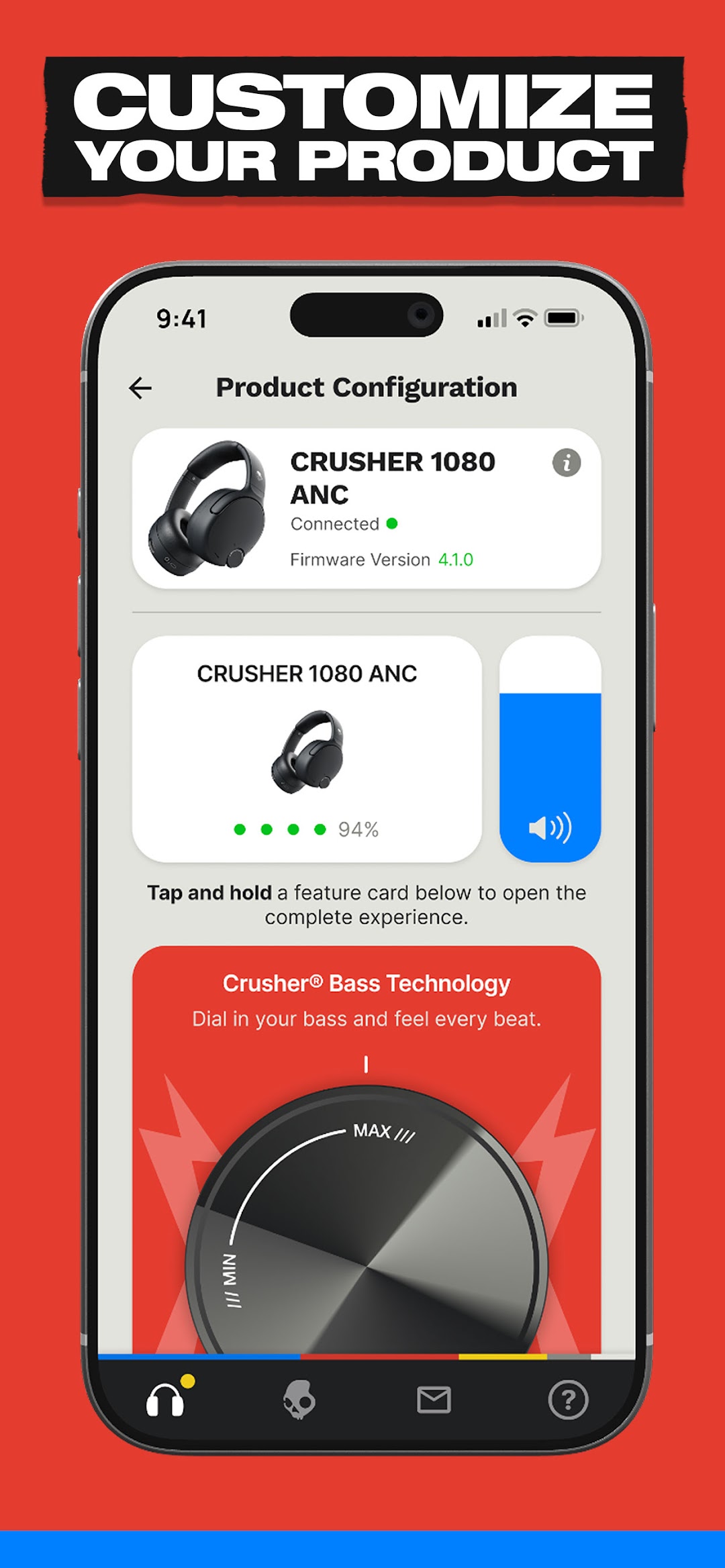
Skullcandy is a Music&Audio application developed by Skullcandy Inc., but with the best Android emulator-LDPlayer, you can download and play Skullcandy on your computer.
Running Skullcandy on your computer allows you to browse clearly on a large screen, and controlling the application with a mouse and keyboard is much faster than using touchscreen, all while never having to worry about device battery issues.
With multi-instance and synchronization features, you can even run multiple applications and accounts on your PC.
And file sharing makes sharing images, videos, and files incredibly easy.
Download Skullcandy and run it on your PC. Enjoy the large screen and high-definition quality on your PC!
About the Skullcandy AppTOTAL AUDIO CONTROL
The Skullcandy App gives you the power to dial in your listening experience for any situation. Toggle listening modes, adjust Stay-Aware levels to let the outside world in when you need it, or fine-tune your EQ to match your music, mood, or environment. Whether you’re working out, commuting, gaming, or just kicking back, you can adapt your sound in seconds. Features vary by model.
UNLOCK ADVANCED FEATURES
The Skullcandy App opens the door to powerful features that take your headphones beyond the basics. Set up Personal Sound to tune audio specifically to your hearing profile, create custom EQ settings to shape your sound, and map button controls so your headphones respond exactly how you want. It’s about making your gear work for you, delivering a listening experience that feels personal, intuitive, and completely customizable.
HELP WHEN YOU NEED IT
Getting the most out of your headphones should be easy. The Skullcandy App gives you access to product guides, setup instructions, feature walkthroughs, and troubleshooting support all in one place. Whether you’re setting up a new product or exploring everything it can do, the app makes it simple to learn, adjust, and get back to what matters most: your music.
SKULL AI HANDS FREE ASSISTANT
Enabled by Bragi, Skull AI is available for Method 540 ANC earbuds, as a 90-day free trial with a paid subscription beyond that. Activate the trial through the Audio App store in the Skullcandy App, then say “OK, Skully” and your earbuds spring into action. Whether you want quick answers, recommendations, or hands-free music control, your AI is always ready.