Screen Recording is a Tools application developed by JSK Sol, but with the best Android emulator-LDPlayer, you can download and play Screen Recording on your computer.
Running Screen Recording on your computer allows you to browse clearly on a large screen, and controlling the application with a mouse and keyboard is much faster than using touchscreen, all while never having to worry about device battery issues.
With multi-instance and synchronization features, you can even run multiple applications and accounts on your PC.
And file sharing makes sharing images, videos, and files incredibly easy.
Download Screen Recording and run it on your PC. Enjoy the large screen and high-definition quality on your PC!
-- Capture your screen in a magnificent way with multiple screen resolutions to select.-- Record your screen as well as even capture screenshot in different formats. (PNG, JPG & WEBP)
-- Multiple different settings are provided to customize your screen recording experience.
-- Trim and share your screen recorded videos.
-- Use different types of views while recording your screen as per your convenience. (Camera, Banner Text, Logo Image)
-- Features:-
- Screen Recording with delay option.
- Screenshot capture.
- Multiple screen recording resolutions.
- Audio Video encoders.
- Audio/Video Bit-rate.
- Video Frame rate.
- On/off Audio from microphone.
- Audio Source.
- Format and quality of screenshots.
- Trim video.
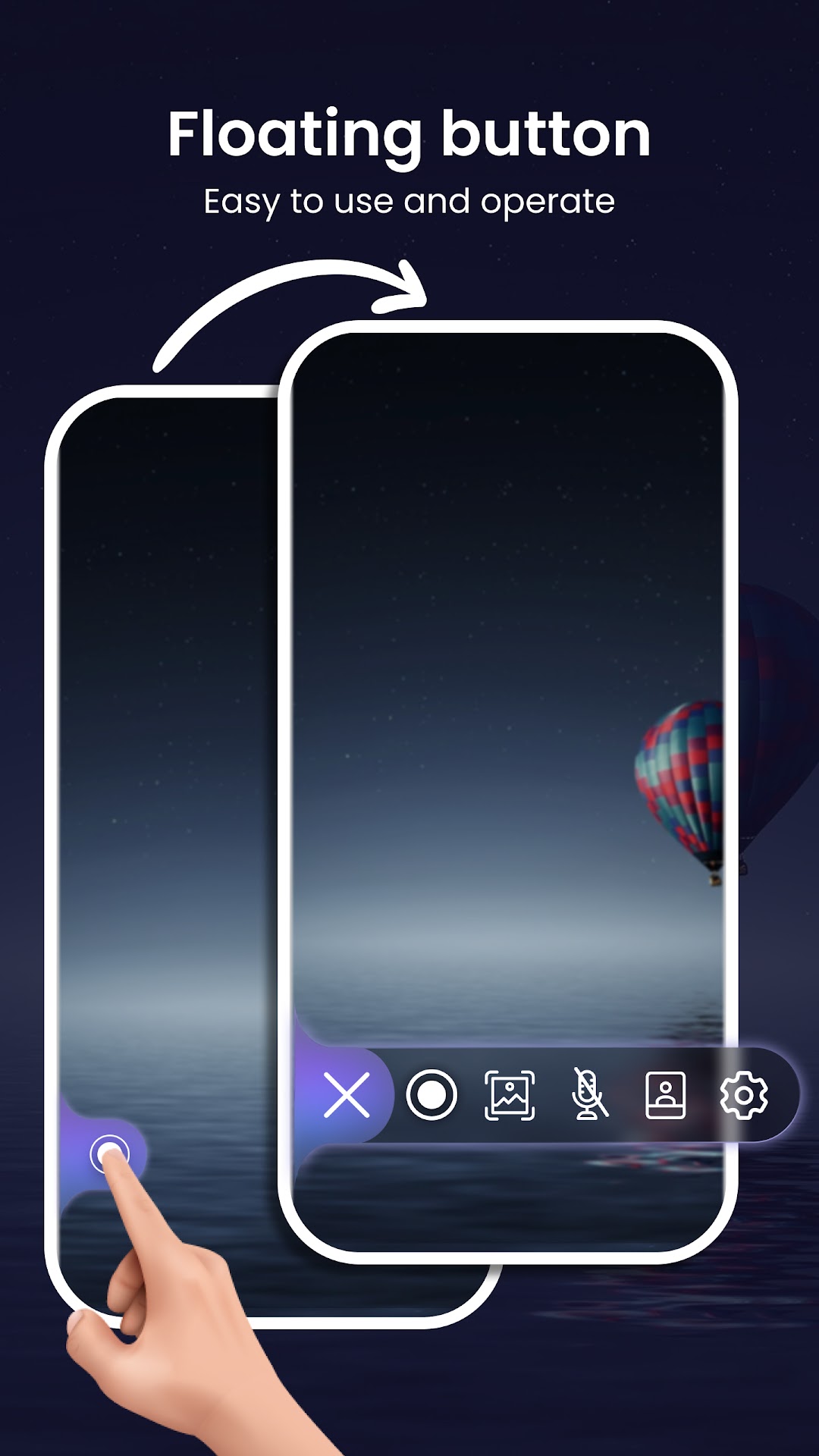
- Magic button for managing screen recording in customisable way.
- Banner text.
- Logo Image.
- Camera view.
Permissions used in App:-
--> Storage permission:- For storage recorded videos and screenshot images.
--> Audio:- For getting audio from microphone while screen recording.
--> Camera:- For showing camera view.