Marvel Comics is a Comics application developed by Marvel Comics, but with the best Android emulator-LDPlayer, you can download and play Marvel Comics on your computer.
Running Marvel Comics on your computer allows you to browse clearly on a large screen, and controlling the application with a mouse and keyboard is much faster than using touchscreen, all while never having to worry about device battery issues.
With multi-instance and synchronization features, you can even run multiple applications and accounts on your PC.
And file sharing makes sharing images, videos, and files incredibly easy.
Download Marvel Comics and run it on your PC. Enjoy the large screen and high-definition quality on your PC!
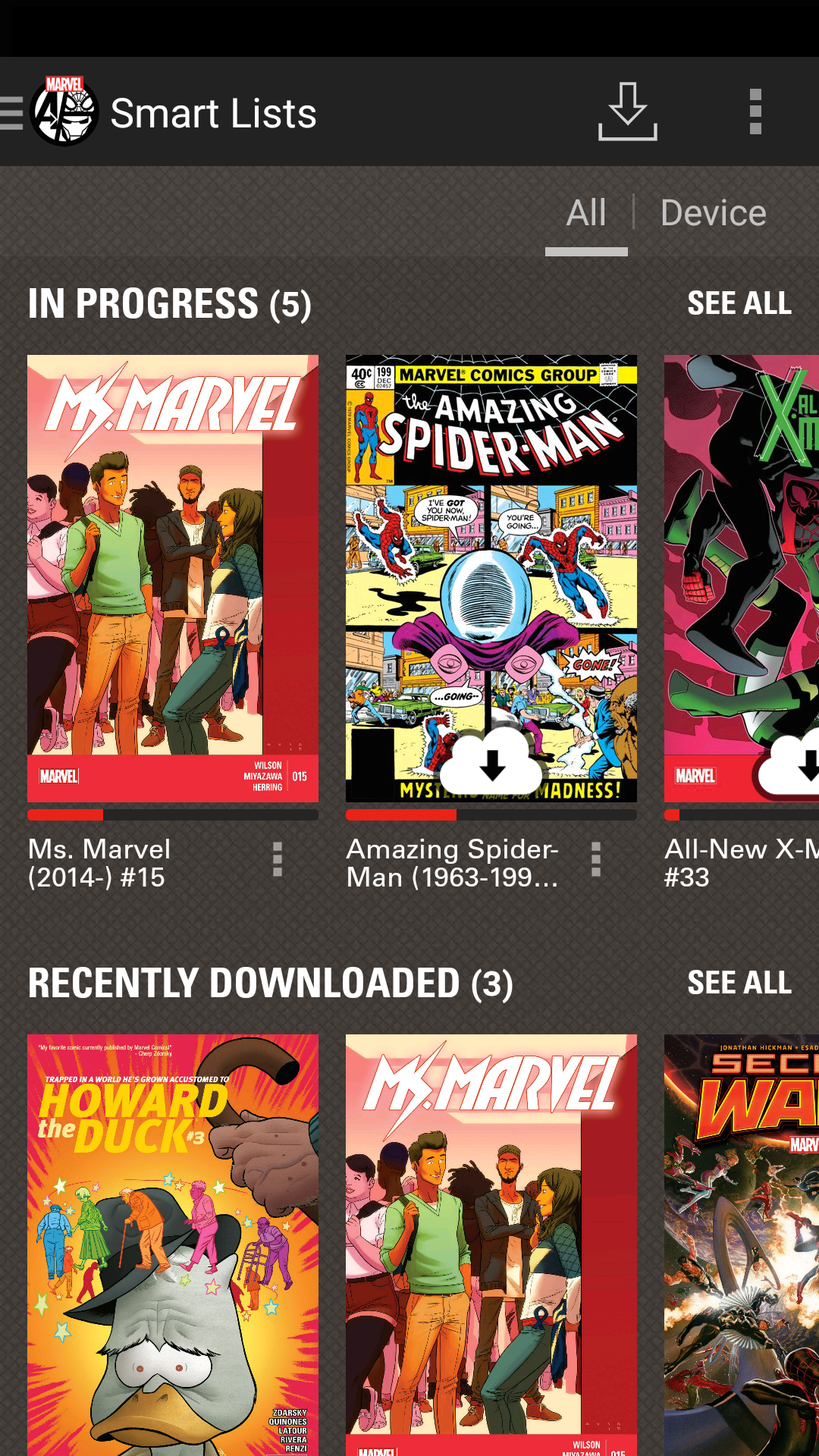
Introducing the MARVEL COMICS app on Android, featuring the world’s most popular super heroes! Download hundreds of comic books featuring your favorite characters -— including Iron Man, Thor, Captain America, Spider-Man, Wolverine and more -- on your mobile device or tablet with the touch of a button. You’ll experience Marvel’s greatest series and stories like never before, with your choice of guided view (an animated, panel-by-panel path through the comic), or by using regular device controls to zoom and pan your way through pages of sizzling story and amazing artwork!Each of your downloads will be protected and backed up when you use your Marvel.Com account, meaning the next time you lose or upgrade your device you’ll find your comics waiting to be read again!
Not convinced? Check out our free downloads! Take the Marvel Universe with you anytime & anywhere!
+ Access to over 13,500 comics featuring the world's most popular super heroes!
+ Free comics for download, updated weekly!
+ Customizable reading experience -- choose between panel to panel, full page display, and more!