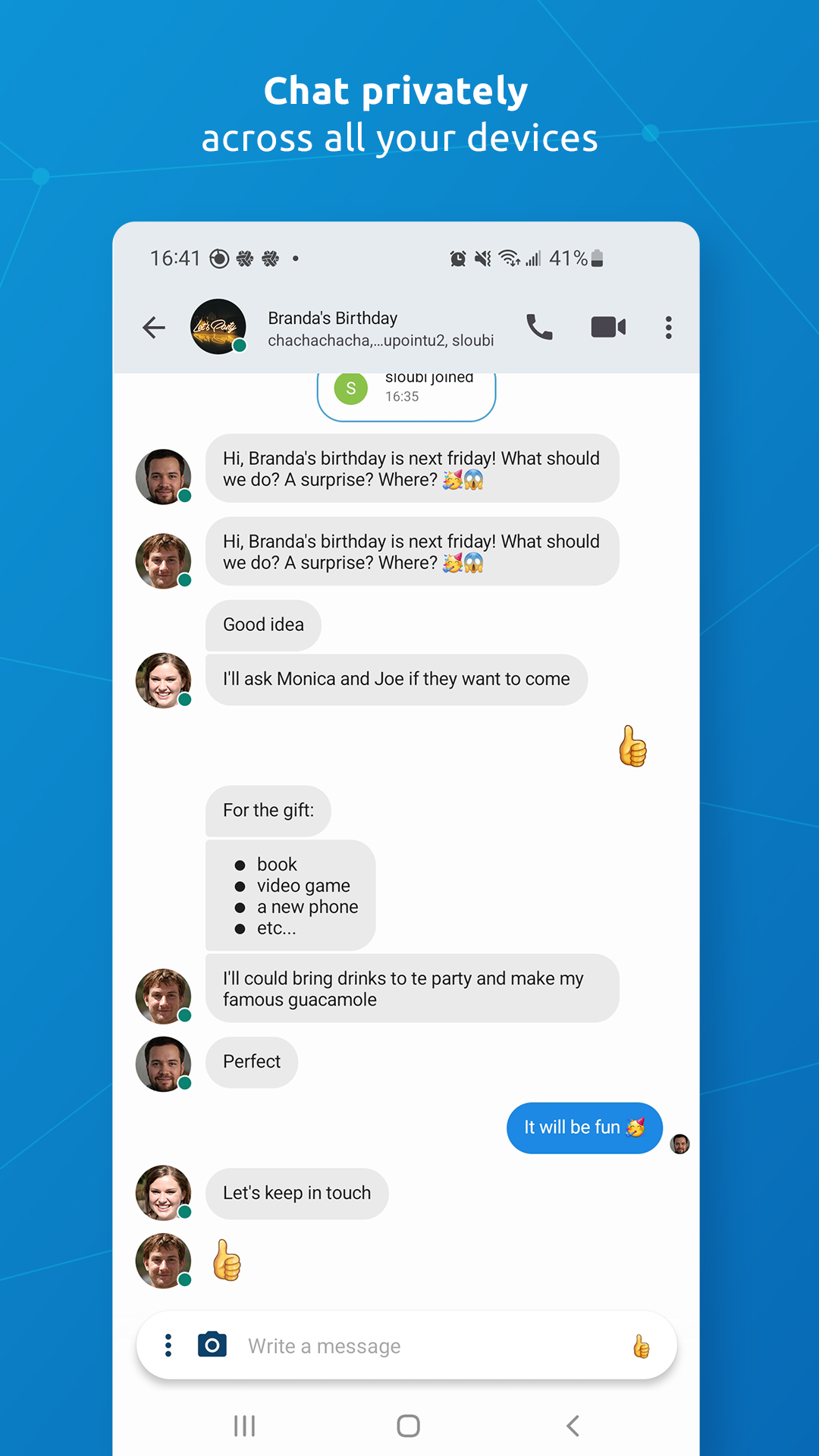
Jami is a Communication application developed by Savoir-faire Linux Inc., but with the best Android emulator-LDPlayer, you can download and play Jami on your computer.
Running Jami on your computer allows you to browse clearly on a large screen, and controlling the application with a mouse and keyboard is much faster than using touchscreen, all while never having to worry about device battery issues.
With multi-instance and synchronization features, you can even run multiple applications and accounts on your PC.
And file sharing makes sharing images, videos, and files incredibly easy.
Download Jami and run it on your PC. Enjoy the large screen and high-definition quality on your PC!
Jami, a GNU package, is software for universal and distributed peer-to-peer communication that respects the freedom and privacy of its users.Jami is the simplest and easiest way to connect with people (and devices) with instant messaging, audio, and video calls over the Internet and LAN/WAN intranets.
Jami is a free/libre, end-to-end encrypted, and private communication platform.
Jami is open-source software that prioritizes user privacy.
Jami has a professional-looking design and is available for a wide range of platforms. Unlike the alternatives, Jami calls are directly between users, as it does not use servers to handle calls.
This gives the greatest privacy, as the distributed nature of Jami means your calls are only between participants.
One-to-one and group conversations with Jami are enhanced with instant messaging, audio and video calling, recording and sending audio and video messages, file transfers, screen sharing, and location sharing.
Jami can also function as a SIP client.
Multiple Jami extensions are available: Audio Filter, Auto Answer, Green Screen, Segmentation, Watermark, and Whisper Transcript.
Jami can be easily deployed in organizations with the JAMS (Jami Account Management Server), allowing users to connect with their corporate credentials or create local accounts. JAMS allows you to manage your own Jami community while taking advantage of Jami’s distributed network architecture.
Jami is available for GNU/Linux, Windows, macOS, iOS, Android, Android TV, and web browsers, making Jami an interoperable and cross-platform communication framework.
Manage multiple SIP accounts, Jami accounts, and JAMS accounts with the Jami client installed on one or multiple devices.
Jami is free, unlimited, private, advertising‑free, compatible, fast, autonomous, and anonymous.
Learn more about:
Jami: https://jami.net/
Jami extensions: https://jami.net/extensions/
JAMS (Jami Account Management Server): https://jami.biz/
Jami documentation: https://docs.jami.net/
Follow us for more:
Mastodon: https://mstdn.io/@Jami
Videos: https://docs.jami.net/videos/
We’d love to hear from you! Join the Jami community:
Contribute: https://jami.net/contribute/
Forum: https://forum.jami.net/
Build IoT projects with Jami. Re-use the universal communications technology of Jami with its portable library on your system of choice.
Jami for Android TV is tested on NVIDIA SHIELD TV with Logitech cameras.
Jami is published under the GPL license, version 3 or higher.
Copyright © Savoir-faire Linux Inc.