CallHippo is a Communication application developed by Bueno Technologies Inc., but with the best Android emulator-LDPlayer, you can download and play CallHippo on your computer.
Running CallHippo on your computer allows you to browse clearly on a large screen, and controlling the application with a mouse and keyboard is much faster than using touchscreen, all while never having to worry about device battery issues.
With multi-instance and synchronization features, you can even run multiple applications and accounts on your PC.
And file sharing makes sharing images, videos, and files incredibly easy.
Download CallHippo and run it on your PC. Enjoy the large screen and high-definition quality on your PC!
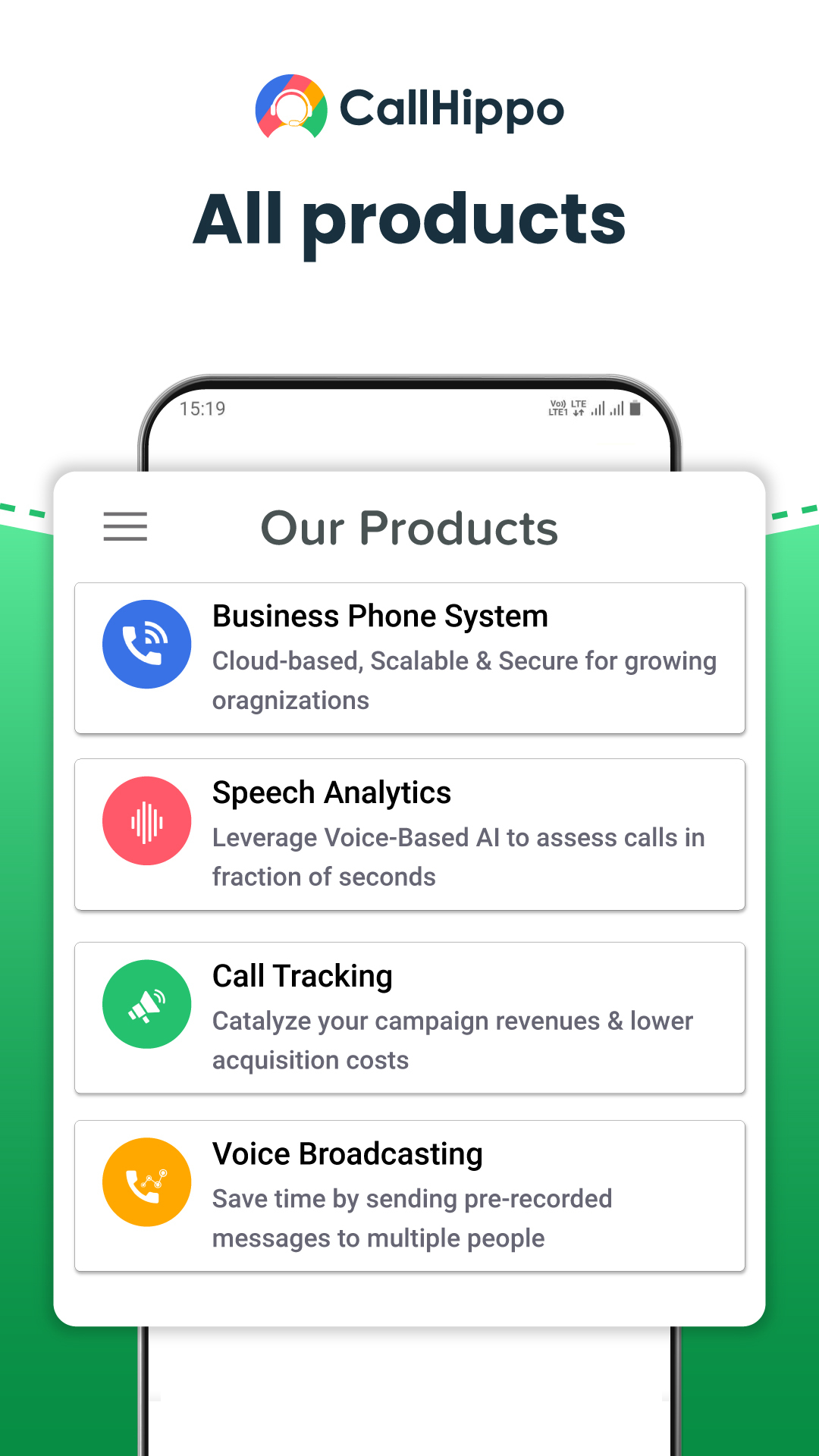
CallHippo is a multi-product business phone system that can be set up in less than 3 minutes.Our VoIP-based virtual phone system allows businesses to connect with international, local & toll-free business phone numbers instantly from over 50+ countries & can be accessed through a mobile phone, tablet, computer or laptop.
With our easy-to-use interface, robust backend architecture & interactive dashboard, your sales, customer support and marketing teams can collaborate on calls and seamlessly share information.
Say goodbye to issues like call latency, high call costs, network congestion & technical glitches which affect business revenue and team productivity. CallHippo provides its android virtual phone app absolutely free to CallHippo registered users – there are no expensive hidden charges and also no advertisements. You can now make calls via CallHippo directly from the contacts app on your phone.
Our other robust products include -
COACH - a fully automated, AI-driven, speech analytical tool
No call goes “unheard” with CallHippo Coach.
Evaluate a 30 mins call in just a few mins. Scan through the critical call moments, listen to them with a single click & record feedback then and there. Your quality analysts can focus more on coaching impact than on randomly flipping through the calls.
Call Tracking - Analyze which marketing campaigns are generating most calls, conversions and revenues. Call tracking software assigns unique trackable phone numbers to each of your marketing channel sources. It helps in tracking the performance of offline/traditional marketing channels effortlessly.
Voice Broadcasting - Enables businesses to send automated voice messages via a call to a large number of people at once.
and this is just the tip of the iceberg.
CallHippo is a cloud phone system that can be seamlessly integrated with more than 85+ other productivity tools.
What’s more?
We at CallHippo are working 24/7 even on holidays to bring the best solutions for you & provide a stellar customer experience.