SpellTower is a Word application developed by Noodlecake, but with the best Android emulator-LDPlayer, you can download and play SpellTower on your computer.
Running SpellTower on your computer allows you to browse clearly on a large screen, and controlling the application with a mouse and keyboard is much faster than using touchscreen, all while never having to worry about device battery issues.
With multi-instance and synchronization features, you can even run multiple applications and accounts on your PC.
And file sharing makes sharing images, videos, and files incredibly easy.
Download SpellTower and run it on your PC. Enjoy the large screen and high-definition quality on your PC!
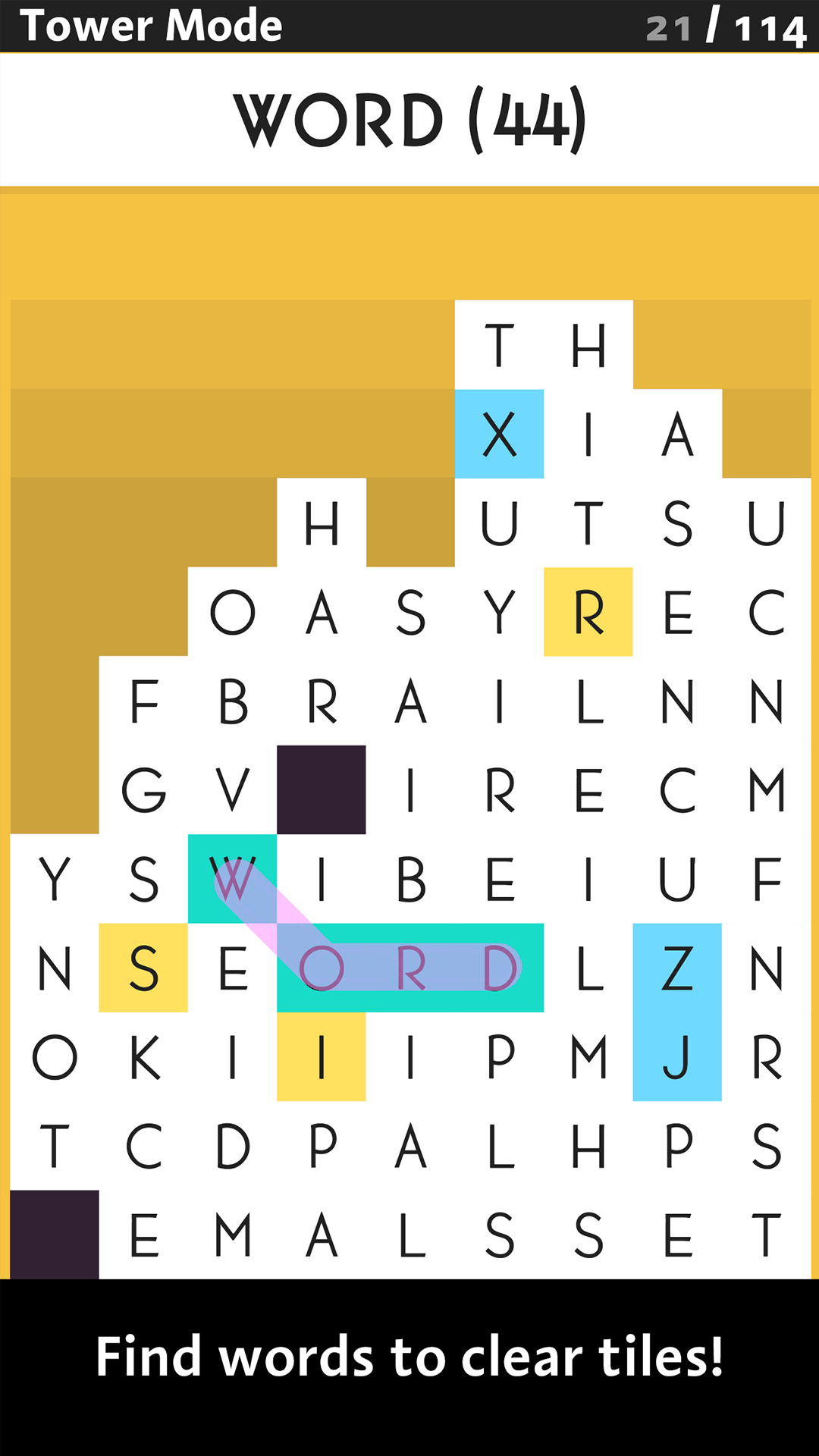
- - - - WORDS + STRATEGY = AWESOMEPick your words wisely! As you work, more tiles rise from the bottom of the screen, and it'll take all of your lexicological wits, and tactical know-how to keep them down. If any of the letters make it to the top row, it's game over.
- TOWER MODE : No pressure here. Try and get the highest score possible out of 140 tiles, eliminating small words to set up 7- and 8-letter blockbusters!
- DAILY TOWER MODE : Stack up against other players on identical towers that change daily!
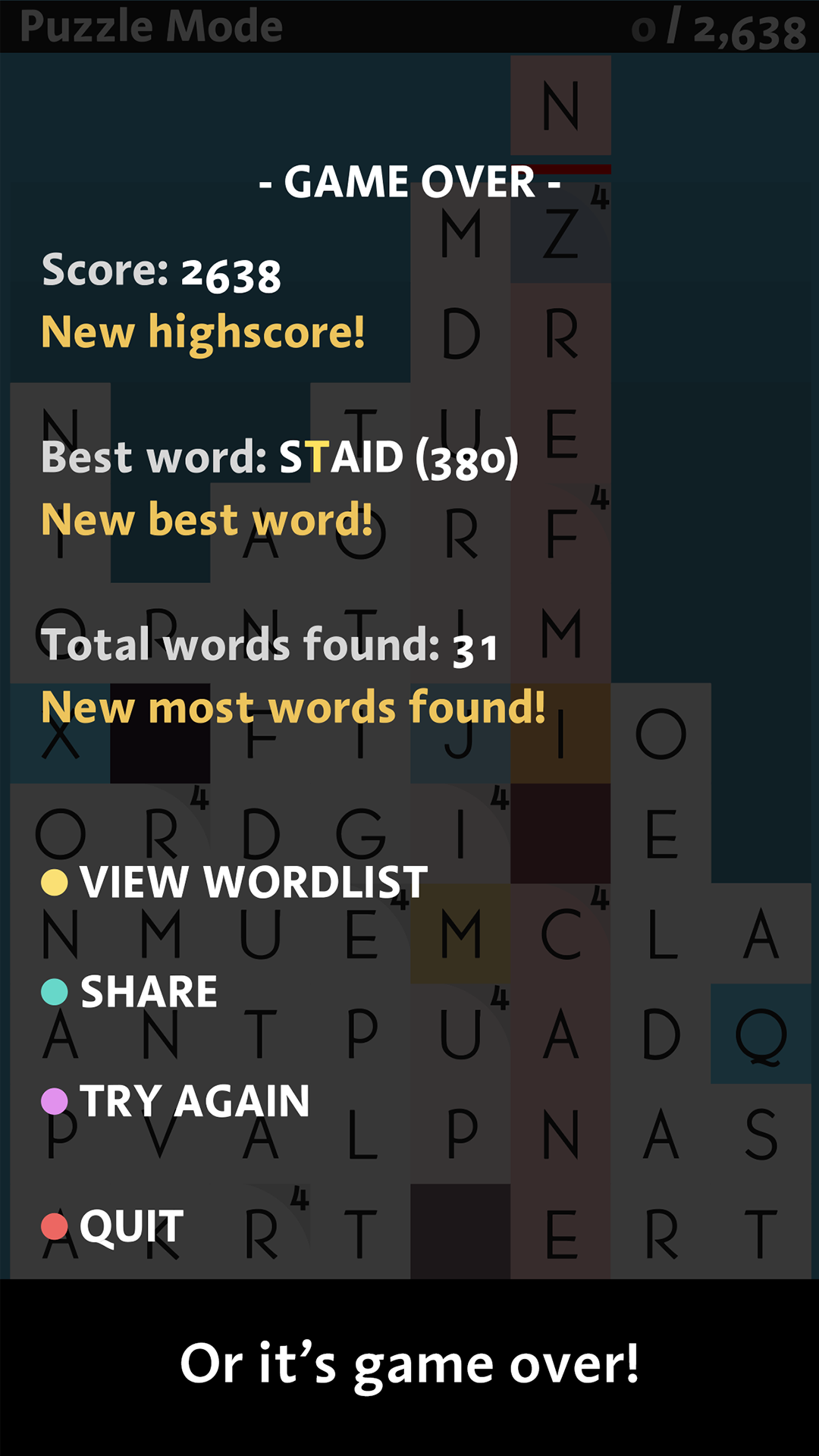
- PUZZLE MODE : Every word you make adds a new row of letters! Strategic word finding at its best.
- EXTREME PUZZLE MODE : Puzzle mode with the minimum word length cranked up. Experts only!
- ZEN MODE : Puzzle mode without any length requirements.
- RUSH MODE : Rows of letters build up over time. Find words as fast as you can, but be careful you don't back yourself into a corner!
- Joining them is the brand new Search mode, plus ExPuzzle, Double Puzzle, Bubble Puzzle, and Blitz mode!
That’s eleven modes in all!