

Overview

FAQ
Use LDPlayer to Play PLIG - board sorting puzzles on PC
PLIG - board sorting puzzles is a Puzzle application developed by Cuebat, but with the best Android emulator-LDPlayer, you can download and play PLIG - board sorting puzzles on your computer.
Running PLIG - board sorting puzzles on your computer allows you to browse clearly on a large screen, and controlling the application with a mouse and keyboard is much faster than using touchscreen, all while never having to worry about device battery issues.
With multi-instance and synchronization features, you can even run multiple applications and accounts on your PC.
And file sharing makes sharing images, videos, and files incredibly easy.
Download PLIG - board sorting puzzles and run it on your PC. Enjoy the large screen and high-definition quality on your PC!
Embark on a captivating journey of spatial cognition and strategic thinking in "Puzzle Permutations," an immersive puzzle game that challenges your intellect and spatial awareness. Dive into a world of intricately designed boards waiting to be conquered through the art of piece arrangement.Gameplay Features:
Engaging Puzzle Boards:
Encounter a diverse array of meticulously crafted puzzle boards, each presenting a unique spatial challenge. From simple, introductory levels to mind-bending, advanced puzzles, "Puzzle Permutations" offers a progressively challenging experience.
Varied Puzzle Pieces:
Navigate through the game with an assortment of uniquely shaped puzzle pieces, each with its own set of challenges and configurations. From classic Tetris-like blocks to abstract shapes, the possibilities are endless, requiring you to think outside the conventional puzzle-solving box.
Strategic Arrangement:
Success depends on your ability to strategically arrange the puzzle pieces within the given board constraints. Experiment with different combinations, rotations, and placements to find the perfect fit for each piece. Precision and forethought are your keys to success.
Progressive Difficulty:
As you advance through the game, experience a gradual increase in complexity. Encounter new mechanics, constraints, and puzzle dynamics that will put your problem-solving skills to the test. Adapt to evolving challenges and revel in the satisfaction of overcoming each level.
Immersive Visuals and Sound:
Immerse yourself in a visually stunning environment with vibrant colors, visually appealing puzzle pieces, and seamless animations. The game's soothing soundtrack enhances the overall experience, creating a relaxing yet focused atmosphere for optimal puzzle-solving concentration.
Achievements and Rewards:
Challenge yourself to unlock a variety of achievements as you progress. Earn rewards, unlock new puzzle sets, and showcase your mastery of spatial reasoning. Compete with friends or the global community to see who can achieve the highest level of completion and efficiency.
User-Friendly Interface:
Navigate through the game effortlessly with an intuitive and user-friendly interface. Enjoy a smooth gaming experience that allows you to focus on the thrill of solving puzzles without unnecessary distractions.
"Puzzle Permutations" is not just a game; it's a mental workout that will keep you hooked, pushing the boundaries of your cognitive abilities as you strive to master the art of arranging puzzle pieces within the constraints of each uniquely designed board. Are you ready to unravel the mysteries of "Puzzle Permutations"?
Screenshots and Videos of PLIG - board sorting puzzles PC
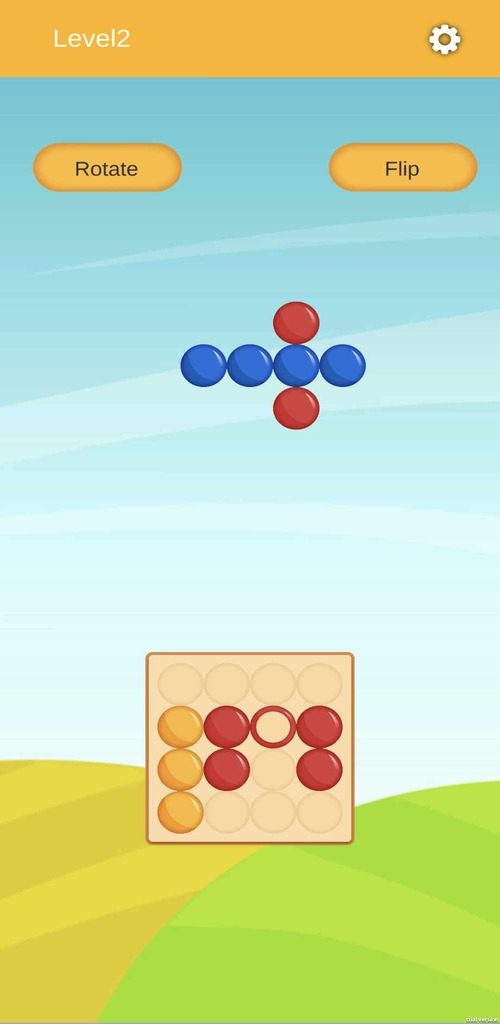
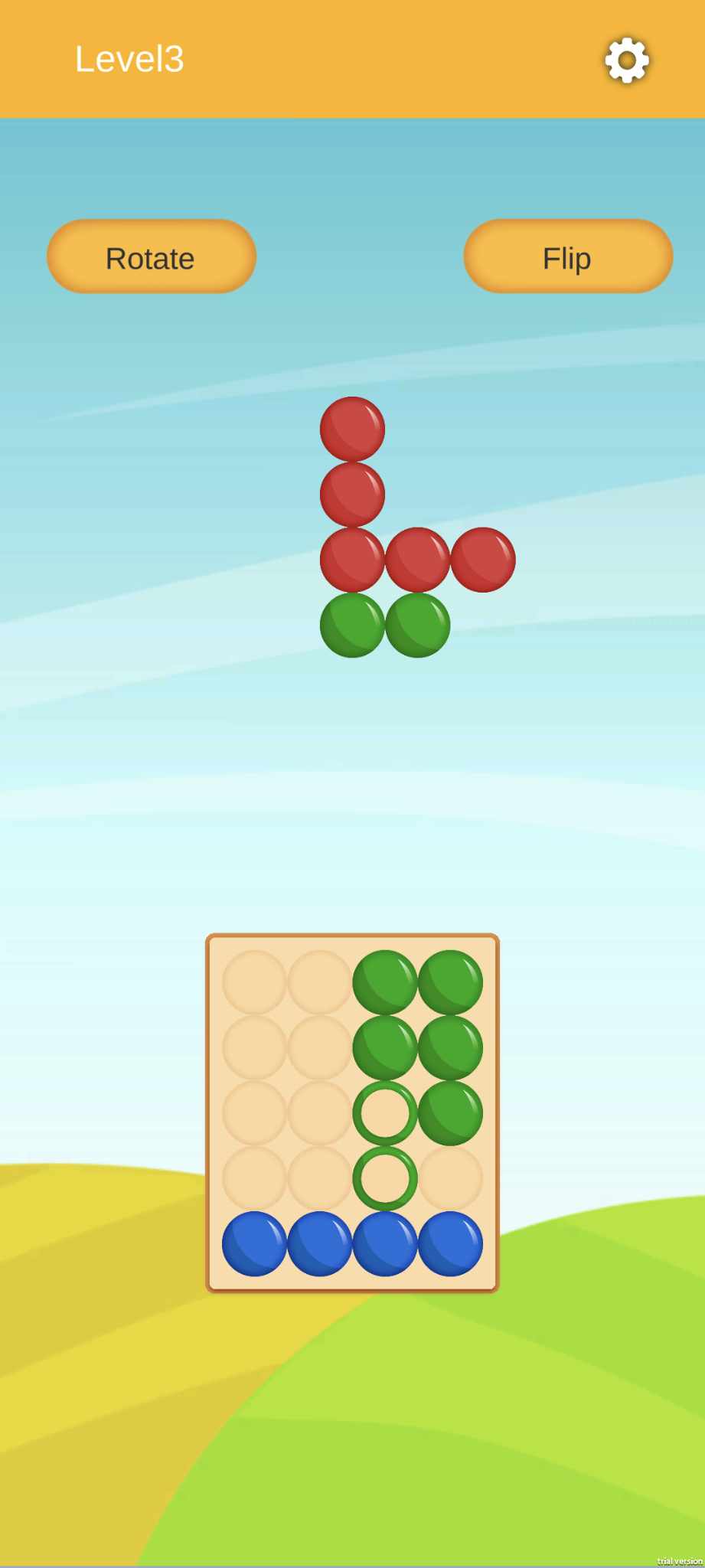
Why Play PLIG - board sorting puzzles on PC with LDPlayer?
 Multi-Instance & Sync
 Remote Control
 Custom Controls




Effortlessly clone multiple instances and initiate synchronization until you draw the desired hero before binding your account, enhancing efficiency in rerolls in PLIG - board sorting puzzles.

High FPS
With support for high FPS, PLIG - board sorting puzzles's game graphics are smoother, and actions are more seamless, enhancing the visual experience and immersion of playing PLIG - board sorting puzzles.
Video Recorder
Easily capture your performance and gameplay process in PLIG - board sorting puzzles, aiding in learning and improving driving techniques, or sharing gaming experiences and achievements with other players.
How to Download&Play PLIG - board sorting puzzles on PC?
 1
1Download and install LDPlayer on your computer
 2
2Locate the Play Store in LDPlayer's system apps, launch it, and sign in to your Google account
 3
3Enter "PLIG - board sorting puzzles" into the search bar and search for it
 4
4Choose and install PLIG - board sorting puzzles from the search results
 5
5Once the download and installation are complete, return to the LDPlayer home screen
 6
6Click on the game icon on the LDPlayer home screen to start enjoying the exciting game


