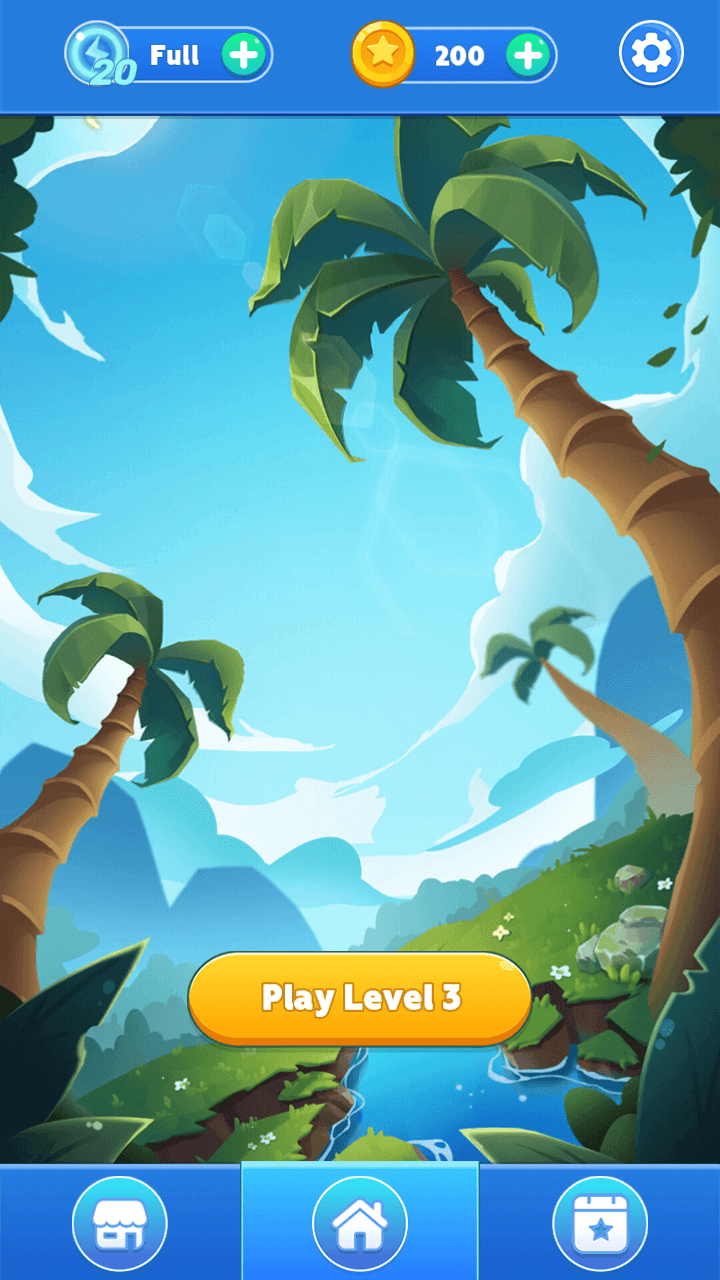
Nonogram Challenge is a Puzzle application developed by soothes, but with the best Android emulator-LDPlayer, you can download and play Nonogram Challenge on your computer.
Running Nonogram Challenge on your computer allows you to browse clearly on a large screen, and controlling the application with a mouse and keyboard is much faster than using touchscreen, all while never having to worry about device battery issues.
With multi-instance and synchronization features, you can even run multiple applications and accounts on your PC.
And file sharing makes sharing images, videos, and files incredibly easy.
Download Nonogram Challenge and run it on your PC. Enjoy the large screen and high-definition quality on your PC!
No matter you are a newbie or a master of logic puzzle games, you will definitely love this Nonogram. Follow simple rules and logics to reveal hidden pixel pics. All the mysteries are hidden in the numbers. When you solved the puzzles, you will get fabulous pixel arts. Take the challenge and become a Nonogram master!How to play:
—Fill the squares with colors and reveal the hidden pictures
—The numbers on both direction tell you how many squares should be filled
—The order of numbers is quite important too.
—If you have figured out that the square should not be filled, switch mode and mark it with an X
—There are 5x5, 10x10, 15x15 and 20x20, 4 different types of puzzles.
—Easy to learn but challenge to master. Quite addictive once you start playing