Find Differences LEGENDARY is a Puzzle application developed by Procedural Games, but with the best Android emulator-LDPlayer, you can download and play Find Differences LEGENDARY on your computer.
Running Find Differences LEGENDARY on your computer allows you to browse clearly on a large screen, and controlling the application with a mouse and keyboard is much faster than using touchscreen, all while never having to worry about device battery issues.
With multi-instance and synchronization features, you can even run multiple applications and accounts on your PC.
And file sharing makes sharing images, videos, and files incredibly easy.
Download Find Differences LEGENDARY and run it on your PC. Enjoy the large screen and high-definition quality on your PC!
Find Differences Legendary - Free Hidden Objects & Puzzle Adventure-Are you ready to test your observation skills?
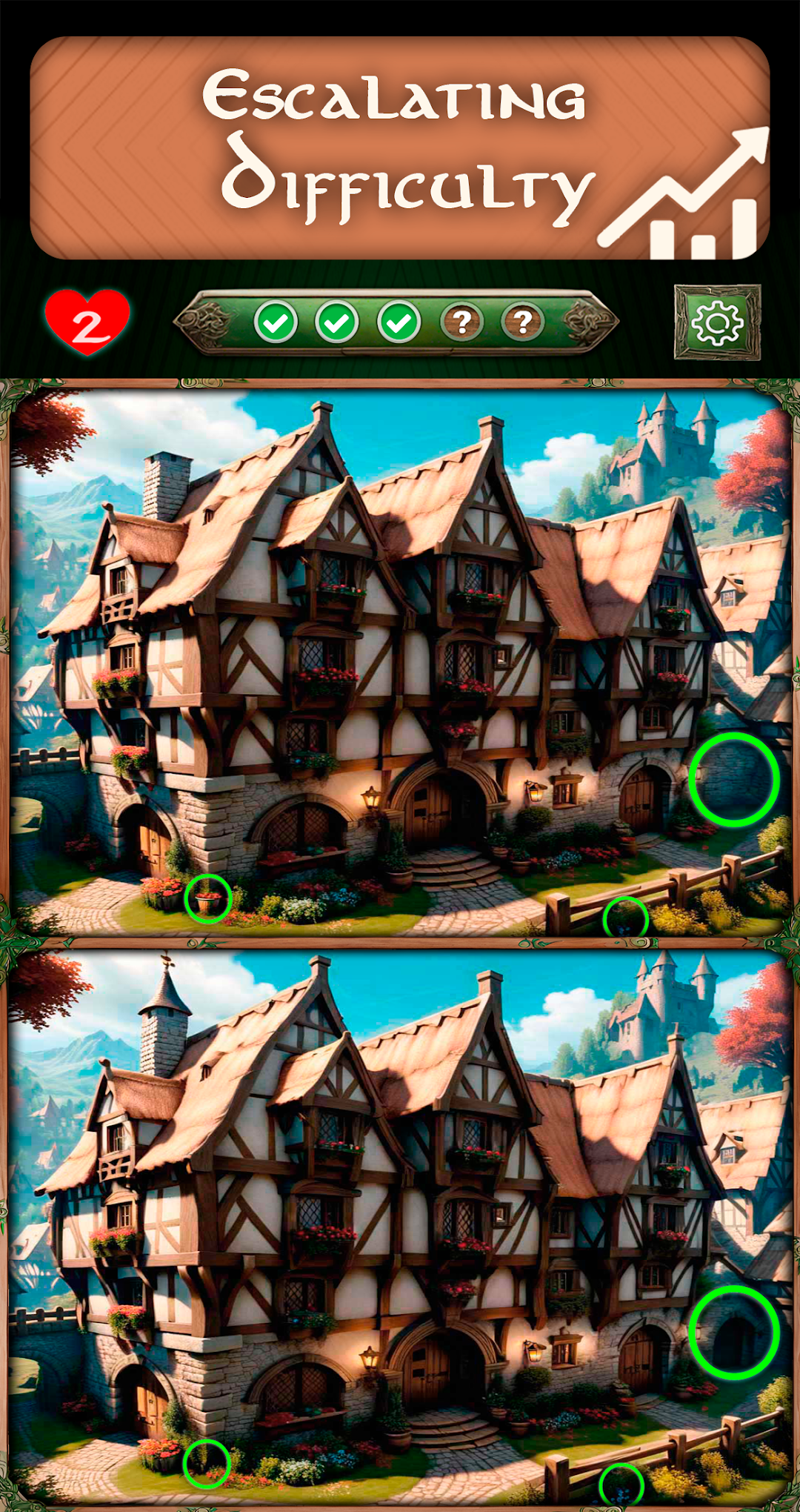
This is the ultimate game where you can enjoy finding the difference games in breathtaking, high-definition fantasy scenes. Immerse yourself in a world of hidden objects, search for small hidden differences, and try to find 5 objects in every level.
This free puzzle game is designed for players of all ages. Whether you love spot the difference, hidden objects, or relaxing puzzle games, this is the perfect game for you. With no time limits and free unlimited gameplay, you can enjoy endless fun while improving your focus and attention to detail.
-Relax and spot the differences.
Take your time and enjoy a free gaming experience without pressure. Each level is carefully designed with hidden differences that challenge your observation skills. No timers, no rush, just pure free puzzle fun where you can search at your own pace relaxed and enjoying the play time.
Hints are available whenever you need them, ensuring that everyone can complete levels without frustration. The hint system helps you find even the trickiest hidden differences while keeping it enjoyable. Whether you play for a few minutes or hours, the experience remains relaxing and entertaining.
-Enjoy over 200 hand-crafted levels featuring stunning, high-definition images.
Each level presents a new challenge, requiring sharp eyes to spot the subtle differences between two seemingly identical pictures. The game continuously updates with new puzzles and fresh free content, ensuring there's always something new to explore.
-Every day, a new free puzzle challenge awaits.
These daily challenges help keep your mind sharp while giving you fresh find the difference puzzles to solve. Play daily, track your progress, and see how fast you can spot all the differences.
-Train Your Brain:
You will appreciate how this game combines hidden objects and visual challenges. The beautifully crafted levels encourage concentration and patience while keeping gameplay fun and engaging.
The more you play, the better your observation skills become. Finding hidden differences helps improve focus, memory, and cognitive skills. Whether you’re a beginner or an expert, this game offers unique joy for everyone.
-Play Anywhere for Free
One of the best things is that it is a completely free game that you can play anywhere, anytime. No WiFi? No problem. It works without an internet connection, making it perfect for travel or whenever you need a quick, relaxing break.
Play as much as you want without any cost
This is truly one of the best find the difference games free available. No subscriptions, no in-app purchases required to enjoy. Simply download and start playing for free today.
Download Now - Find all the Hidden Objects
Join thousands of players already enjoying. This is the ultimate puzzle game for fans of hidden objects and relaxing visual challenges.
Try to find 5 differences in each level, improve your skills, and enjoy a beautifully designed puzzle experience. With unlimited gameplay, frequent updates, and a focus on fun, this is perfect for puzzle lovers of all ages.
Download now and enjoy one of the best find the difference games free!