

Overview

FAQ
Use LDPlayer to Play Enigma | Imitation Game on PC
Enigma | Imitation Game is a Card application developed by BePex, but with the best Android emulator-LDPlayer, you can download and play Enigma | Imitation Game on your computer.
Running Enigma | Imitation Game on your computer allows you to browse clearly on a large screen, and controlling the application with a mouse and keyboard is much faster than using touchscreen, all while never having to worry about device battery issues.
With multi-instance and synchronization features, you can even run multiple applications and accounts on your PC.
And file sharing makes sharing images, videos, and files incredibly easy.
Download Enigma | Imitation Game and run it on your PC. Enjoy the large screen and high-definition quality on your PC!
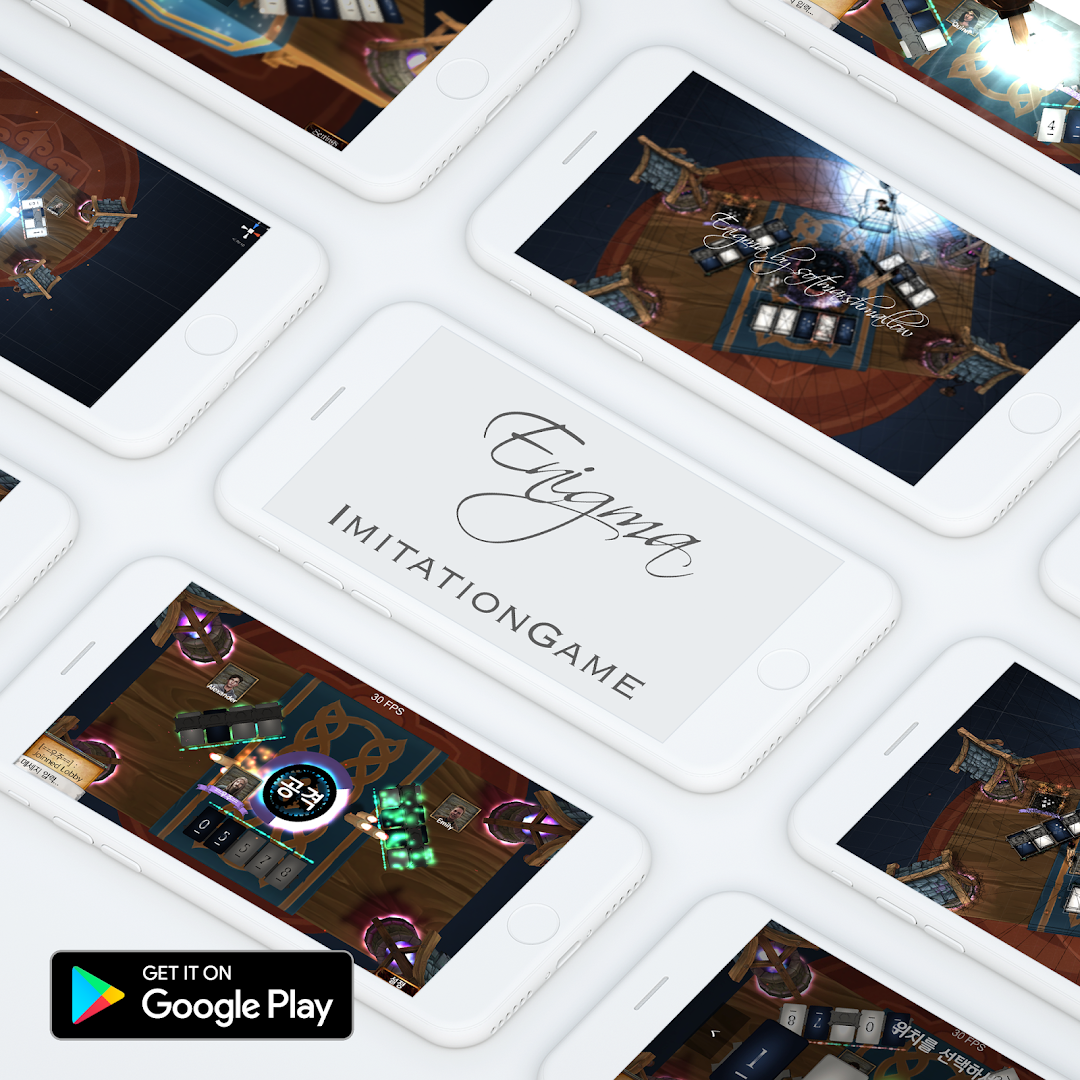
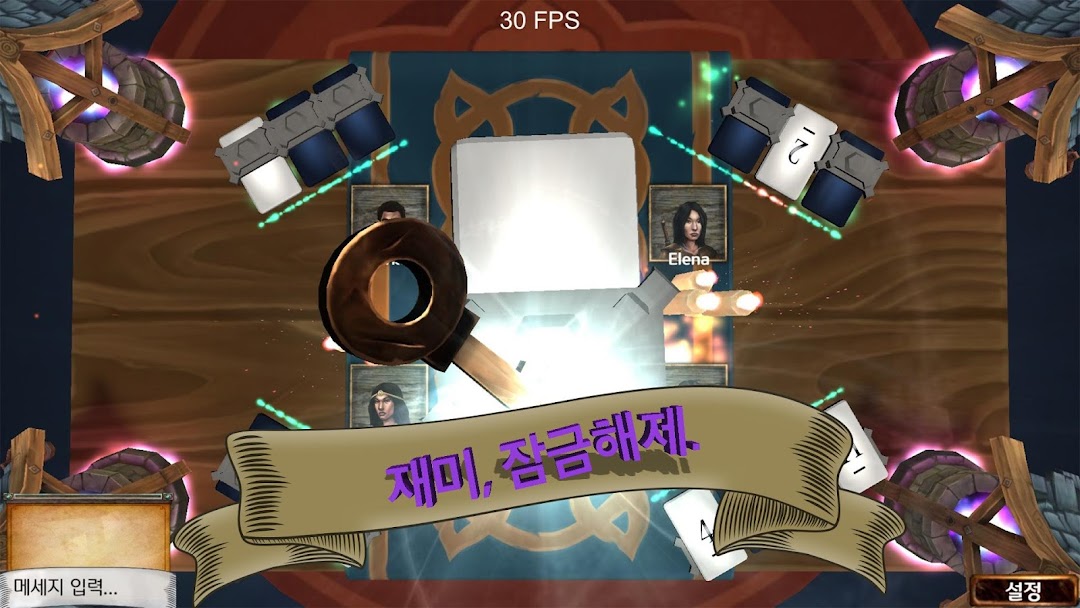
Mobile board game "Da Vinci Code: Enigma"A bloody code battle in the palm of your hand!
I'm hiding your code
Reveal your opponent's secrets!
[How to play]
The password card consists of 13 white and 13 black cipher cards, numbers 0 to 11 and each Joker card.
2. When it's your turn, you'll pick either a black or white password card.
3. The smaller the number is to the left and the larger the number, the more the card is to the right.
Example) If you have a card with the numbers 1, 5, and 7 and you pick a card with 6 on it, it will be placed between 5 and 7.
4. If you pulled out the Joker, place it in the best position so that your password is confused. Joker can be placed anywhere!
5. If you have a password of the same number, a black password card will be placed on the left.
6. If you have completed the placement after pulling out the card, it's time to decode the opponent's code.
7. When deducing an opponent's card, exclude cards that have already been released except for those that you have.
8. Additionally, deduce the opponent's card based on the above rule (smaller is left, black is left).
9. If the prediction is correct, the card you pointed out will be released, and based on this, you can narrow the scope of your reasoning to decode the next card.
10. Reasoning can continue until your prediction is wrong, and if you have succeeded in reasoning more than once, you can terminate the turn at any time.
11. If the reasoning is wrong, your last card you brought will be revealed and the turn will be handed over to the next player.
I'm hiding your code
Reveal your opponent's secrets!
*This update fixes a large number of existing bugs.
Graphics
Gears by Freepik.com
Hand painted steampunk man illustration by Freepik.com
RPG_GUI_v1 by Lamoot
player thumbnail images(Flare Portrait Pack) by Justin Nichol
Sound
BGMs
LivableOST by Softmarshmallow
== Lobby musics==
I'm Good (ft. RoZe) prod. by Drumma Battalion
Radio ft. RoZe (prod. by Drumma Battalion)
Scars (ft. RoZe) prod. by Drumma Battalion
(New Frontiers, ect...) by Ross Bugden
Ross Bugden YouTube Chanel
https://www.youtube.com/channel/UCQKGLOK2FqmVgVwYferltKQ
Trouble Makers
Music by Matthew Pablo
http://www.matthewpablo.com
in a sentimental mood
by Joe Reynolds - Professorlamp
http://opengameart.org/content/acoustic-jazz
SFXs
Earthquake - Recorded by Mike Koenig
[Badromance]
[Softmarshmellow]
[BePex]
Screenshots and Videos of Enigma | Imitation Game PC


Why Play Enigma | Imitation Game on PC with LDPlayer?
 Multi-Instance & Sync
 Remote Control
 Custom Controls




Effortlessly clone multiple instances and initiate synchronization until you draw the desired hero before binding your account, enhancing efficiency in rerolls in Enigma | Imitation Game.

High FPS
With support for high FPS, Enigma | Imitation Game's game graphics are smoother, and actions are more seamless, enhancing the visual experience and immersion of playing Enigma | Imitation Game.
Video Recorder
Easily capture your performance and gameplay process in Enigma | Imitation Game, aiding in learning and improving driving techniques, or sharing gaming experiences and achievements with other players.
How to Download&Play Enigma | Imitation Game on PC?
 1
1Download and install LDPlayer on your computer
 2
2Locate the Play Store in LDPlayer's system apps, launch it, and sign in to your Google account
 3
3Enter "Enigma | Imitation Game" into the search bar and search for it
 4
4Choose and install Enigma | Imitation Game from the search results
 5
5Once the download and installation are complete, return to the LDPlayer home screen
 6
6Click on the game icon on the LDPlayer home screen to start enjoying the exciting game


