
Do Not Feed The Monkeys
Watch strangers via hidden cameras. Invade their privacy. But don’t you dare…

Overview

FAQ
Use LDPlayer to Play Do Not Feed The Monkeys on PC
Do Not Feed The Monkeys is a Adventure application developed by Alawar Entertainment, Inc., but with the best Android emulator-LDPlayer, you can download and play Do Not Feed The Monkeys on your computer.
Running Do Not Feed The Monkeys on your computer allows you to browse clearly on a large screen, and controlling the application with a mouse and keyboard is much faster than using touchscreen, all while never having to worry about device battery issues.
With multi-instance and synchronization features, you can even run multiple applications and accounts on your PC.
And file sharing makes sharing images, videos, and files incredibly easy.
Download Do Not Feed The Monkeys and run it on your PC. Enjoy the large screen and high-definition quality on your PC!
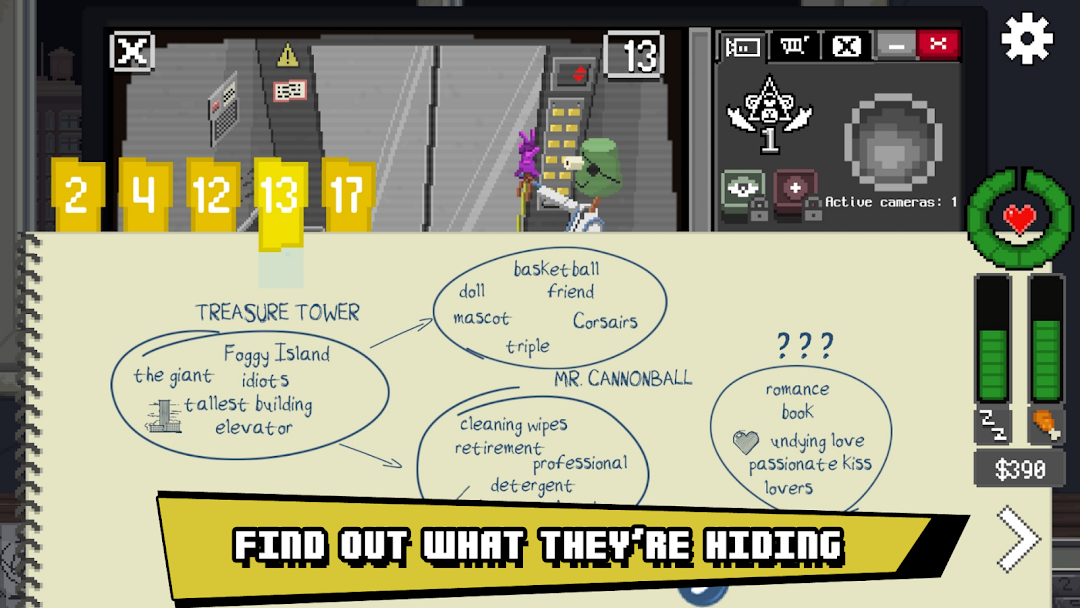
We cordially invite you to experience the world's first voyeur simulator. Through our hidden camera adventure, we can offer you a whole new realm of enticing opportunities, including:• SPYING ON strangers through webcams and surveillance equipment!
• PRYING INTO the private lives of dozens of unwitting individuals!
• EXPERIENCING fun, shocking and appalling storylines!
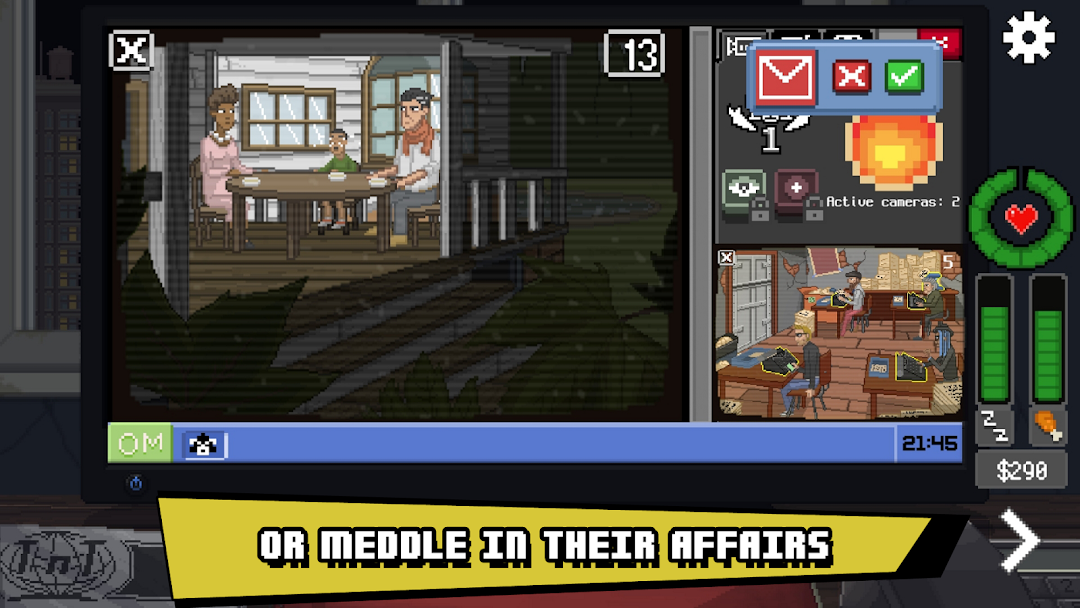
Do Not Feed the Monkeys is a digital voyeur sim in which you observe strangers through surveillance equipment. While you're allowed to invade their privacy and witness their most intimate moments, you are forbidden to interact with them. Anything could happen if you dare to "feed the monkeys!"
Oddly enough, most of our players have a hard time abiding by this simple rule! What about you? Will you help those on which you're spying? Will you extort or expose them? Or will you follow the rules and twiddle your thumbs while the world burns?
To keep you safe, we operate under the cover of a wildlife conservation society called The Primate Observation Club. To understand more about what we do, read this brief glossary of terms and then let us know if you're ready to join:
Primate Observation Club: That's us! We're a shadowy group that observes other people through surveillance equipment and compromised webcams.
You: Tired of your rundown apartment, dull existence and boring job, you are the newest member of the club.
Monkeys: The dozens of strangers who have fallen prey to your voyeurism.
Voyeurism: Exactly what you think it is (and also the reason we're rated "Mature").
Privacy: Something the monkeys think they have.
Feeding the monkeys: Interacting or interfering with the subjects in any way. Feeding the monkeys is strictly prohibited!
Are you ready to become a member of The Primate Observation Club? All you have to remember is one simple rule: Do not feed the monkeys!
Enjoying Do Not Feed the Monkeys? Learn more about the game!
https://donotfeedthemonkeys.com
https://www.facebook.com/DNFTM/
Screenshots and Videos of Do Not Feed The Monkeys PC


Why Play Do Not Feed The Monkeys on PC with LDPlayer?
 Multi-Instance & Sync
 Remote Control
 Custom Controls




Effortlessly clone multiple instances and initiate synchronization until you draw the desired hero before binding your account, enhancing efficiency in rerolls in Do Not Feed The Monkeys.

High FPS
With support for high FPS, Do Not Feed The Monkeys's game graphics are smoother, and actions are more seamless, enhancing the visual experience and immersion of playing Do Not Feed The Monkeys.
Video Recorder
Easily capture your performance and gameplay process in Do Not Feed The Monkeys, aiding in learning and improving driving techniques, or sharing gaming experiences and achievements with other players.
How to Download&Play Do Not Feed The Monkeys on PC?
 1
1Download and install LDPlayer on your computer
 2
2Locate the Play Store in LDPlayer's system apps, launch it, and sign in to your Google account
 3
3Enter "Do Not Feed The Monkeys" into the search bar and search for it
 4
4Choose and install Do Not Feed The Monkeys from the search results
 5
5Once the download and installation are complete, return to the LDPlayer home screen
 6
6Click on the game icon on the LDPlayer home screen to start enjoying the exciting game


