

Overview

FAQ
Use LDPlayer to Play GBA Game Emulator - Game Boy on PC
GBA Game Emulator - Game Boy is a Simulation application developed by HD game, but with the best Android emulator-LDPlayer, you can download and play GBA Game Emulator - Game Boy on your computer.
Running GBA Game Emulator - Game Boy on your computer allows you to browse clearly on a large screen, and controlling the application with a mouse and keyboard is much faster than using touchscreen, all while never having to worry about device battery issues.
With multi-instance and synchronization features, you can even run multiple applications and accounts on your PC.
And file sharing makes sharing images, videos, and files incredibly easy.
Download GBA Game Emulator - Game Boy and run it on your PC. Enjoy the large screen and high-definition quality on your PC!
🎮 GBA Emulator: Classic Gameboy Advance 🎮Rediscover the legendary world of Game Boy Advance (GBA) with this fast, powerful, and easy-to-use emulator – all in one app! This GBA emulator runs classic gameboy advance games with high compatibility, speed, and accuracy.
Enjoy your favorite retro GBA titles with smooth performance and deeply customizable features. Relive your childhood memories now with the ultimate Classic Gameboy Emulator!
🔥 Key Features 🔥
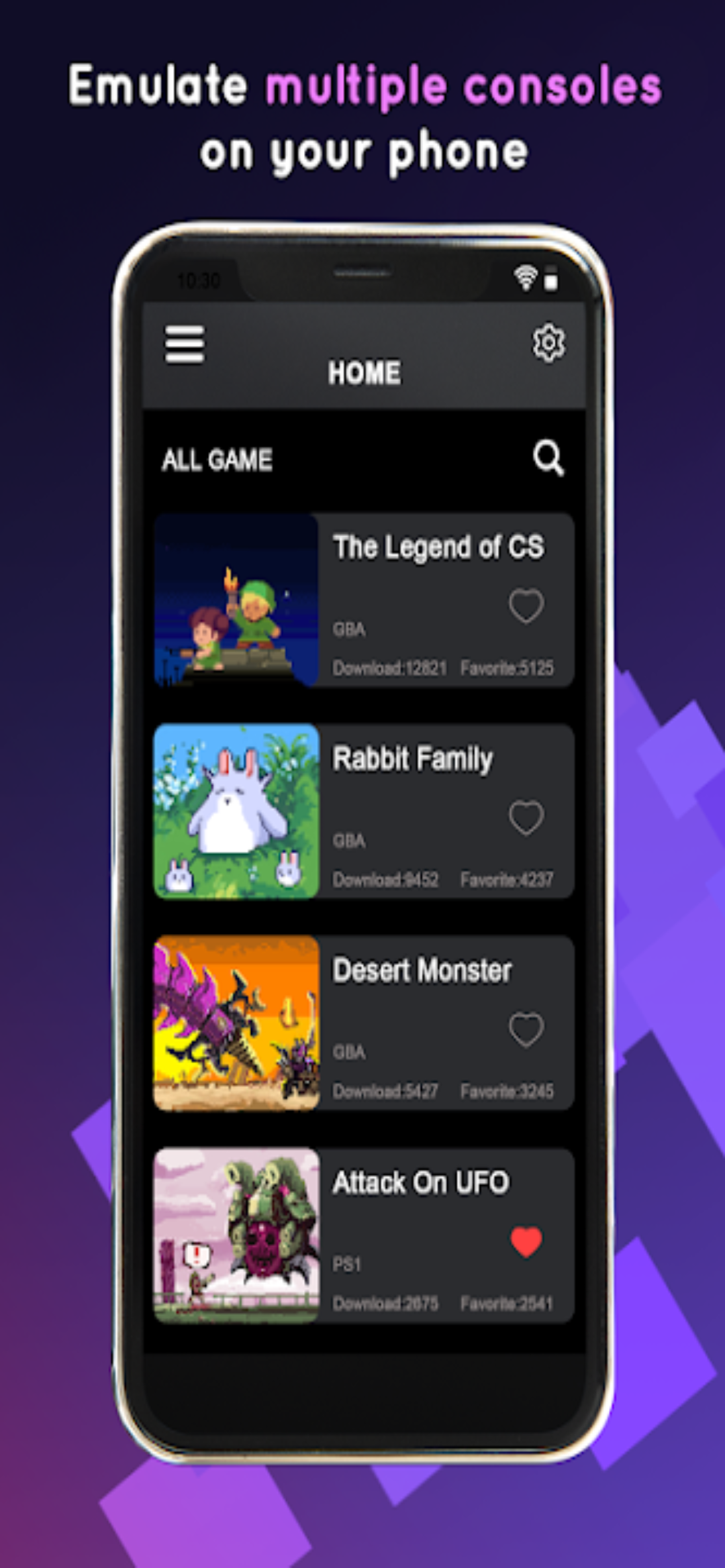
✔️ Emulate 1000+ classic gameboy advance games from popular websites
✔️ Easy scan games feature
✔️ Import game ROM files directly (.gba format supported)
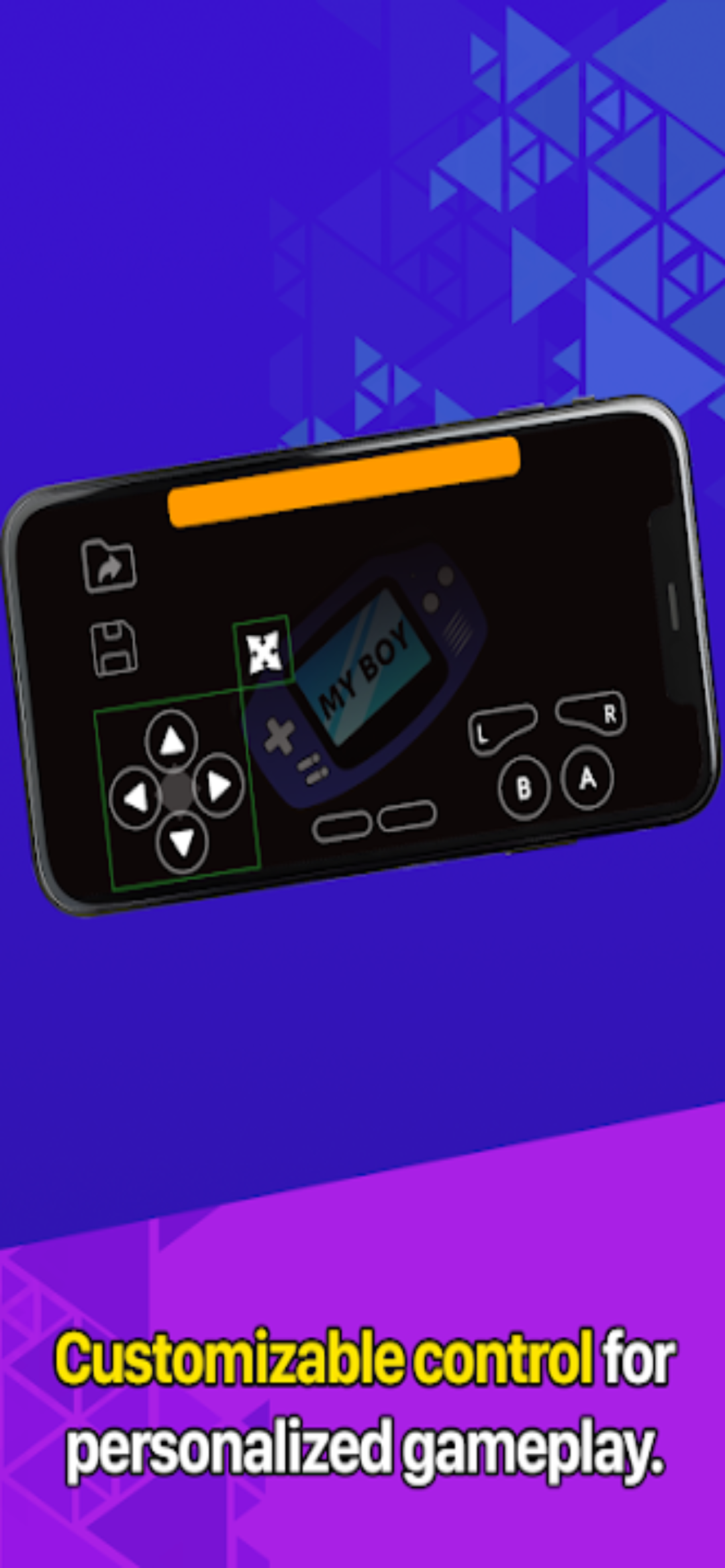
✔️ Supports both horizontal screen mode and portrait mode for flexible gameplay
✔️ External game controller connection supported
✔️ Fast forward function to speed through slow parts of games
✔️ Save game & load game anytime – no worries about lost progress
✔️ Create desktop widgets to instantly launch your favorite games
✔️ Adjustable sound effects for personalized audio experience
✔️ Powerful screen layout editor – customize button positions and video display
✔️ Clean, intuitive interface with high performance and battery efficiency
📥 How to Use GBA Emulator
Open the emulator app and tap "Scan games" to import ROMs
Tap your game and start playing instantly!
⚠️ Note: This app does NOT include any games. A step-by-step guide is included in the app to help you get started quickly. This is a third-party tool to help you import, emulate, and play games. You are responsible for any games you load into the app.
📌 Additional Info
Currently supports: Game Boy Advance (GBA) only
This app is not affiliated with or endorsed by Nintendo. All related console names are trademarks of Nintendo Co., Ltd. mentioned solely to describe supported environments
Payments are charged to your account upon confirmation of purchase
Subscriptions renew automatically unless turned off at least 24 hours before the end of the current period
Your account will be charged for renewal within 24 hours before the period ends
Subscriptions can be managed and auto-renewal turned off in account settings
🎉 We're constantly working to make GBA Emulator: Classic Gameboy even better. If you have suggestions or feedback, please reach out – we’d love to hear from you. Thanks for supporting us!
Screenshots and Videos of GBA Game Emulator - Game Boy PC


Why Play GBA Game Emulator - Game Boy on PC with LDPlayer?
 Multi-Instance & Sync
 Remote Control
 Custom Controls




Effortlessly clone multiple instances and initiate synchronization until you draw the desired hero before binding your account, enhancing efficiency in rerolls in GBA Game Emulator - Game Boy.

High FPS
With support for high FPS, GBA Game Emulator - Game Boy's game graphics are smoother, and actions are more seamless, enhancing the visual experience and immersion of playing GBA Game Emulator - Game Boy.
Video Recorder
Easily capture your performance and gameplay process in GBA Game Emulator - Game Boy, aiding in learning and improving driving techniques, or sharing gaming experiences and achievements with other players.
How to Download&Play GBA Game Emulator - Game Boy on PC?
 1
1Download and install LDPlayer on your computer
 2
2Locate the Play Store in LDPlayer's system apps, launch it, and sign in to your Google account
 3
3Enter "GBA Game Emulator - Game Boy" into the search bar and search for it
 4
4Choose and install GBA Game Emulator - Game Boy from the search results
 5
5Once the download and installation are complete, return to the LDPlayer home screen
 6
6Click on the game icon on the LDPlayer home screen to start enjoying the exciting game


