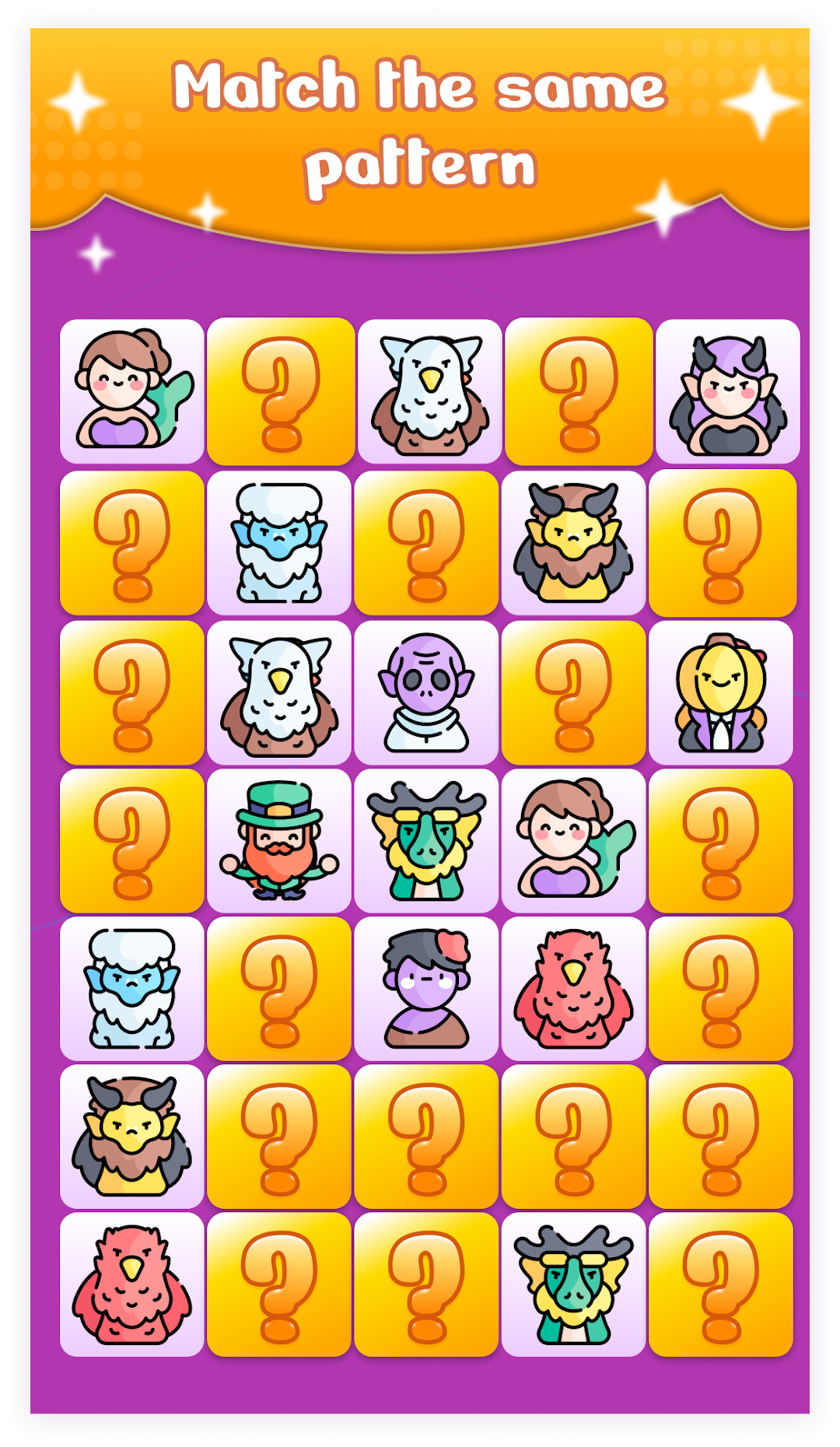
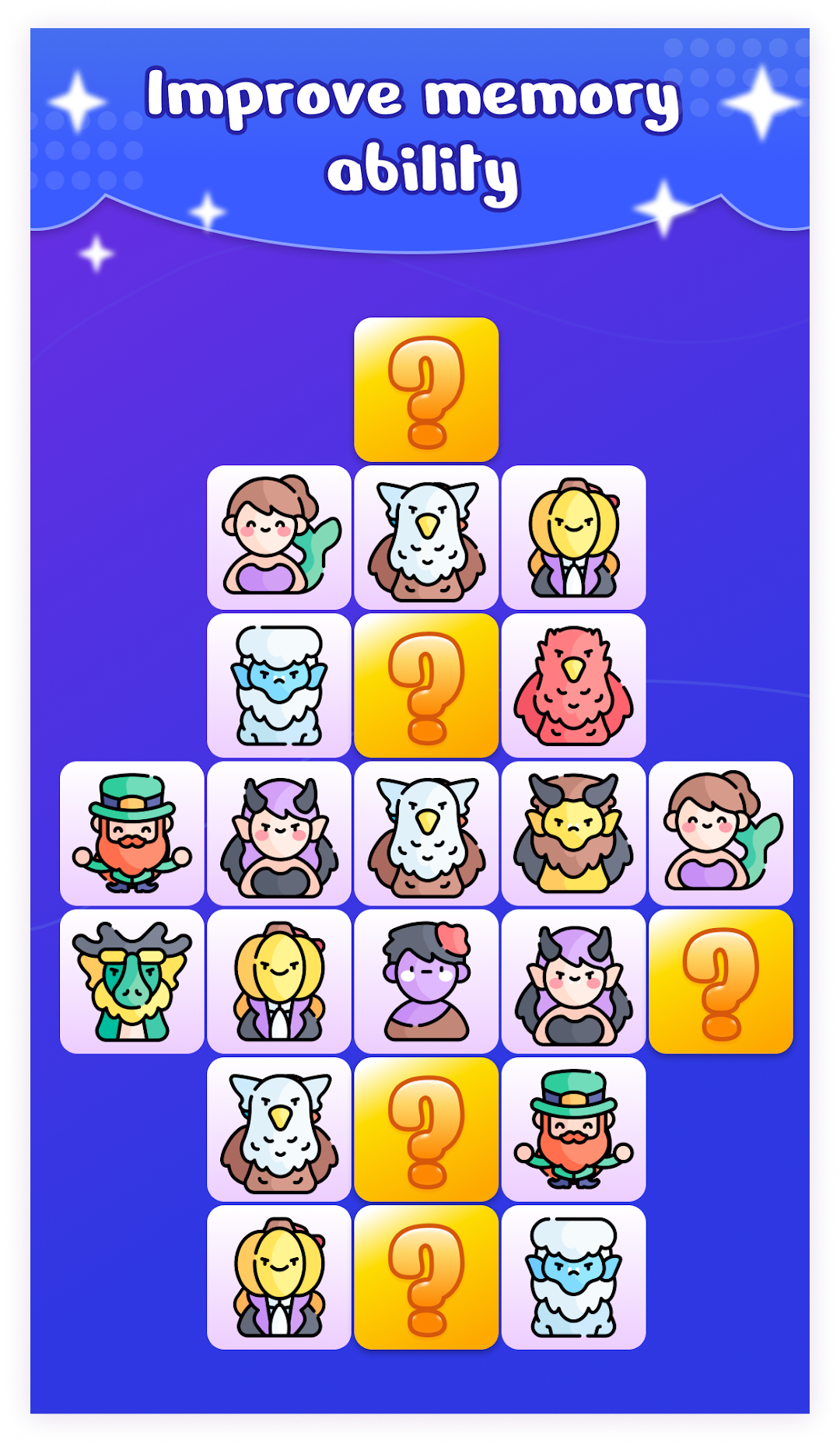
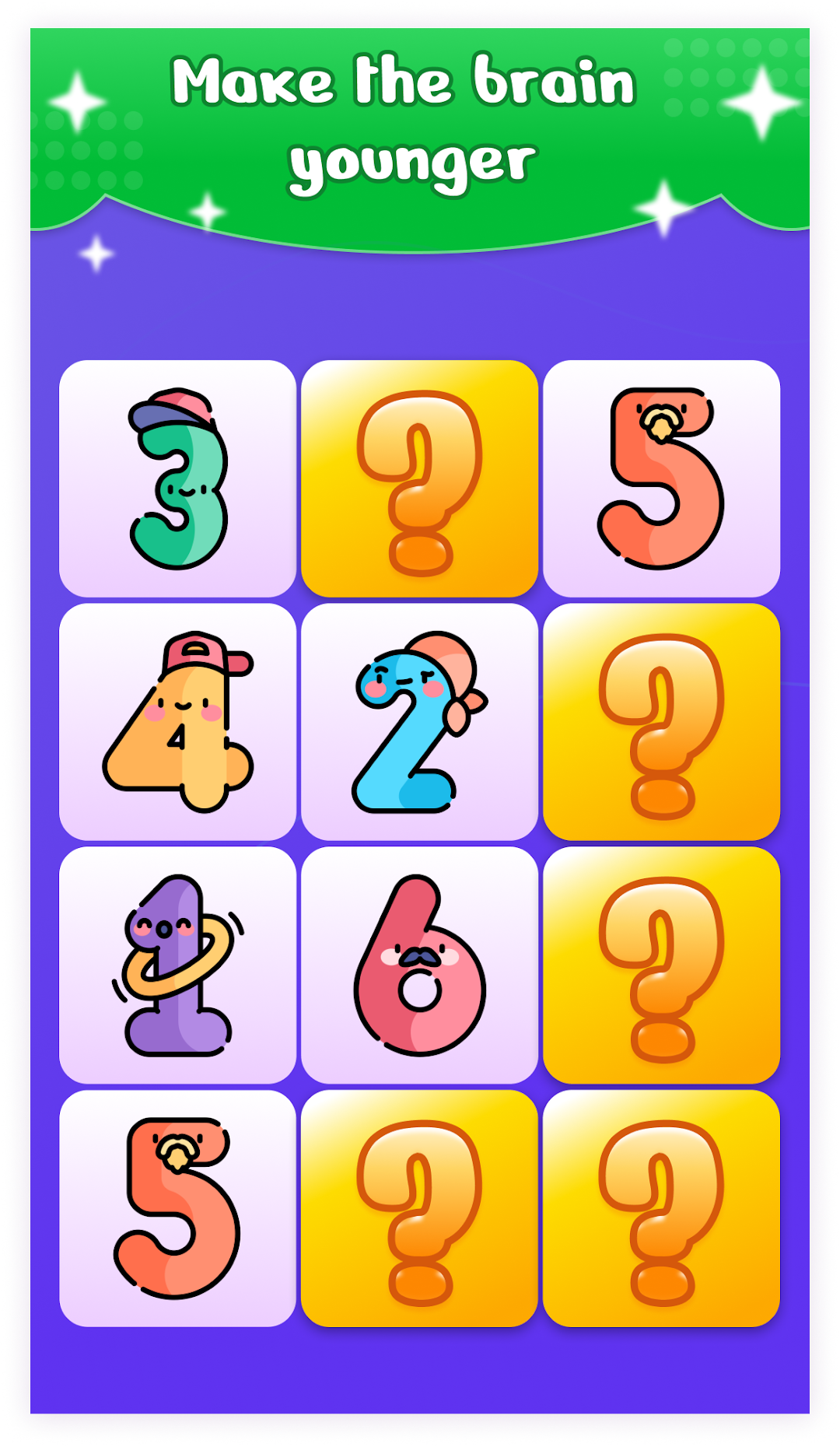
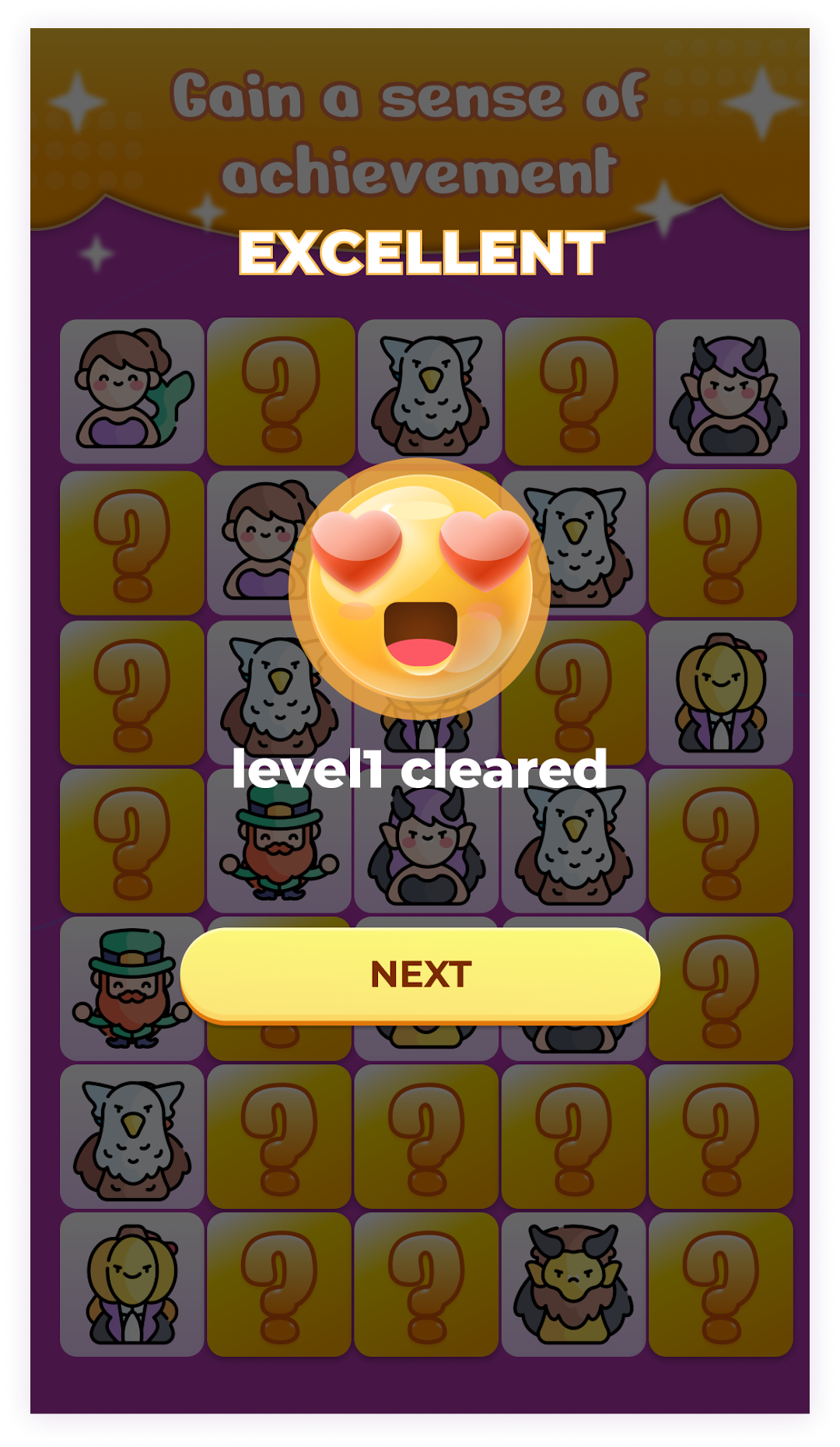
Memory Match is a Puzzle application developed by Dominic Neufville, but with the best Android emulator-LDPlayer, you can download and play Memory Match on your computer.
Running Memory Match on your computer allows you to browse clearly on a large screen, and controlling the application with a mouse and keyboard is much faster than using touchscreen, all while never having to worry about device battery issues.
With multi-instance and synchronization features, you can even run multiple applications and accounts on your PC.
And file sharing makes sharing images, videos, and files incredibly easy.
Download Memory Match and run it on your PC. Enjoy the large screen and high-definition quality on your PC!
This classic memory game fully showcases its unique charm:Easy to learn, suitable for everyone: The game design is very simple and easy to understand, allowing players of all ages and genders to embark on a pleasant journey of memory exploration.
Difficulty grading and layered promotion: By carefully setting various difficulty levels, one can gradually challenge the difficulty and achieve success.
Exquisite graphics and cute elements: Visually stunning graphics, combined with various cute and adorable factors, can relax, relax and entertain.
Game Guide:
1. Concentrate on remembering the position of the card, which is the key first step towards successful pairing.
2. After flipping the card, click on the card you think is the same to pair. If the match is successful, pass this level and unlock the next level smoothly.
3.During the process, please be careful to hide the "bomb" cards as they can affect your matching progress.
What are you waiting for? Come and join this fun and challenging memory game!