Simple Sudoku is a Trivia application developed by studyplace, but with the best Android emulator-LDPlayer, you can download and play Simple Sudoku on your computer.
Running Simple Sudoku on your computer allows you to browse clearly on a large screen, and controlling the application with a mouse and keyboard is much faster than using touchscreen, all while never having to worry about device battery issues.
With multi-instance and synchronization features, you can even run multiple applications and accounts on your PC.
And file sharing makes sharing images, videos, and files incredibly easy.
Download Simple Sudoku and run it on your PC. Enjoy the large screen and high-definition quality on your PC!
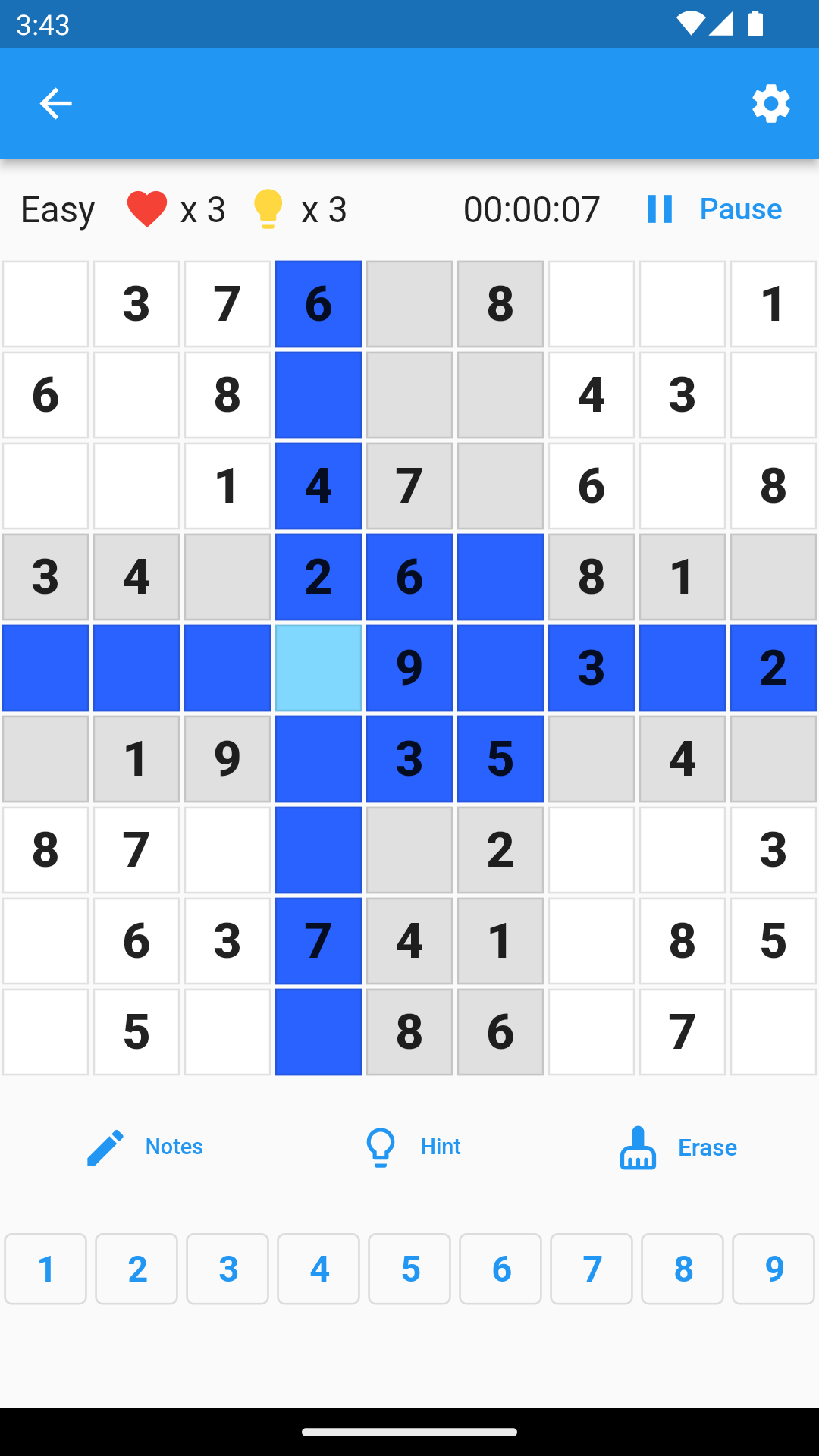
The purpose of Simple Sudoku is to help Sudoku beginners master problem-solving skills smoothly. It provides Sudoku puzzles with different difficulty levels, ranging from easy to expert, and users can choose different difficulty levels based on their problem-solving ability. It also provides a simple and easy-to-understand interface, allowing users to easily operate and quickly get started.In addition, Simple Sudoku also provides some convenient functions, such as hints and puzzle-solving records. Users can use these functions to improve their problem-solving ability and efficiency. If users get stuck while solving puzzles, they can use the hint function to get some help, and the hint will automatically fill in some numbers to help users continue to solve the puzzle. Users can also view their puzzle-solving records, such as the difficulty level and time of spent puzzles, to understand their puzzle-solving progress. There is no network requirement.
The design concept of Simple Sudoku is to help users quickly get started and improve their problem-solving skills, not just a simple Sudoku game, but also a tool that can help users grow and progress.
Let's brainstorm together!