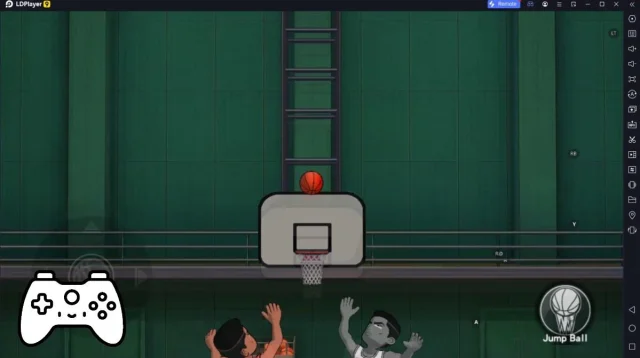
Break Master Ace is a Sports game developed by Shuping. LDPlayer is the best platform for playing Break Master Ace on Windows PC, offering powerful features to enhance your immersive experience in Break Master Ace.
When playing Break Master Ace on your computer, the larger screen and more powerful graphics performance enable you to enjoy clearer and smoother game visuals, enhancing the visual experience of the game.
The operation of peripherals such as gamepads is emulated to better mimic the feel of real sports, providing more precise control and richer operation options.
Furthermore, if you wish to execute a series of continuous key combinations, the one-click macro feature will be the functionality you've been dreaming of, allowing you to effortlessly stay one step ahead with one-touch operation. Start downloading and playing Break Master Ace on your computer now!
🎱 Break Master Ace — The Ultimate 8-Ball Pool ExperienceStep up to the table and feel the rush! Break Master Ace delivers fast-paced,
skill-based 8-ball pool action where every shot counts. Perfect your break,
line up the perfect angle, and clear the table in style.
🏆 WHY PLAYERS LOVE IT:
• REALISTIC PHYSICS — Authentic ball movement and table dynamics that make
every shot feel true to life.
• COMPETITIVE MODES — Climb the leaderboards in ranked matches, challenge
friends in private rooms, or test your skills in time-limited tournaments.
• DAILY CHALLENGES & STREAKS — Log in every day for fresh challenges. Keep
your streak alive for escalating prizes.
• CUSTOMIZE YOUR CUE — Unlock and upgrade legendary cues with unique stats
and stunning designs.
• GLOBAL MATCHMAKING — Play against real opponents from around the world.
Low-latency servers ensure smooth gameplay everywhere.
• OFFLINE PRACTICE — Hone your skills against AI opponents when you're on the go.
🎯 HOW IT WORKS:
1. BREAK THE RACK — Master the opening shot to set yourself up for victory.
2. CALL YOUR SHOTS — Plan ahead, think three moves forward, just like the pros.
3. CLEAR THE TABLE — Sink every ball and claim your victory rewards.
4. BUILD YOUR LEGACY — Rise through the ranks from rookie to pool legend.
Whether you're a casual player looking to unwind or a competitive shark hungry
for the top spot, Break Master Ace has something for you. Simple to pick up,
impossible to put down.
📲 Download now and break your way to the top!