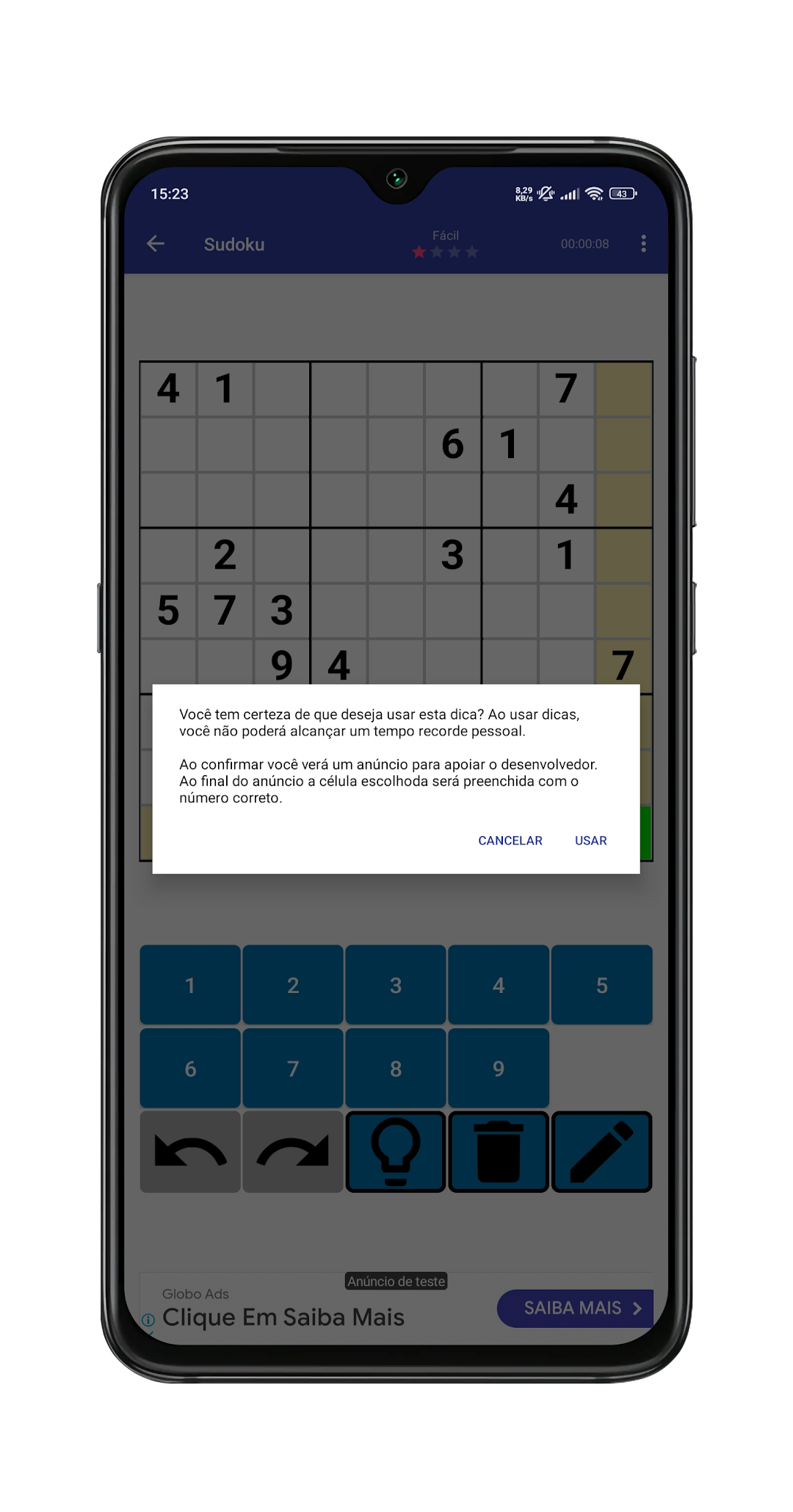
Sudoku is a Puzzle application developed by Crânio da Tecnologia, but with the best Android emulator-LDPlayer, you can download and play Sudoku on your computer.
Running Sudoku on your computer allows you to browse clearly on a large screen, and controlling the application with a mouse and keyboard is much faster than using touchscreen, all while never having to worry about device battery issues.
With multi-instance and synchronization features, you can even run multiple applications and accounts on your PC.
And file sharing makes sharing images, videos, and files incredibly easy.
Download Sudoku and run it on your PC. Enjoy the large screen and high-definition quality on your PC!
Immerse yourself in the world of Sudoku and test your logic skills with a game that offers challenges for all experience levels. With a modern interface and unique features, this is the Sudoku game you've been waiting for!Sudoku Highlights:
Variety of Modes: Try 6x6, 9x9 and 12x12 modes for a challenge that suits your level.
Daily Challenges: Test your skills with a new randomly generated Sudoku each day in "Daily Sudoku".
Custom Difficulties: From Easy to Very Hard, plus Custom mode where you can create and check your own board.
Instant Help: Use the hint button to fill in a number when you need a hand.
Flexible Themes: Choose between light and dark themes for a visual experience that fits your style.
Detailed Score: Track your performance with a screen dedicated to your score in each modality and level.
Unique Customization: Switch numbers to Roman, Fancy, Chinese, Greek, or Indian numerals for a personalized experience.
Important Note: The game is 100% individual and offline.
There are no in-app purchases, but stay tuned for future updates with exciting rewards and achievements!
Download now and experience Sudoku like never before!