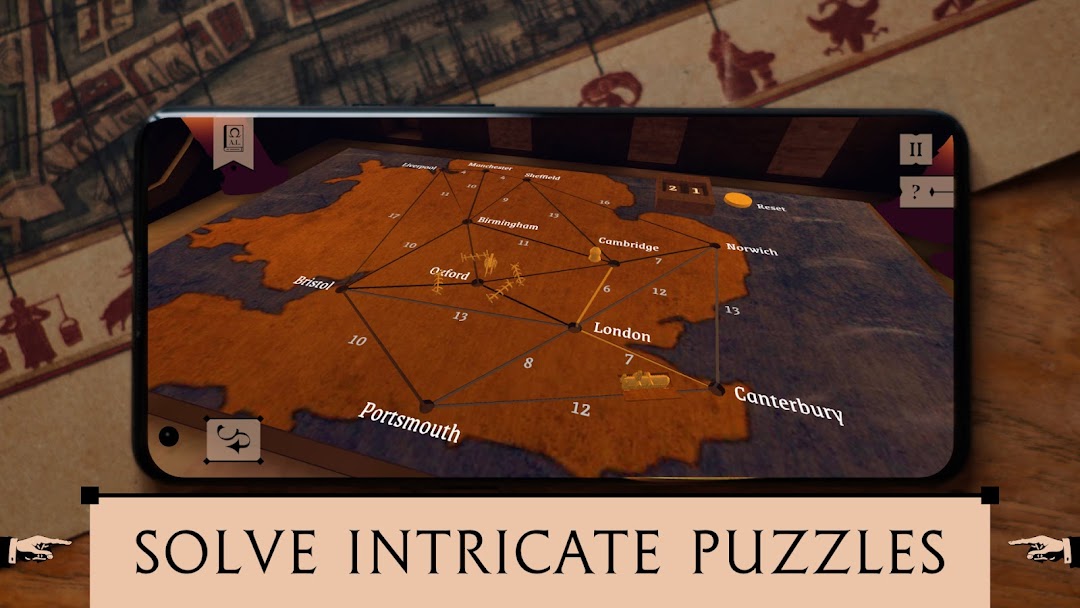
Ada's Study is a Puzzle application developed by Sherlocked, but with the best Android emulator-LDPlayer, you can download and play Ada's Study on your computer.
Running Ada's Study on your computer allows you to browse clearly on a large screen, and controlling the application with a mouse and keyboard is much faster than using touchscreen, all while never having to worry about device battery issues.
With multi-instance and synchronization features, you can even run multiple applications and accounts on your PC.
And file sharing makes sharing images, videos, and files incredibly easy.
Download Ada's Study and run it on your PC. Enjoy the large screen and high-definition quality on your PC!
Investigate the disappearance of Ada Lovelace and uncover a mathematical secret of epic proportions in Ada’s Study. Enjoy a short high quality experience packed with intricate mechanical puzzles and a fascinating mystery, developed by Sherlocked.Dust swirls through the study. Clearly, nobody has been in here for years. The room around you is filled with desks, cupboards, books, and notes on top of notes. The mechanical and even mathematical nature of this place is very apparent. This is the last workplace of Ada Lovelace, genius inventor of computer programming, and she has been hiding an epic secret. To uncover the mystery, you will need to work your way through every note and challenge she has left. But you just can’t shake the feeling that you’re not the only person investigating someone else…
INVESTIGATE ADA LOVELACE
Uncover a mystery surrounding the historical figure of Ada Lovelace, the genius mathematician and computer programming visionary.
INTRICATE PUZZLES
Solve challenging mechanical puzzles that connect to a larger narrative.
INTUITIVE TOUCH INTERACTIONS
Interact with objects in a tactile way using natural touch controls.
BEAUTIFULLY CRAFTED 3D VISUALS
Explore a carefully crafted world set in Victorian London with visuals that push the boundary of mobile graphics.
If you are a fan of games with 3D visuals and touch controls like “The Room” and “The House of Da Vinci”, there is a big chance you will enjoy Ada’s Study!