Turno Pro is a Business application developed by Marcelo Ragnelli Frigerio, but with the best Android emulator-LDPlayer, you can download and play Turno Pro on your computer.
Running Turno Pro on your computer allows you to browse clearly on a large screen, and controlling the application with a mouse and keyboard is much faster than using touchscreen, all while never having to worry about device battery issues.
With multi-instance and synchronization features, you can even run multiple applications and accounts on your PC.
And file sharing makes sharing images, videos, and files incredibly easy.
Download Turno Pro and run it on your PC. Enjoy the large screen and high-definition quality on your PC!
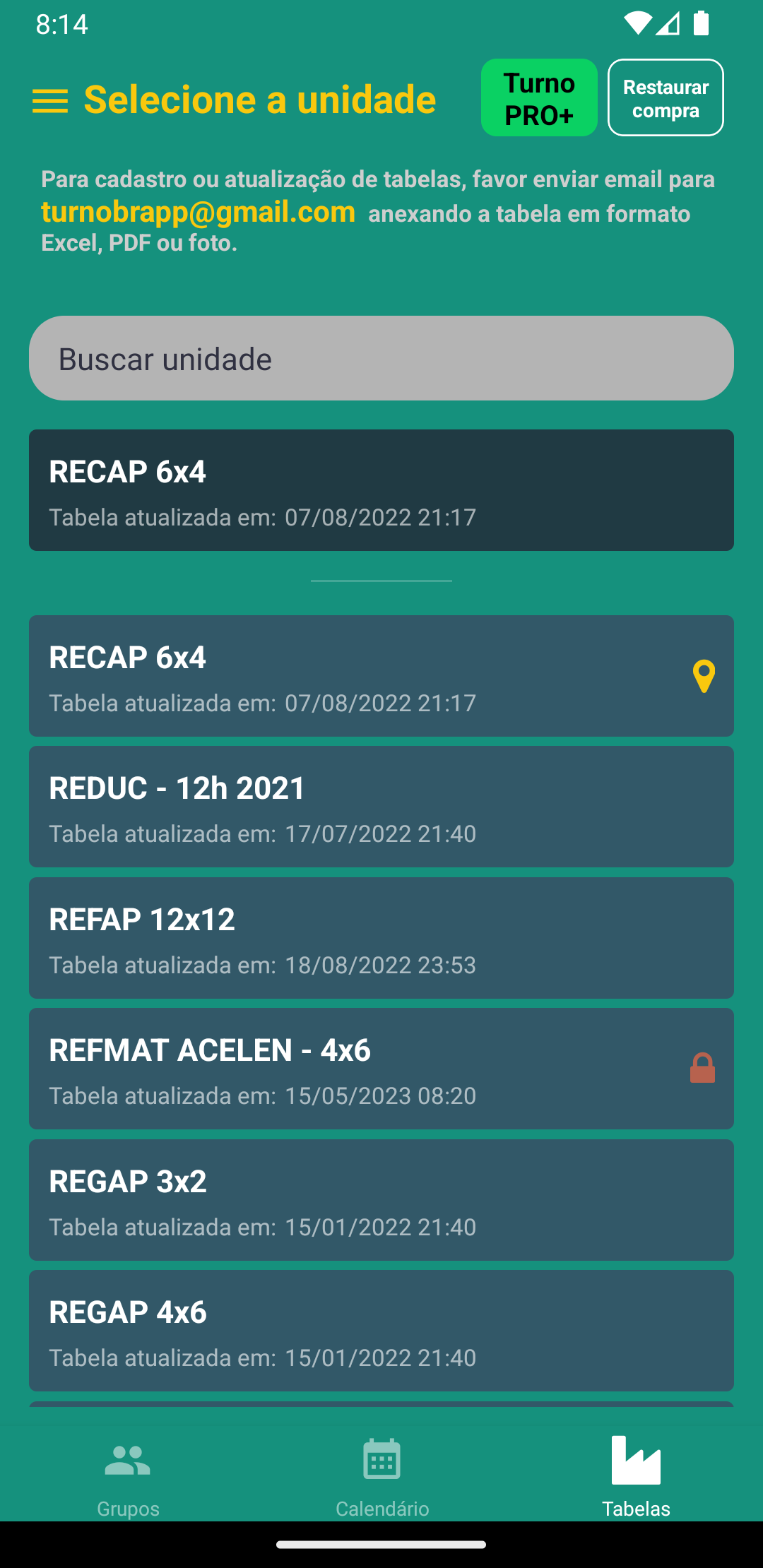
Turno Pro is an application for controlling shift work schedules.The main objective of the app is to make your daily life easier by allowing you to consult your scale through a simple, dynamic and intuitive interface.
If you want to add the scale to your company in the application, send an email with the table to ventobrapp@gmail.com, it can be a spreadsheet, PDF or photo.
NOTE: If you are the manager of a registered company and want your company's table to be removed from the application, send an email to ventobrapp@gmail.com and we will arrange for the table to be removed.
The main features of the app are:
- View the shift corresponding to each Group on a specific date or period;
- Tip: Go back to the current date by clicking outside the date selector;
- The tables are now on an online server, facilitating registration and updates;
- Light or dark themes according to the user's definition.
We really appreciate everyone's feedback and evaluation.
I hope you like and enjoy the application.
Greetings
Shift Pro Team