eVV 2.0 is a Education application developed by JEPC, but with the best Android emulator-LDPlayer, you can download and play eVV 2.0 on your computer.
Running eVV 2.0 on your computer allows you to browse clearly on a large screen, and controlling the application with a mouse and keyboard is much faster than using touchscreen, all while never having to worry about device battery issues.
With multi-instance and synchronization features, you can even run multiple applications and accounts on your PC.
And file sharing makes sharing images, videos, and files incredibly easy.
Download eVV 2.0 and run it on your PC. Enjoy the large screen and high-definition quality on your PC!
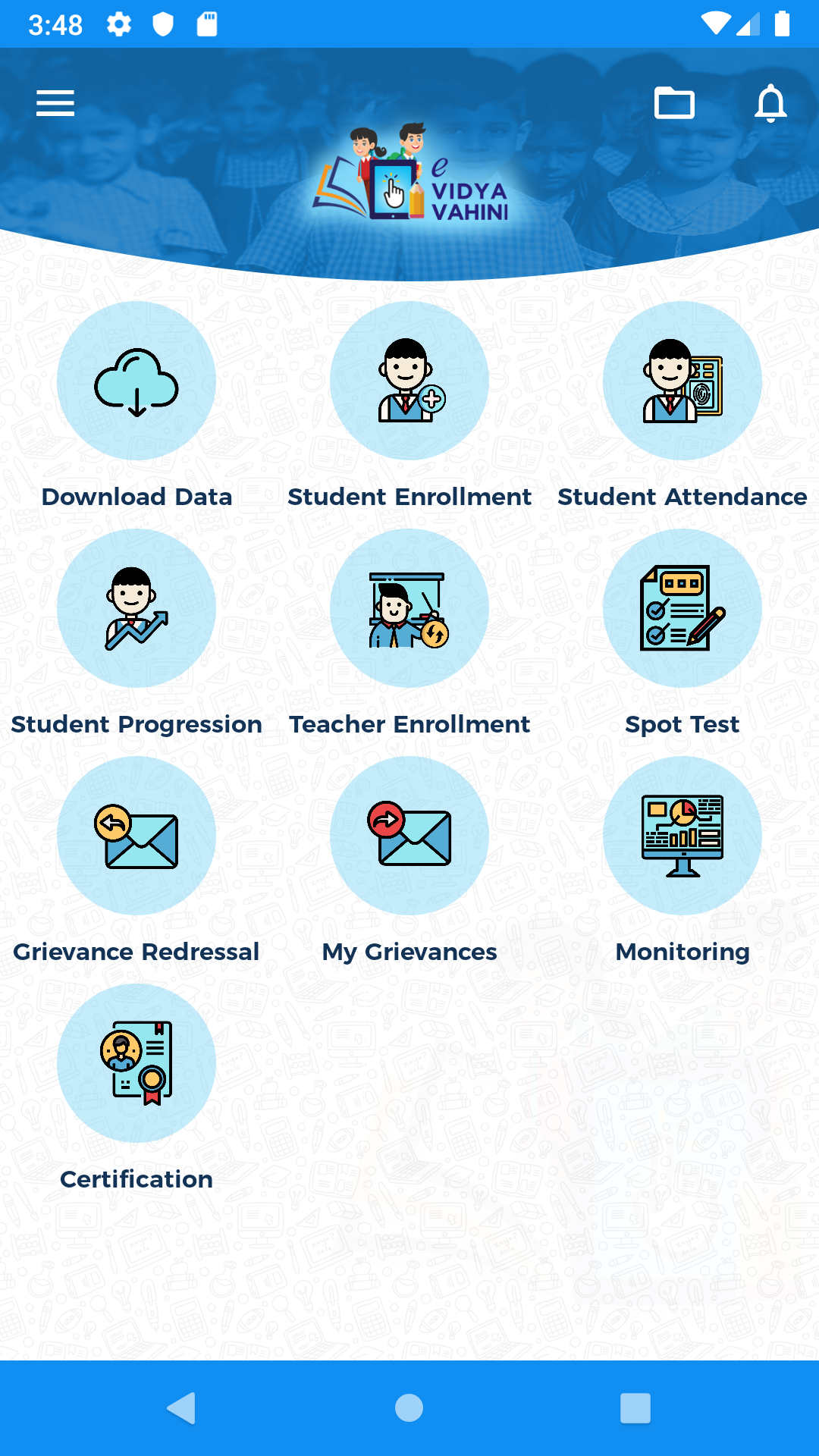
Department of School Education and Literacy (DoSE&L), Jharkhand aims to create an integrated digital platform called e-Vidyavahini to ensure robust governance of the school and effective service delivery. e-Vidyavahini shall serve as single centralized dynamic platform for monitoring of all key parameters to ensure effective delivery of quality education to all the schools in the state. It shall also serve as a two way communication platform to address issues and grievances of schools, and education officials at multiple levels. e-Vidyavahini shall be developed as a combination of mobile application and a web portal with dashboards and MIS to capture multiple parameters related to school infrastructure, delivery of schemes, learning outcomes, program implementation, academic initiatives, resource management etc.