@AH is a Business application developed by Albert Heijn Medewerkers, but with the best Android emulator-LDPlayer, you can download and play @AH on your computer.
Running @AH on your computer allows you to browse clearly on a large screen, and controlling the application with a mouse and keyboard is much faster than using touchscreen, all while never having to worry about device battery issues.
With multi-instance and synchronization features, you can even run multiple applications and accounts on your PC.
And file sharing makes sharing images, videos, and files incredibly easy.
Download @AH and run it on your PC. Enjoy the large screen and high-definition quality on your PC!
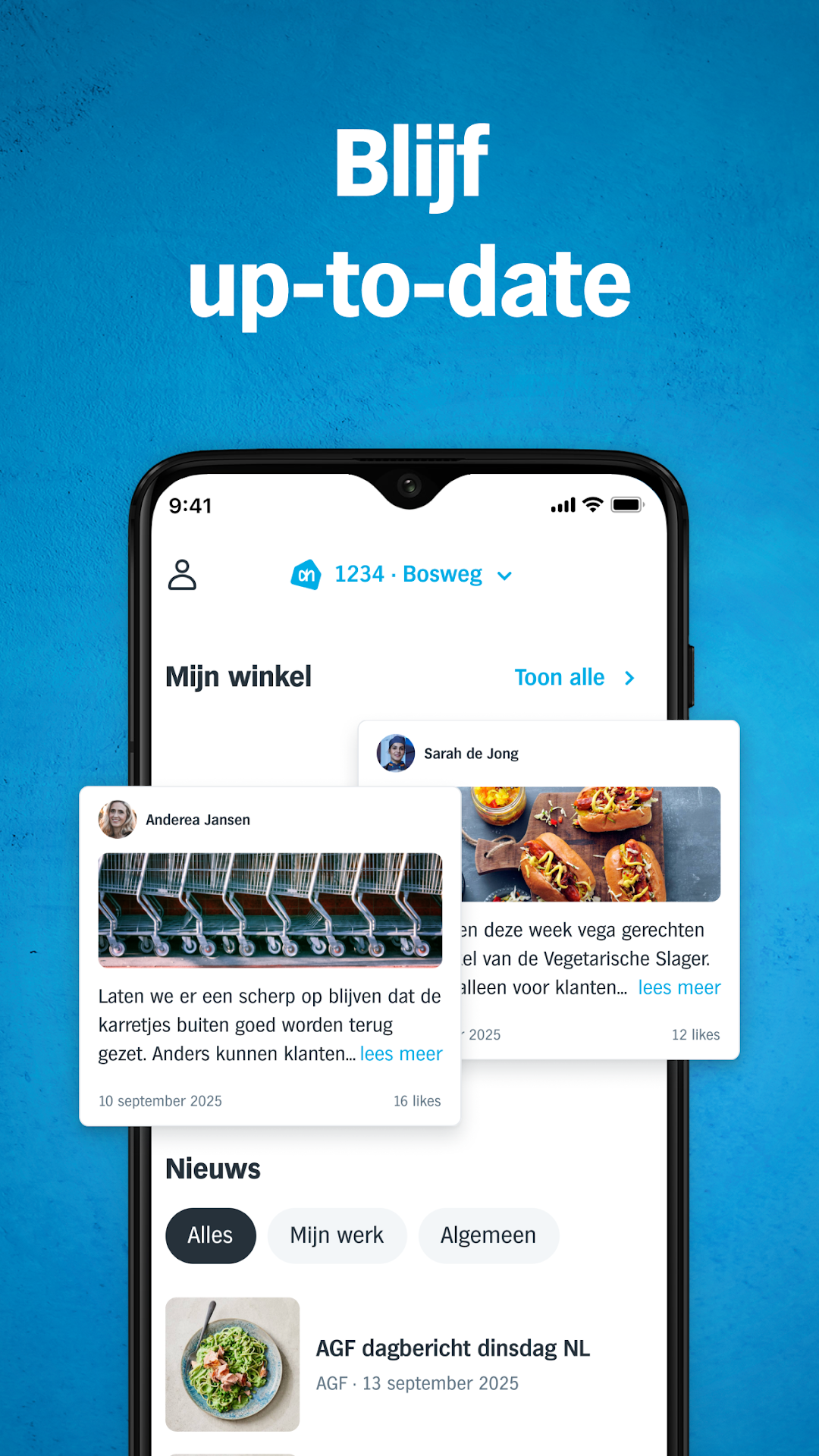
@AH is the personal app for Albert Heijn employees. With @AH you can view your schedule, chat with colleagues, stay informed of the latest news around Albert Heijn, and much more.To use the app, log in once with your Albert Heijn username (pnl), password, and 2-step verification. After this, you can always quickly log in with Touch ID, Face ID or your own numerical code. Are you new to Albert Heijn? Then follow the steps under 'Help with logging in'.