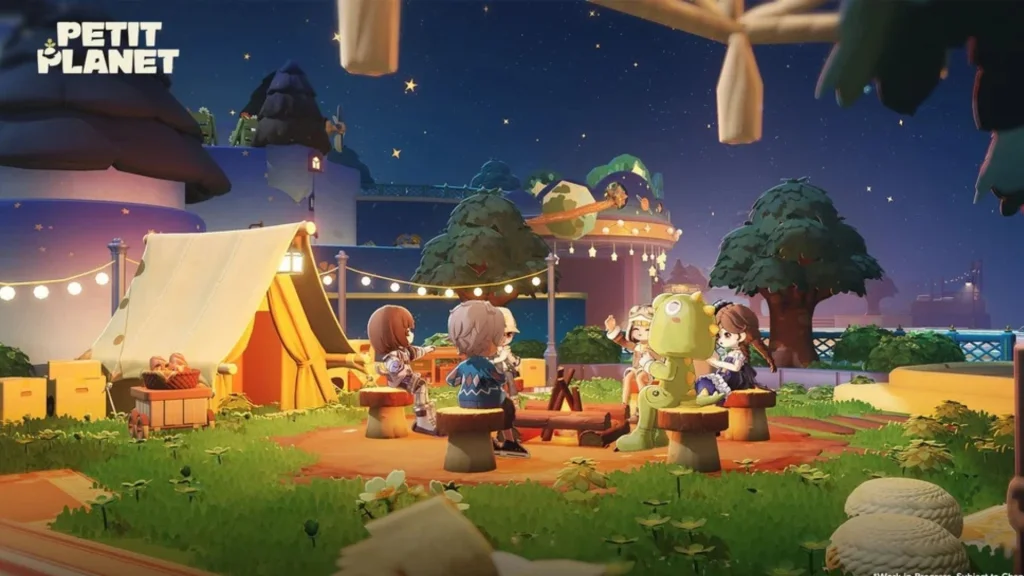
Petit Planet is a relaxing life-simulation game where you can build your own planet, meet adorable neighbors, explore new places, and enjoy creative activities. As you are just getting started, you'll see plenty of things to do but may have no clue where to begin during your first day. However, having the best Petit Planet tips can help you make steady progress without missing important rewards. This Petit Planet Beginner Guide covers the best first-day progression activities and useful tips to help you build a thriving planet from the beginning.
Start Your Day by Checking Mail and Quests
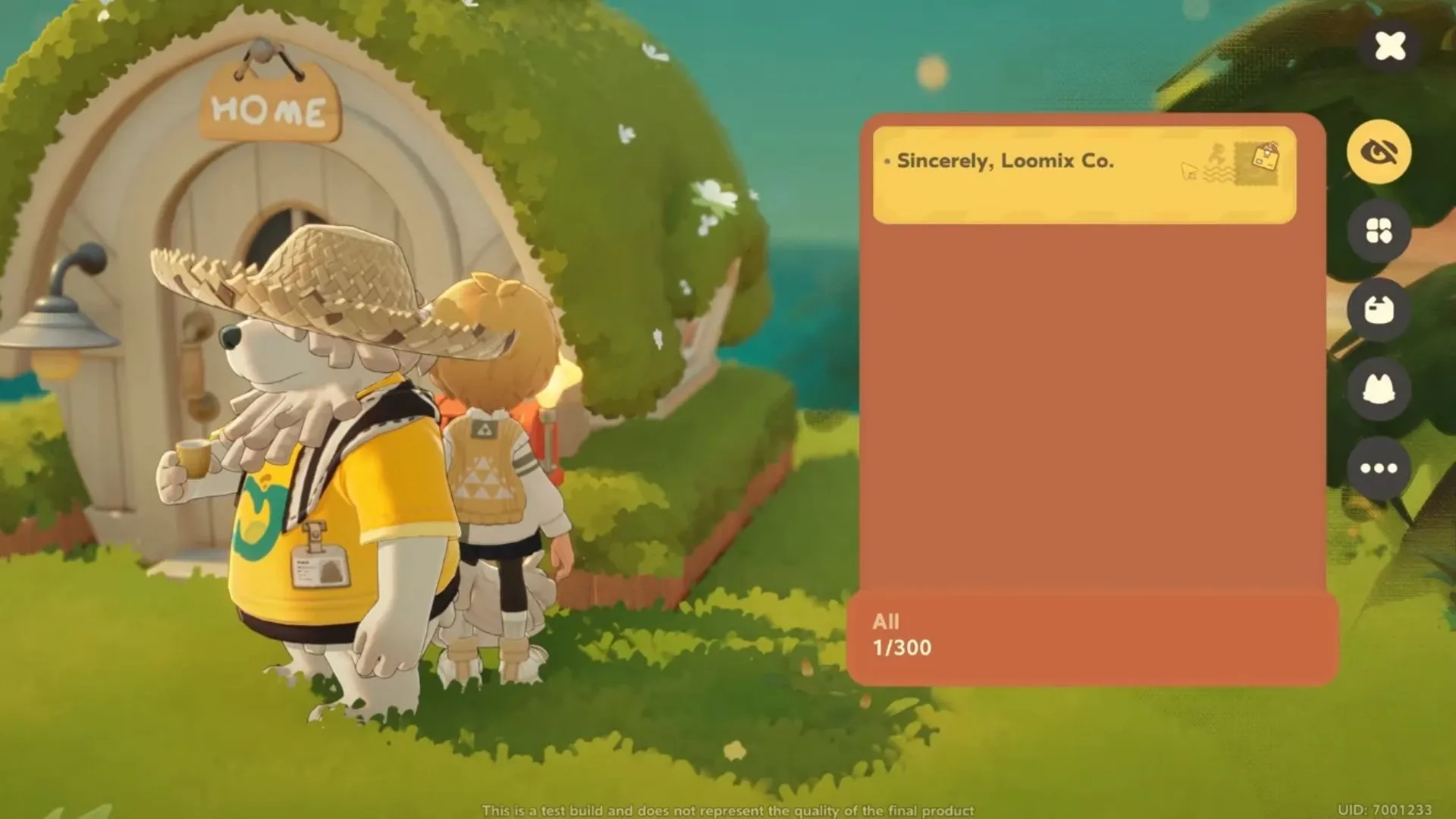
If you're wondering what to do whenever you jump into Petit Planet, the first thing is to take a few minutes to check what's waiting for you before running around your planet. For more convenience, checking your in-game mailbox and quest log is one of the most important habits to follow daily or whenever you log into the game. These places offer extra rewards, new activities, and useful hints about what to do next.
Here's what you should check first:
- Check Your Physical Mailbox: Visit the mailbox near your house to collect letters and gifts sent by your neighbors. This is different from the in-game mail sent by the developers.
- Review Your Quest Log: Check for completed quests, newly available objectives, and updates on any time-locked quests.
- Look for Neighbor Requests: Visit the neighbor section to see whether anyone has new requests or activities waiting for you.
Completing these small tasks first helps you plan your session and prevents you from missing rewards or important quest updates.
Meet Your Neighbors and Build Stronger Bonds
Your neighbors in Petit Planet are more than just NPCs. They play an important role in helping you make better progress throughout the game, starting from the very beginning. These adorable characters give you plenty of opportunities to build stronger friendships and unlock new story events, dialogue, rewards, special nicknames, and additional interactions.
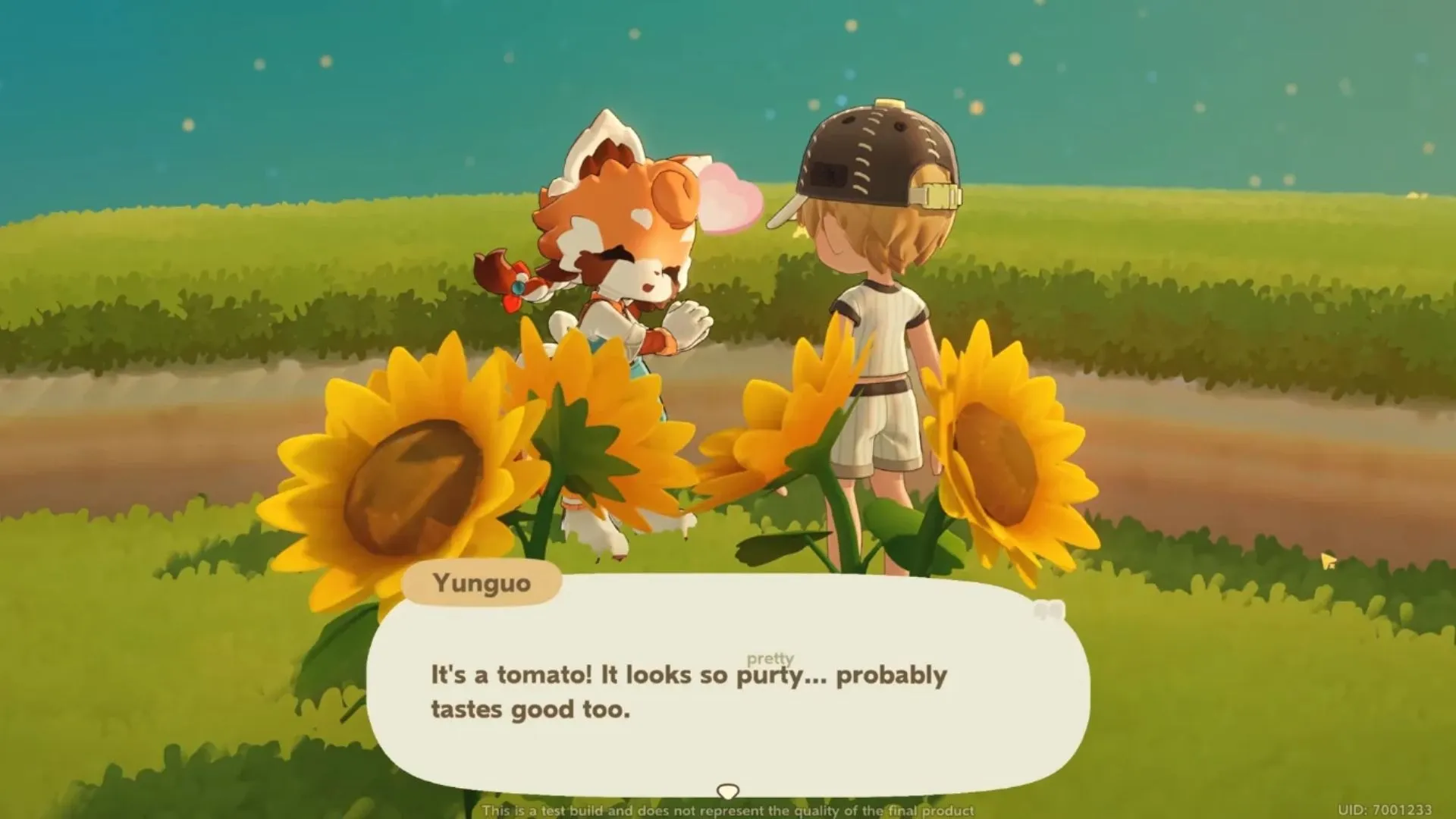
You can usually find your neighbors around the town center, making it a perfect place to start your daily interactions. Simply approach them, have a chat, give them gifts, and complete their requests to increase your bond levels and earn more rewards.
Also, always keep an eye out for neighbors with thought bubbles above their heads. These icons indicate that they may have special requests, available gifts, or other interactions waiting for you. Some encounters can even introduce new questlines, so make sure to interact with every neighbor you meet!
Choose the Right Tools for Your Activities
Your planet is full of hidden resources, interesting creatures, and exciting places waiting to be explored. But to enjoy your adventures and get the most out of each activity, you need the right tools for the job! Petit Planet offers a useful set of tools to help you catch fish, collect insects, gather materials, move around your planet, and even give your surroundings a fresh new look.
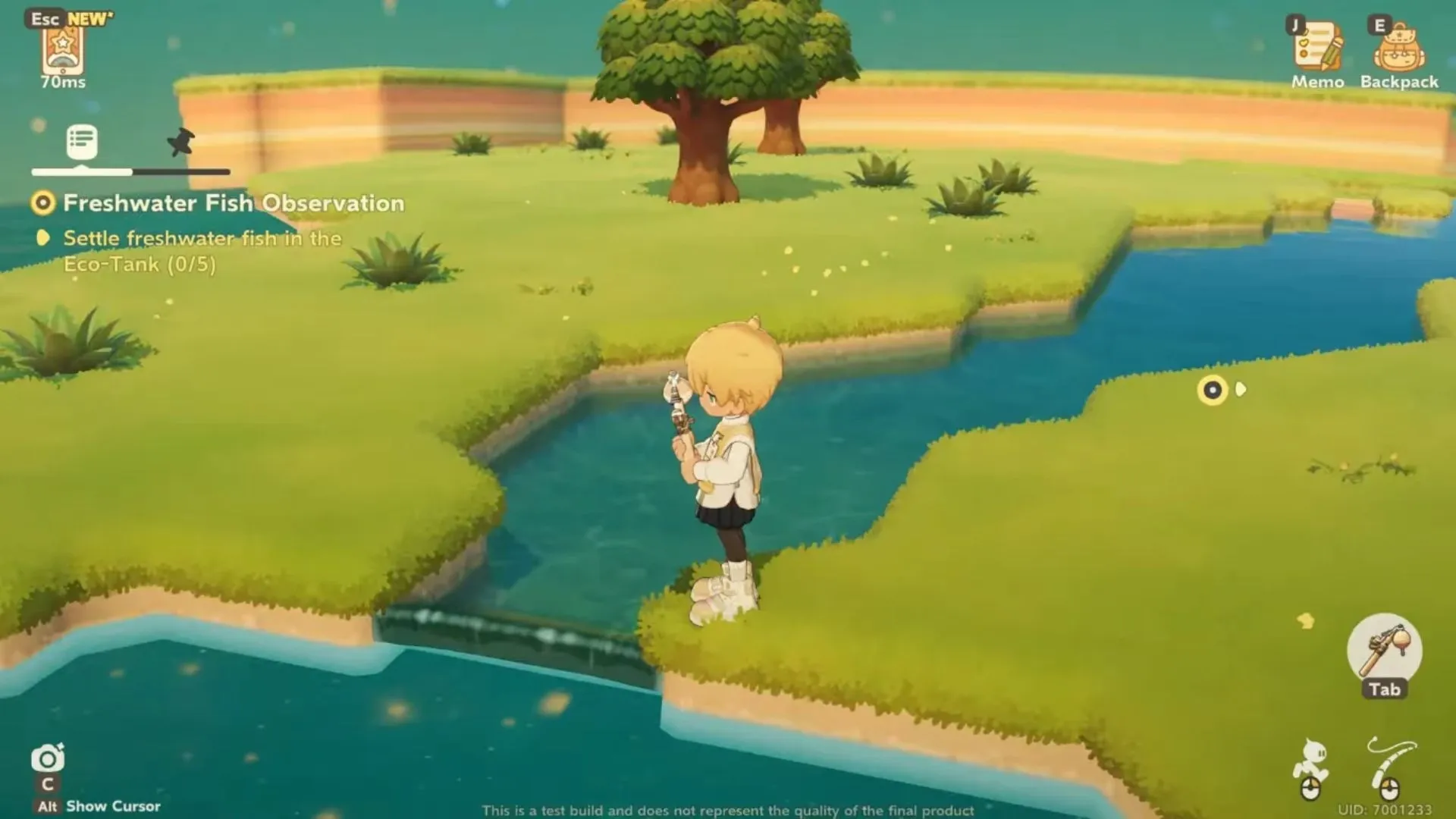
The table below from our Petit Planet beginner's guide shows all the available tools and how they can help you throughout your journey:
|
Tool |
How It Helps You |
|
Fishing Rod |
Catch fish from ponds and rivers for cooking, crafting, or selling. |
|
Insect Net |
Catch bugs and insects to complete collections, and earn rewards. |
|
Pogo Stick |
Jump over obstacles and reach higher or hard-to-access areas around your planet. |
|
Shellfish Tongs |
Collect shellfish and other coastal creatures from shallow waters. |
|
Shovel |
Dig holes, find buried resources, or remove crops and trees. |
|
Mattock (Maddock) |
Chop trees for wood and break rocks to collect stone and ore. |
|
Watering Bucket |
Water crops and flowers to keep them healthy. |
|
Paint Roller |
Create, customize, or remove pathways to give your planet a fresh look. |
There is also a special tool called Planet Maker Mode, that helps you to move, store, and rearrange buildings, decorations, and other objects to customize your planet and create your dream layout.
Start Farming and Plant Every Available Plot
After taking care of your social activities, it's time to focus on farming on your planet. Because Farming is one of the most reliable ways to gather useful ingredients for crafting, cooking, selling, and expanding your planet. It also helps you earn Dough, which you can use for shop purchases and house upgrades. So, once you unlock farming, start planting crops in every available plot instead of leaving your farmland empty.
For more effective farming, you can follow this simple routine:
- Unlock available farming plots through Luca Arbor progression.
- Plant the seeds you have collected.
- Use the Water Can tool to water your crops regularly.
- Harvest fully grown crops and immediately replant the empty plots.
- Keep some ingredients for cooking and sell the surplus.
Tip for farming: Make farming part of your daily routine. Instead of filling every plot with the same crop, try keeping at least one or two plots dedicated to different crops.
Visit Shops Regularly and Check Available Items
Shopping is also an important part of your daily routine that helps you get the items you need to make steady progress on your planet. But where should you go when you need to buy something? Petit Planet has two main shopping destinations that you should check regularly: Glenn's Shop and the Lumix Co. Kiosk.
- Glenn’s Shop (Glenn’s Goods Store): This is your everyday general store, where you can buy useful items to improve your planet and customize your character.
- Glenn’s Shop uses Dough (the main everyday currency) as its main currency. You can earn Dough by completing quests and selling crops, fish, bugs, creatures, materials, cooked food, and other items.
- Lumix Co. Kiosk: This is a premium shop that focuses on exclusive and premium items, especially Star Anchors which are useful for Starsea explorations.
- Lumix Co. uses Loomi Footprints as its currency. You can mainly earn them by completing tasks in the Footprints app and reaching certain life skill progression rewards.
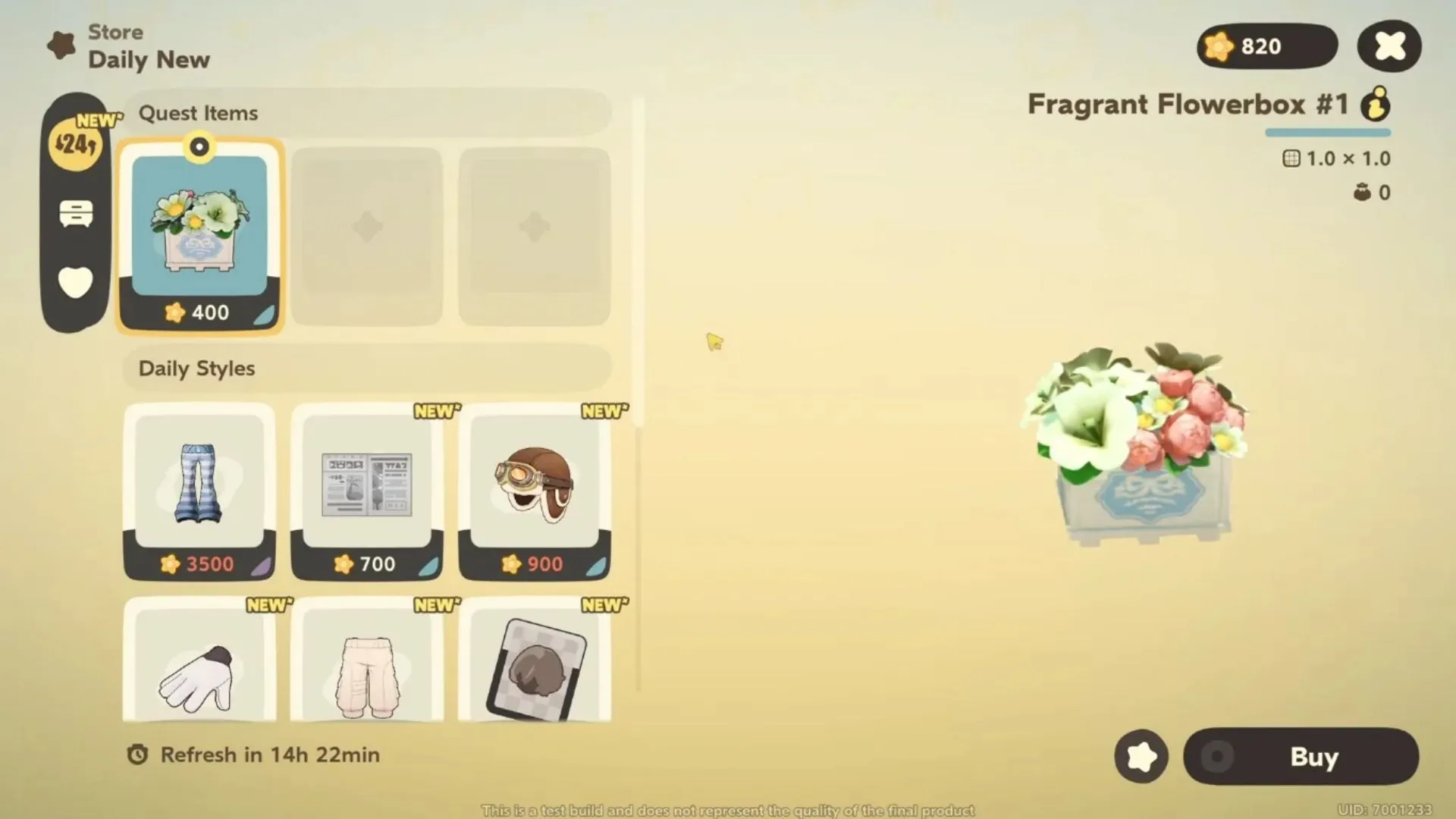
By the way, keep in mind that both shops offer rotating selections, so the items available today may not be there tomorrow. Make visiting both shops part of your daily login routine to grab useful items and avoid missing out on anything valuable!
Explore Starsea Voyages and Discover New Neighbors
Starsea Voyages is one of the most exciting features in Petit Planet, giving you another way to explore the universe beyond your growing little planet. These journeys allow you to collect rare resources, discover new places, and meet potential neighbors along the way. To begin your Starsea Voyages, you first need Star Anchors, which act as tickets for each exploration journey. You can get them by spending Loomi Footprints at the Lumix Co. Kiosk.
However, during your voyages, make sure to focus on these activities:
- Collecting New Resources: Search for different fruit trees, flowers, fish, bugs, and other useful materials.
- Discovering New Creatures: Catch unfamiliar fish and bugs to expand your OmniDex collection.
- Meeting New Neighbors: Look for new characters and interact with them to start building friendships.
- Exploring Each Islet: Search every corner of the island before returning home so you don't miss any useful materials.
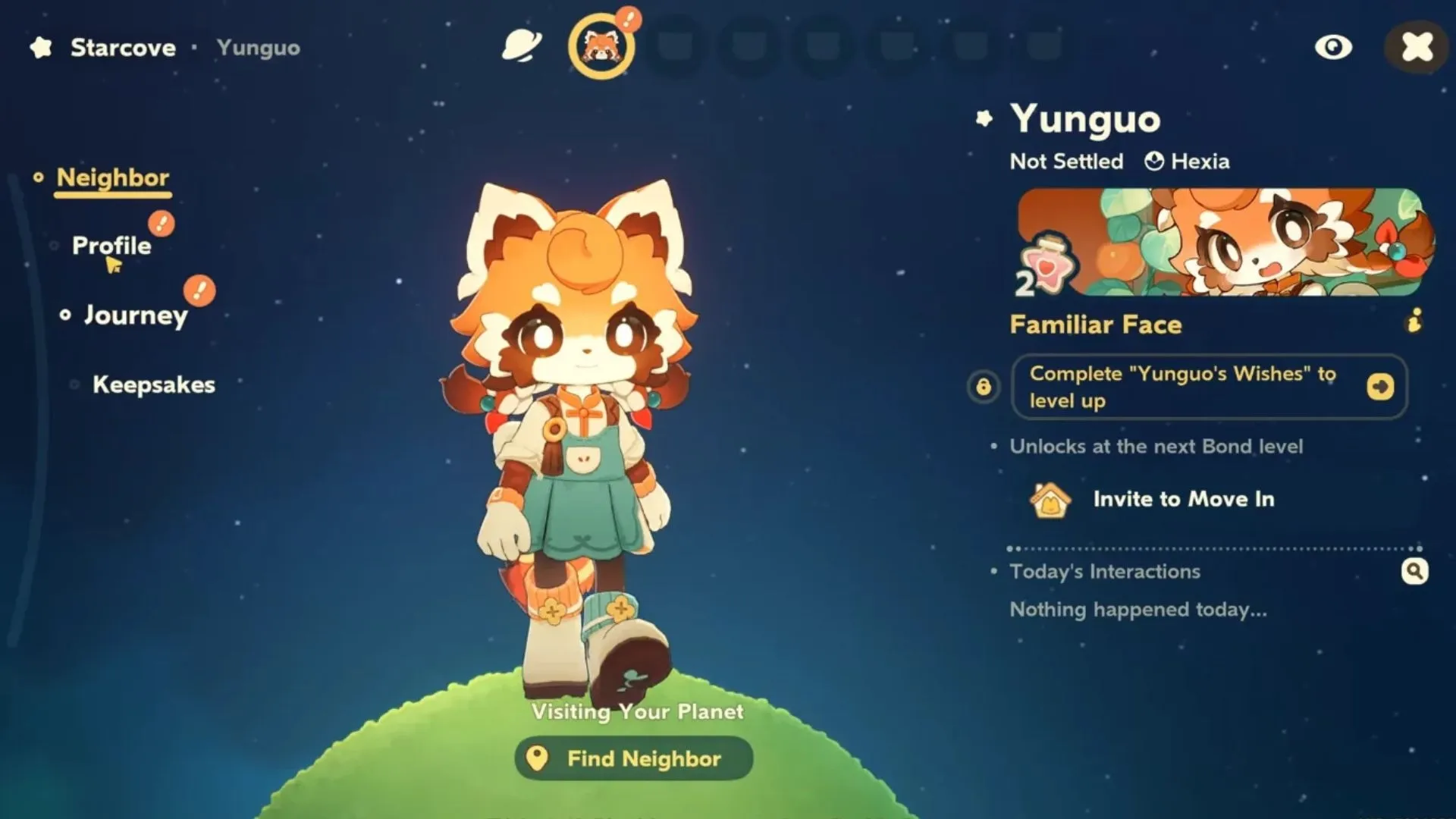
One important thing to remember is that Star Anchors don't disappear at the end of the day. Any unused anchors will remain in your inventory, so make sure to visit the Lumix Co. Kiosk regularly to collect more Star Anchors and enjoy your next adventure!
Grow Your Luca Arbor to Unlock More Planet Features
Luca Arbor is a glowing tree on your island that acts as the heart of your planet and plays an important role in your overall progression. As you level it up, you'll unlock valuable game features, including new areas, additional farming plots, weather conditions, more Neighbor slots, and much more.
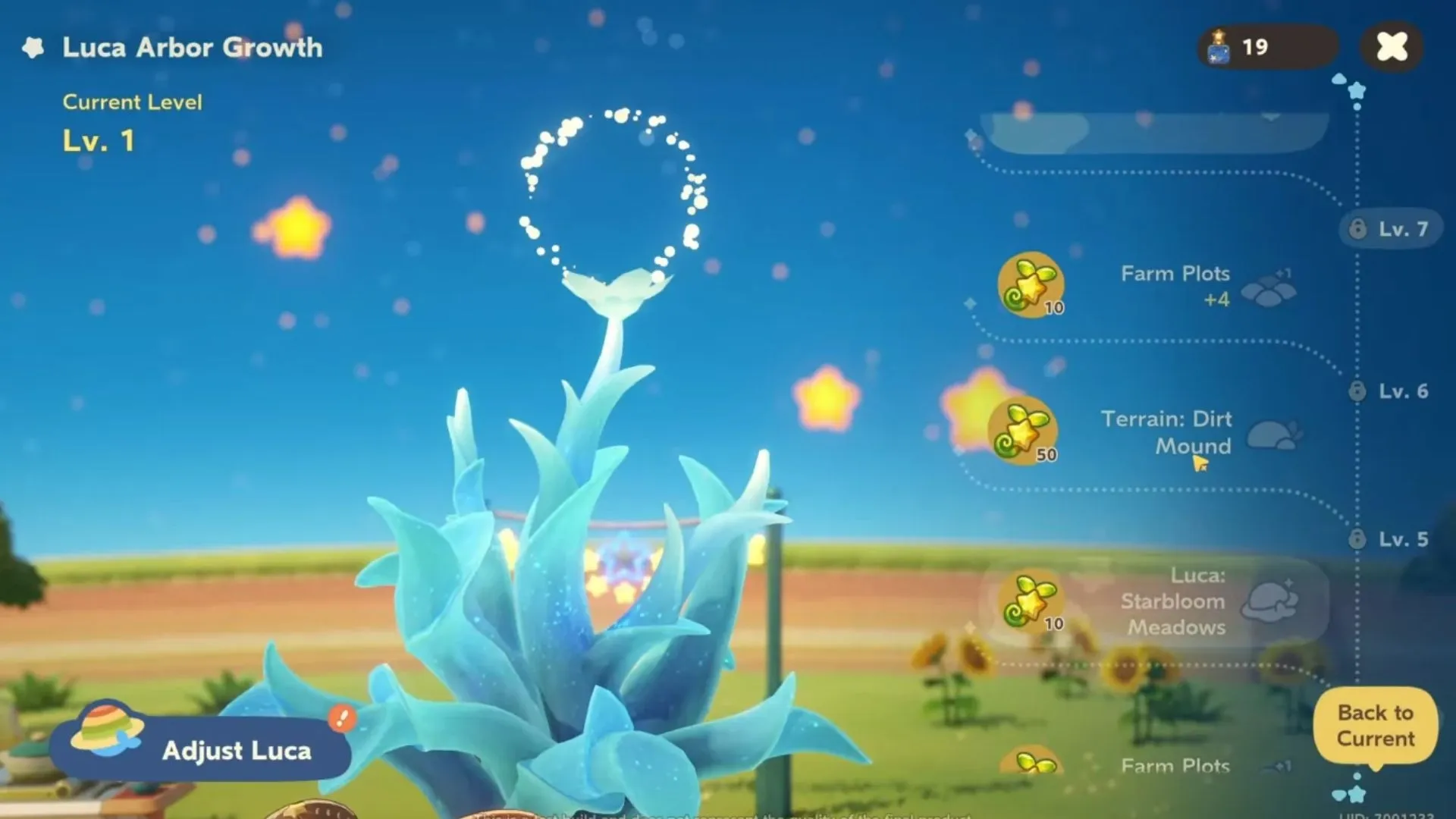
So, how can you grow this special tree and unlock more benefits for your journey? The main way to level up your Luca Arbor is by watering it with Luca Jars, which you can mainly earn from quests, different activities, and completing tasks. Once you provide enough Luca Jars, the Arbor levels up, helping your planet grow and unlocking more features.
Therefore, make sure to check your Luca Arbor regularly, especially during the early game. Collect enough Luca Jars and keep leveling it up to unlock new features and expand your planet faster!
Decorate Your Planet and Create Your Own Style
After completing your important daily activities, it's time to enjoy the creative side of Petit Planet: decorating your planet! It's a fun way to refresh your surroundings and create a space that truly matches your style. Petit Planet also gives you more freedom to decorate through Planet Maker Mode, which lets you pick up objects, move decorations, rearrange different areas, and store items until you find the perfect layout.
With all these decorating options, here are some simple ways to make your planet feel more personal:
- Customize Your Home: Use purchased or crafted furniture to decorate your home and create a cozy living space.
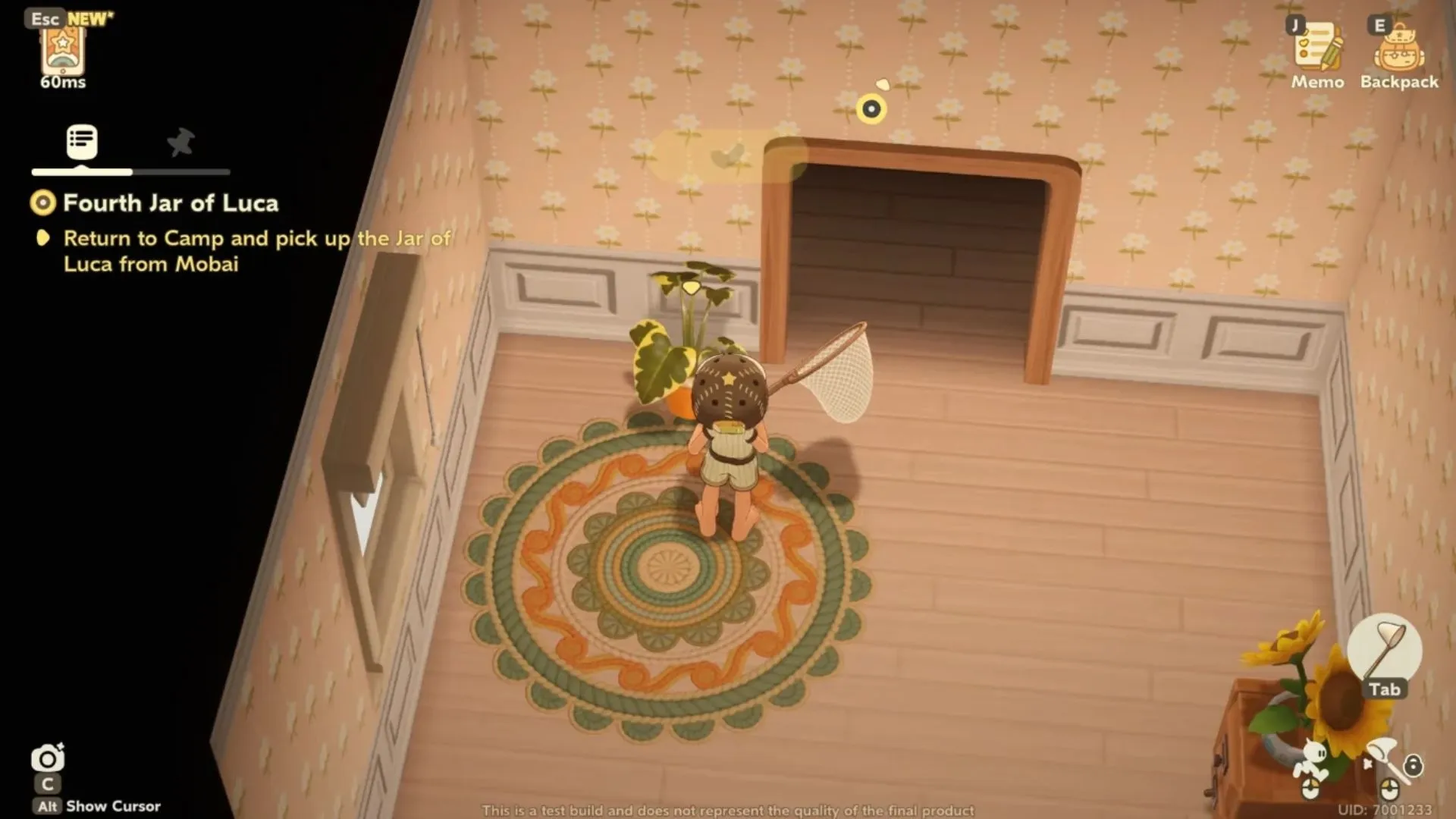
- Experiment with Layouts: Move pathways, trees, and decorations around until everything looks just right.
- Decorate Outdoor Areas: Add pathways, trees, and decorations to create beautiful gardens and themed spaces.
- Grow Special Plants: Use seeds like bamboo, starry grass, and colorful water received from neighbors to grow different plants and add more variety to your planet.
- Create Themed Spaces: Design cozy gardens, beautiful pathways, and relaxing outdoor corners to give your planet its own unique look.
Download LDPLAYER, play Petit Planet on PC, enhance your gaming experience!


People Also Ask
What is the Petit Planet?
Petit Planet is a relaxing life-simulation game where you can build your own planet, meet neighbors, explore islands, collect resources, and enjoy creative activities.
How do I unlock Starsea Voyages?
Progress the main story and level the Luca Arbor until the feature opens, then buy Star Anchors from the Lumix shop.
What is Planet Maker Mode in Petit Planet?
Planet Maker Mode is a decorating feature that lets you move, store, and rearrange buildings, furniture, pathways, and other objects to customize your planet and create your preferred layout.
Do Star Anchors expire in Petit Planet?
No, unused Star Anchors remain in your inventory. You don't have to spend all your Star Anchors on the same day, so you can save them for future Starsea Voyages.
Conclusion
With this Petit Planet beginners guide, you're ready to make the most of your first days, from farming and gathering resources to decorating your home. Also don't forget to meet Neighbors to make stronger bonds and unlock Starsea Voyages when possible for more explorations. With consistent daily activities as we mentioned, you can expand your planet, collect useful resources, and enjoy everything Petit Planet has to offer from the very first day.