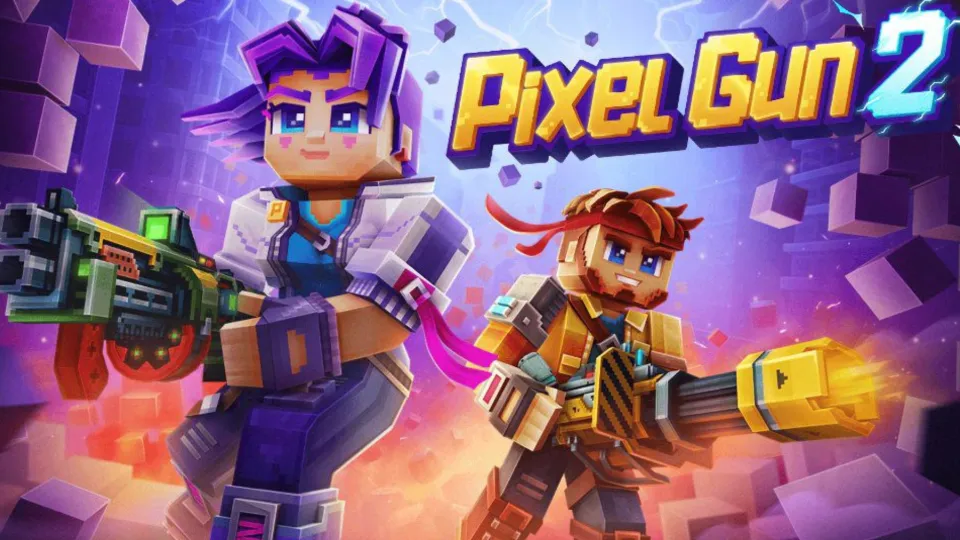
Pixel Gun 2 is releasing soon, and if you've been waiting to jump into the next chapter of the series, now is a good time to learn how the game works. It mixes fast-paced FPS action with destructible maps, different weapons, gadgets, abilities, and plenty of ways to build your character. In this Pixel Gun 2 beginner guide, we'll go over some simple tips and tricks to help you understand the gameplay, choose the right weapons, use your abilities, and get ready for your first matches.
Learn the Basic Controls and Movement
When you first start playing Pixel Gun 2, take some time to learn your character. Get used to how your character moves, aims, shoots, and switches between weapons. You should also learn how to use your gadgets and abilities. These basics will make your first matches much easier.
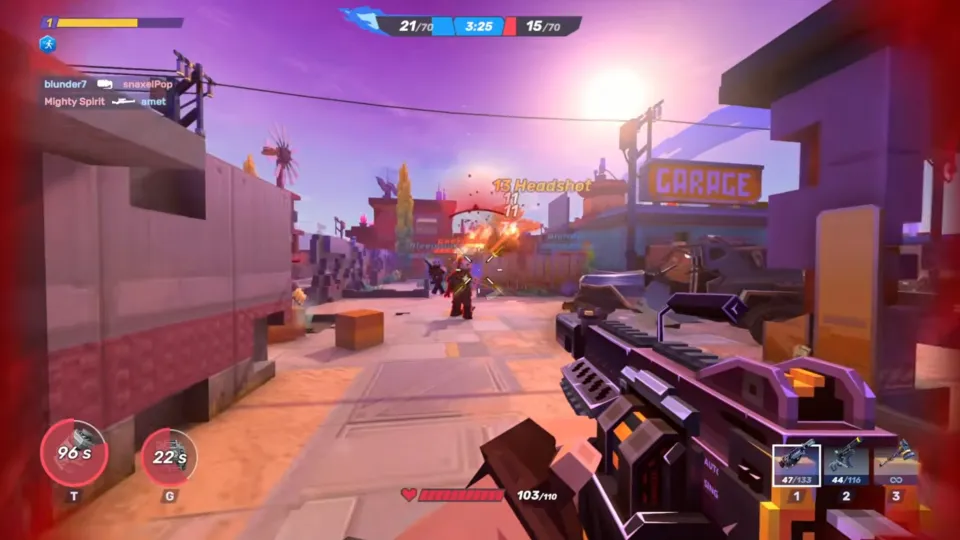
- Practice moving while shooting. Don't stand still during fights.
- Learn how to switch weapons quickly. Different weapons work better at different ranges.
- Try your gadgets early. Learn what they do and how they work.
- Move between cover. This makes you harder to hit.
- Avoid running in a straight line for too long. Change your direction when needed.
- Adjust your sensitivity if aiming feels too slow or too fast.
- Take your time. You don't need perfect aim when you're just starting.
Start With a Simple Weapon Loadout
When you are new to Pixel Gun 2, start with a simple loadout. You don't need the strongest or most complicated weapons right away. Choose weapons that are easy to control so you can focus on learning the game.
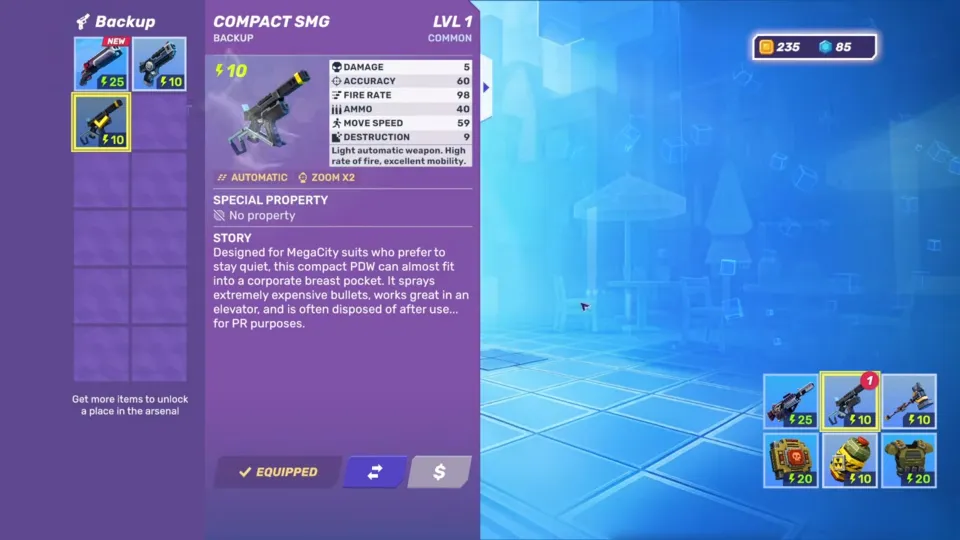
Start with a few simple weapons and learn how they work before trying more difficult ones. These choices can make your first matches much easier:
- Start with an automatic primary weapon. Pick one with a manageable fire rate and spread.
- Keep a reliable backup weapon. Use a shotgun or SMG for close fights, or a mid-range weapon for more distance.
- Avoid high-skill weapons at first. Specialized weapons can be harder to use when you're still learning.
- Master one solid setup. Stick with a forgiving loadout until you feel comfortable.
- Experiment later. Once you understand the basics, try more specialized and unusual weapons.
Learn How Destructible Maps Work
Destructible maps are one of the biggest differences in Pixel Gun 2. Walls, floors, ceilings, boxes, and other cover can be destroyed during a fight. This means the map can change while you play. As a beginner, spend some time testing the environment and learning how destruction can change your routes and sightlines.
|
What to Learn |
Why It Matters |
|
Walls that break quickly |
Destroy them to open new paths or expose enemies. |
|
Stronger surfaces |
These take longer to break and can give you more time to reposition. |
|
New sightlines |
Breaking walls can help you spot enemies hiding behind cover. |
|
New routes |
Destroyed areas can create shortcuts or escape paths. |
|
Falling floors and walls |
These can expose enemies or leave them trapped in a bad position. |
Don't treat cover as permanent. If you're hiding behind a wall, assume an enemy can destroy it. You can also use destruction against your enemies by breaking their cover and creating a surprise angle. Learning how to use the environment is an important part of this Pixel Gun 2 beginner guide and will help you adapt to fights more easily.
Keep Moving and Use Cover
Standing in one place makes you an easy target. Keep moving during fights and use cover to protect yourself. However, remember that cover can be destroyed, so don't stay behind the same wall for too long.
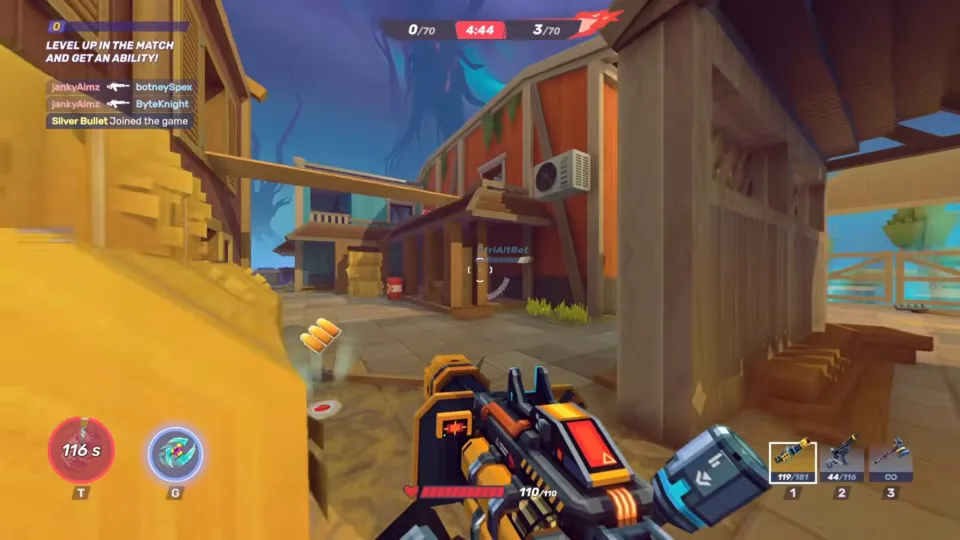
After a fight, try to change your position before the enemy can predict your next move.
- Move after an engagement. Don't stay in the same spot after attacking.
- Move between cover. Use walls and other objects to protect yourself while moving.
- Change your elevation. Use higher or lower positions when possible to make your movement less predictable.
- Don't rely on one piece of cover. Enemies can destroy it and leave you exposed.
- Retreat when your health is low. Find a safer position or look for a health pickup.
- Don't chase one more kill. Staying alive gives you another chance to fight.
Download LDPLAYER, play Pixel Gun 2 on PC, enhance your gaming experience!


Use Gadgets at the Right Time
Gadgets can give you a big advantage during a fight. Don't use them just because they are ready. First, learn what each gadget does and wait for the right moment to use it. A well-timed gadget can help you damage enemies, escape danger, or control an area.
- Use explosive gadgets against groups. They are more useful when several enemies are close together or hiding behind cover.
- Use utility gadgets to create an advantage. They can help with things like vision, movement, or controlling an area.
- Use trap gadgets against predictable enemies. Place them where enemies are likely to move.
- Don't waste strong gadgets on one enemy. Save them for a better opportunity unless you need them to survive.
- Learn the blast radius. Make sure you don't damage yourself when using explosives.
- Watch the situation before using a gadget. A little patience can make your gadget much more useful.
Check and Equip Your Ability Cards
Ability Cards give you extra effects that can help during a match. After unlocking a new card, check your deck and choose the ones that fit your playstyle. If you're used to games like Gangstar Mirage City, the idea of adjusting your setup to match how you play can feel familiar, but Pixel Gun 2 gives you even more ways to customize your character.
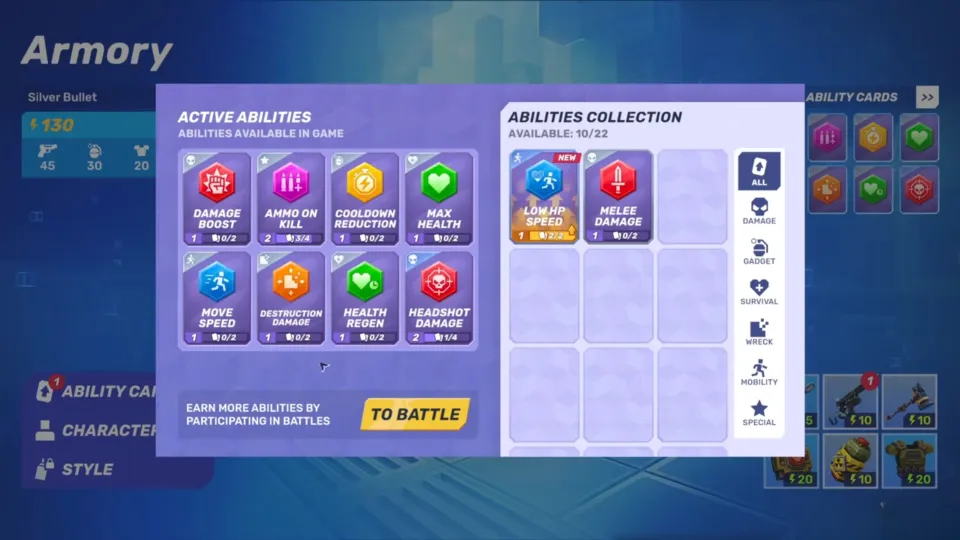
Some useful effects to look for include:
- Damage Boost: Increase your damage and make your attacks stronger.
- Ammo on Kill: Get extra ammo after eliminating an enemy.
- Gadget Cooldown Reduction: Get your gadgets back faster.
- Health Regeneration: Recover health and stay in the fight longer.
- Movement Speed: Move faster and reposition more easily.
Change your cards when you change your build. For example, an aggressive setup can benefit from damage or ammo effects, while a defensive setup may work better with health or movement bonuses.
Play With Your Team
Teamwork can make your matches much easier, especially when you're still learning the game. Stay close to your teammates and help them instead of rushing into fights alone. Just like you may pay attention to positioning and teamwork while watching Gangstar Mirage City gameplay, learning where your teammates are and when to support them can make a big difference in Pixel Gun 2.
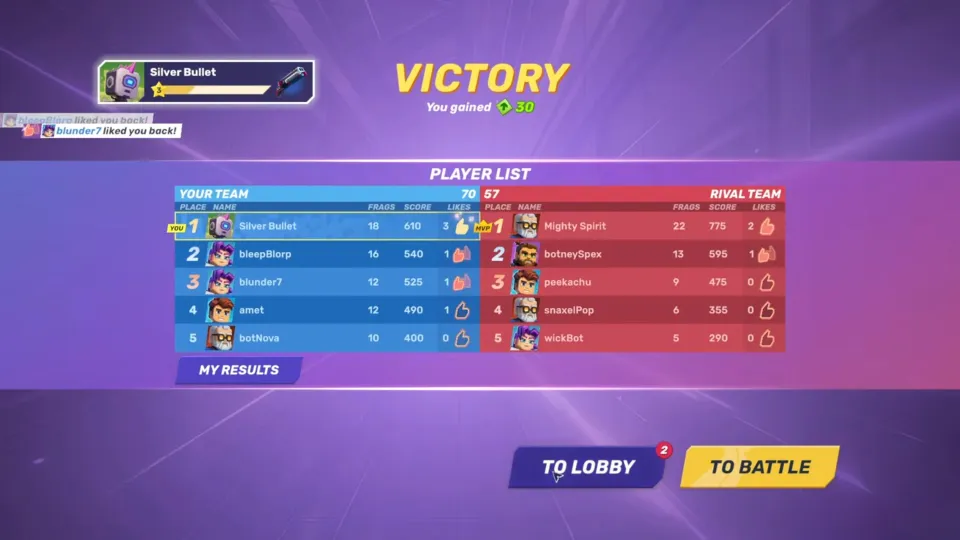
Stay close to your teammates and look for simple ways to help them during a fight. Keep these things in mind:
- Stay near your teammates. You are less likely to get caught alone.
- Help teammates who are already fighting. Focus on the same enemy when possible.
- Cover the flanks. Watch for enemies trying to attack your team from another direction.
- Push contested areas together. A group attack is usually safer than rushing alone.
- Share enemy positions. Let your team know where opponents are hiding or moving.
- Don't focus only on kills. Helping your team survive and control areas can be just as valuable.
Beginner Tips for Better Matches
Once you understand the basics, you can start making smarter decisions during each match. These simple habits will help you survive longer and get more from your loadout. Keep these Pixel Gun 2 tips in mind as you work through the Pixel Gun 2 beginner guide and learn how to handle different situations:
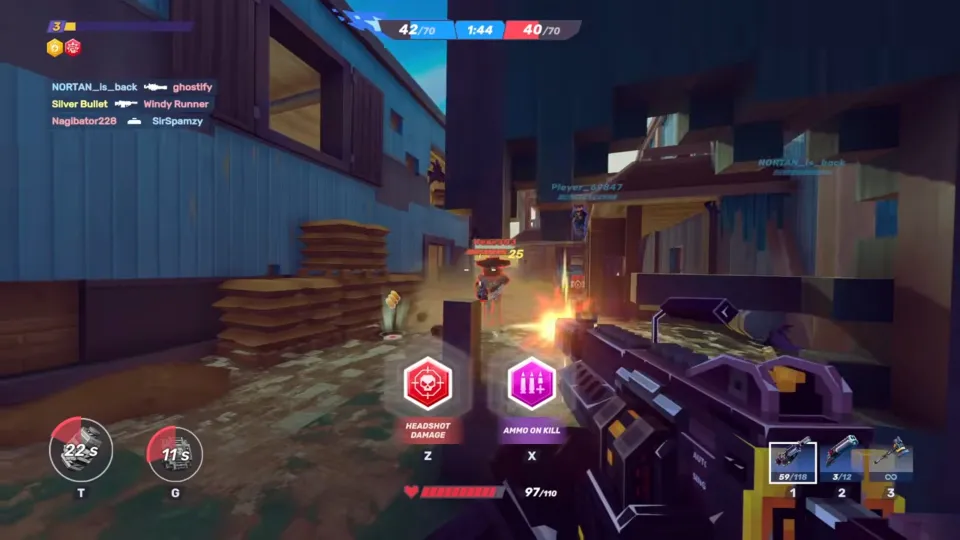
- Learn from your deaths. Think about what went wrong before jumping back in.
- Change your position often. Don't let enemies predict where you are.
- Watch enemy movement. Look for players who repeat the same routes.
- Use destruction to your advantage. Break enemy cover or create a new path.
- Don't chase every kill. Retreat when a fight becomes too risky.
- Use your abilities wisely. Save strong abilities for important moments.
- Stay aware of your surroundings. Check for enemies before entering open areas.
- Adapt your loadout. Change your weapons or abilities if your current setup isn't working.
People Also Ask
When Is Pixel Gun 2 Releasing?
Pixel Gun 2 is currently set to release soon. If you're playing the beta or demo, use this time to learn the weapons, maps, gadgets, and abilities before the full version arrives.
Should I Upgrade My Armor Early in Pixel Gun 2?
You can upgrade your armor as you progress, but don't spend all your resources at once. Compare new equipment with what you already have before making an upgrade.
What Is the Best Armor for Beginners in Pixel Gun 2?
There isn't one armor option that is best for every beginner. Start with armor that gives you useful protection and fits your current level and playstyle.
Conclusion
That’s all you need to get started with Pixel Gun 2. Learn the maps, try different weapons, use your abilities wisely, and keep moving during fights. You don't need the perfect build right away. Just keep playing, learn from each match, and find a setup that works for you. Hopefully, this Pixel Gun 2 beginners guide helps you feel more ready for your first matches and gives you a useful start with the Pixel Gun 2 guide.