WolframAlpha Classic is a Books&Reference application developed by Wolfram Group LLC, but with the best Android emulator-LDPlayer, you can download and play WolframAlpha Classic on your computer.
Running WolframAlpha Classic on your computer allows you to browse clearly on a large screen, and controlling the application with a mouse and keyboard is much faster than using touchscreen, all while never having to worry about device battery issues.
With multi-instance and synchronization features, you can even run multiple applications and accounts on your PC.
And file sharing makes sharing images, videos, and files incredibly easy.
Download WolframAlpha Classic and run it on your PC. Enjoy the large screen and high-definition quality on your PC!
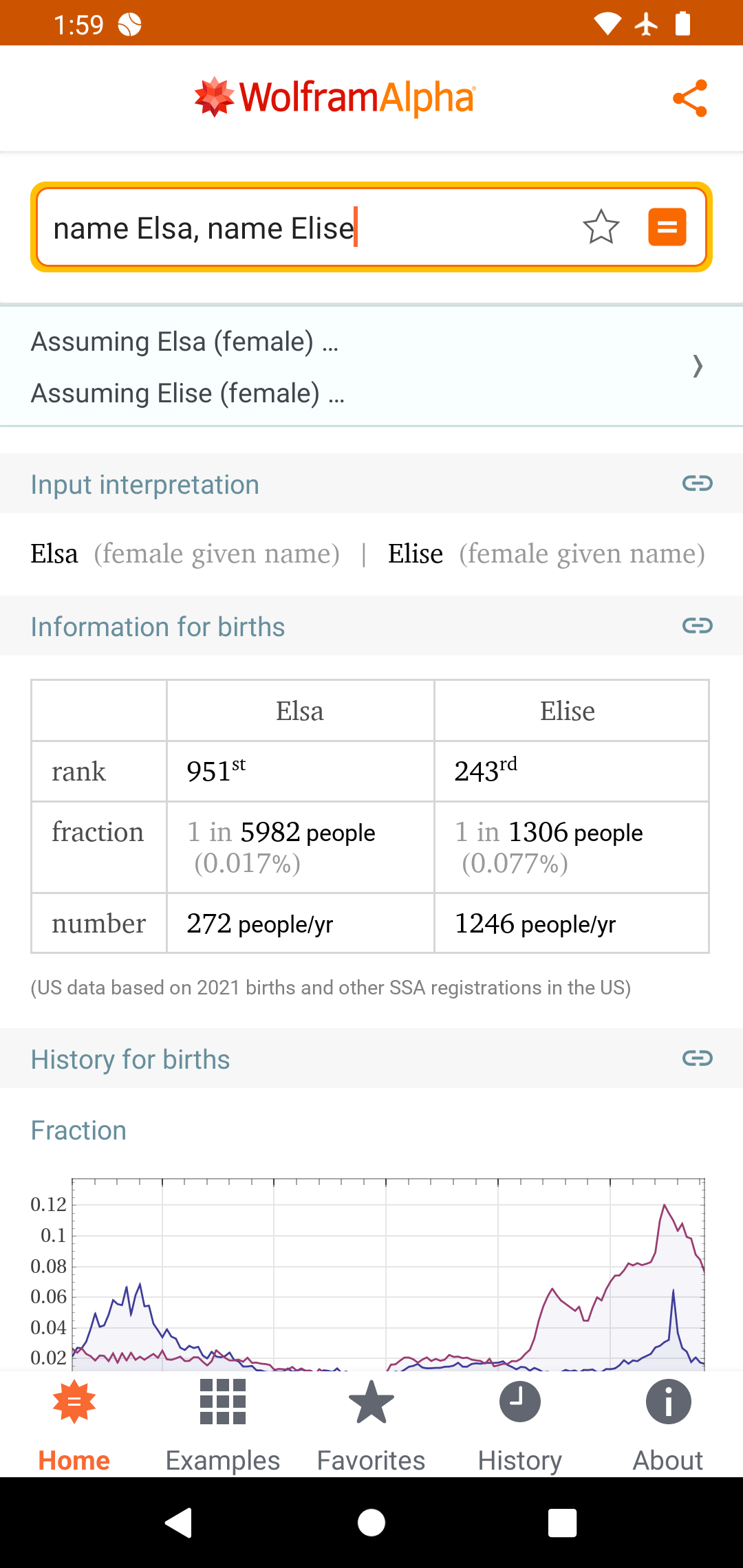
Use the power of Wolfram's computational intelligence to answer your questions. Building on 35+ years of development led by Stephen Wolfram, Wolfram|Alpha is the world's definitive source for instant expert knowledge and computation.Across thousands of domains—with more continually added—Wolfram|Alpha uses its vast collection of algorithms and data to compute answers and generate reports for you.
Use Wolfram|Alpha to compute the following and much more:
• Identify a plane: "Flights overhead"
• Find out weather: "Weather last New Year's"
• Get information on movies: "Movies with Keanu Reeves and Sandra Bullock"
• Get financial insight: "APPL vs. MSFT"
• Calculate units and measurements: "Seconds in a nanocentury"
• Get trivia answers: "Number of tennis balls that can fit in a Boeing 747"
• Find nutritional information: "Whopper vs. Big Mac"
• Get fitness information: "Running calculator"
• Have fun: "Tell me a joke"
Privacy policy: https://www.wolfram.com/legal/privacy/wolfram
Terms of use: https://www.wolframalpha.com/termsofuse