
Video downloader for HD Video
Video Downloader for TSaver - Download HD Video Fast And No Watermark
Video downloader for HD Video is developed and provided by Likeme Tech Studio. LDPlayer offers the download service only.

Overview

FAQ
Run Video downloader for HD Video on PC with LDPlayer
Video downloader for HD Video is a Tools application developed by Likeme Tech Studio, but with the best Android emulator-LDPlayer, you can download and play Video downloader for HD Video on your computer.
Running Video downloader for HD Video on your computer allows you to browse clearly on a large screen, and controlling the application with a mouse and keyboard is much faster than using touchscreen, all while never having to worry about device battery issues.
With multi-instance and synchronization features, you can even run multiple applications and accounts on your PC.
And file sharing makes sharing images, videos, and files incredibly easy.
Download Video downloader for HD Video and run it on your PC. Enjoy the large screen and high-definition quality on your PC!
Want To Download TSaver Videos Without Watermark?Video Downloader - TSaver Can Help You!
Feature:
✔️Save A Video No Watermark, Download HD MP4 & MP3
✔️100% Free Automatically Download HD Videos
✔️Save Multiple Videos At The Same Time
✔️Efficient Management Of Downloaded Files
✔️One - Click Repost & Share
When Watching An Interesting Video, You Want To Remove A Watermark From Video, What Should You Do?
How To Use:
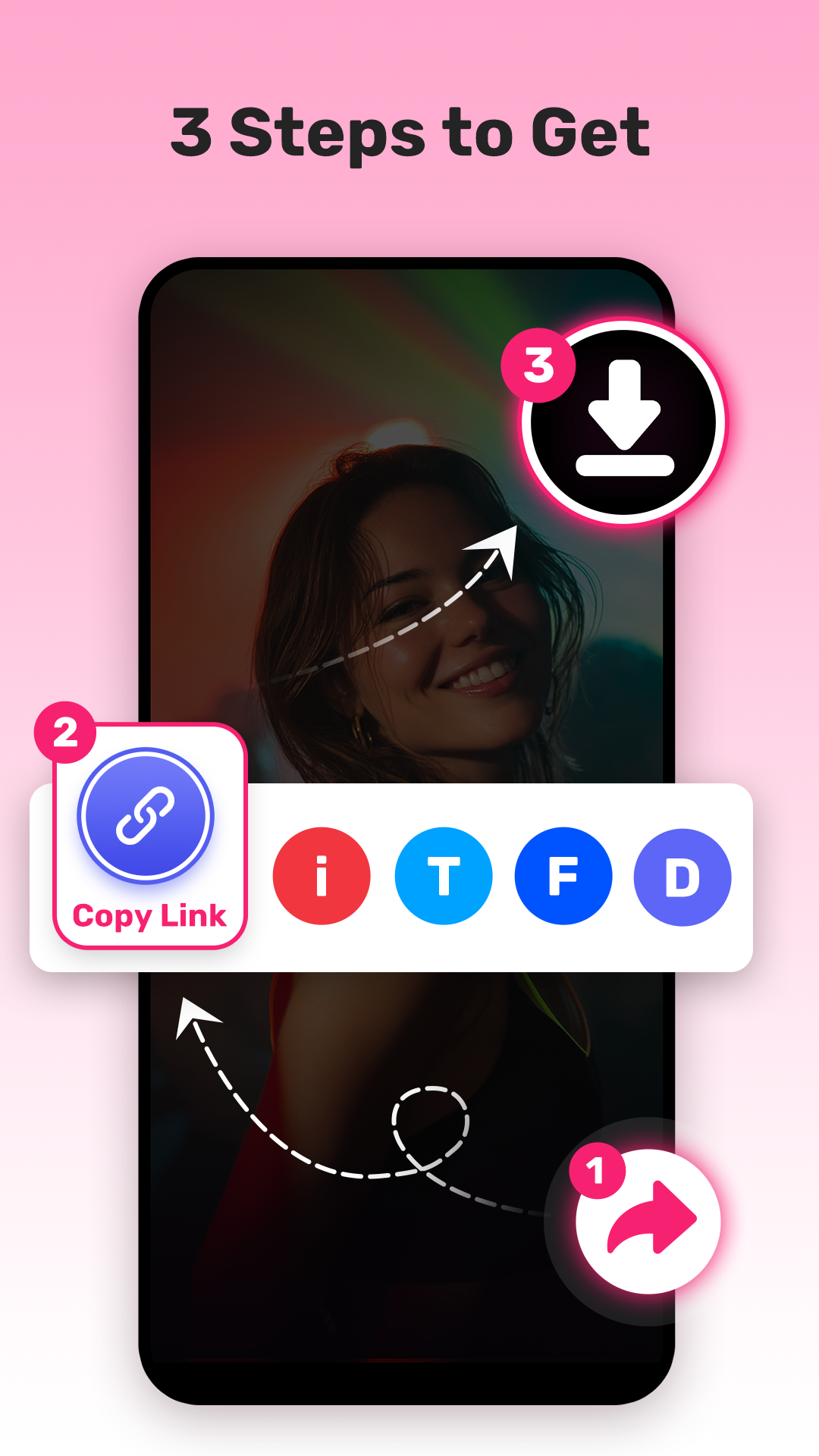
📱Choose Your Lovely Video Or Music
📱Click "Share" Button And "Copy Link"
📱Open Video Downloader And "Paste Link"
📱Go To "My Files" To View The Downloaded Videos Or Music
Highlights Of Video Saver - TSaver Downloader:
❤️No Login Required, 100% Secure
❤️Free Logo Remover By TSaver Video Saver
❤️Download Video Free & HD Without Watermark
❤️Manage Downloaded Videos, Easily Share, Repost And Play
❤️Batch Download Support
Try Video Downloader - TSaver Video Saver Now!
Disclaimer:
1-We Do Not Collect Any Personal Information And Do Not Obtain Your Password In Any Way.
2-TSaver Downloader Is Not Affiliated With Any Third Party Video Saver App.
3-Please Make Sure You Have The Right To Save And Keep The Video Or Picture.
4-We Respect The Intellectual Property Rights Of The Owners. Get Permission From The Owner Before You Download And Repost Their Videos.
Screenshots and Videos of Video downloader for HD Video PC


How to Download and Run Video downloader for HD Video on PC
 1
1Download and install LDPlayer on your computer
 2
2Locate the Play Store in LDPlayer's system apps, launch it, and sign in to your Google account
 3
3Enter "Video downloader for HD Video" into the search bar and search for it
 4
4Choose and install Video downloader for HD Video from the search results
 5
5Once the download and installation are complete, return to the LDPlayer home screen
 6
6Click on the game icon on the LDPlayer home screen to start enjoying the exciting game


