Uber Eats Orders is a Business application developed by Uber Technologies, Inc., but with the best Android emulator-LDPlayer, you can download and play Uber Eats Orders on your computer.
Running Uber Eats Orders on your computer allows you to browse clearly on a large screen, and controlling the application with a mouse and keyboard is much faster than using touchscreen, all while never having to worry about device battery issues.
With multi-instance and synchronization features, you can even run multiple applications and accounts on your PC.
And file sharing makes sharing images, videos, and files incredibly easy.
Download Uber Eats Orders and run it on your PC. Enjoy the large screen and high-definition quality on your PC!
Looking to order now? Find Uber Eats here: https://t.uber.com/66A3MHManage orders for your business on any device.
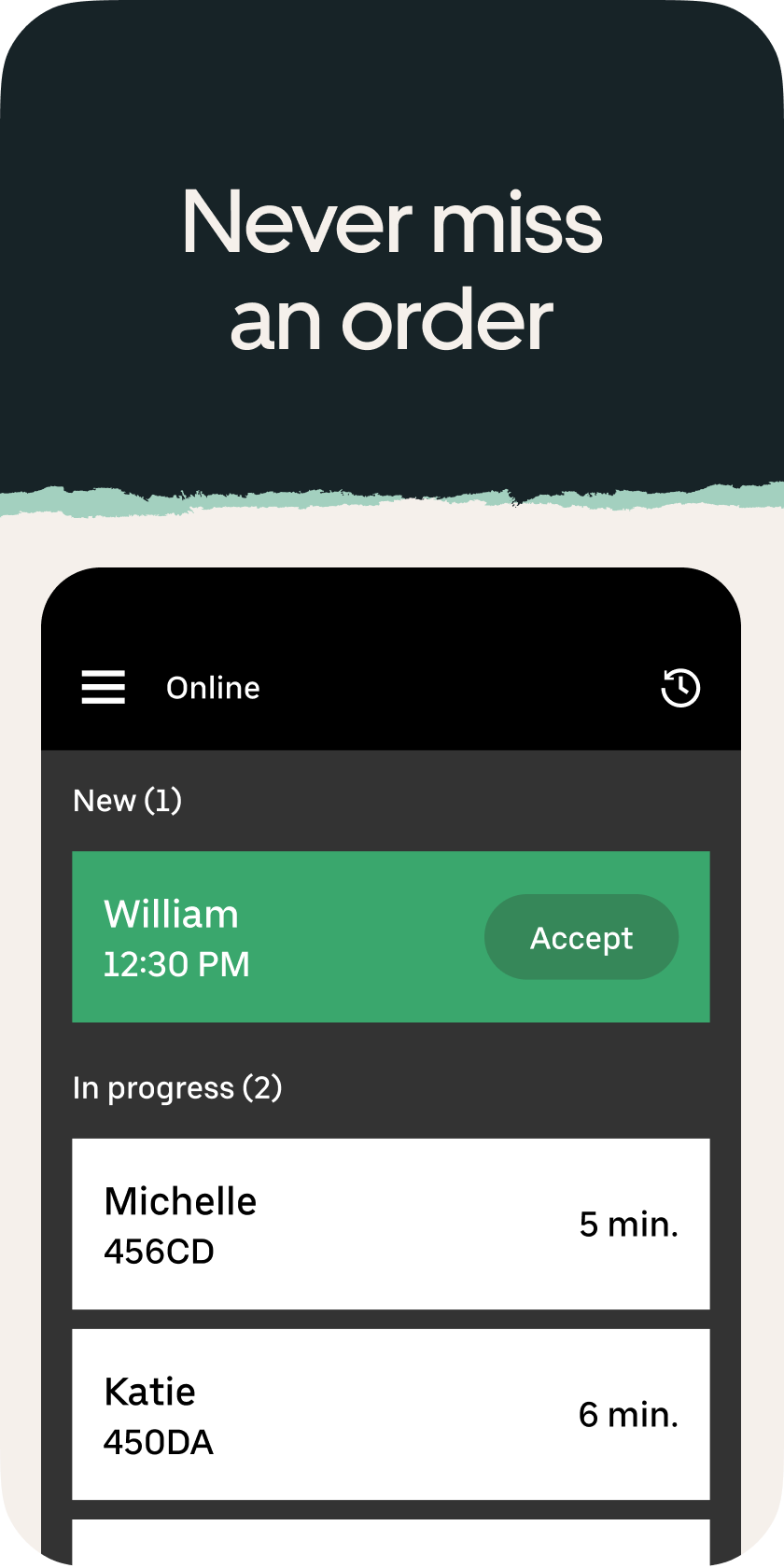
This app allows you to manage your business’s orders on Uber Eats in a single, centralized place. Whether you’d rather have a single device in your store or an app that all your staff can use on their own phones, Uber Eats Orders flexes to fit your unique needs! Here’s everything the app offers:
• Device flexibility. Run the app on any combination of tablets and mobile phones.
• Realtime syncing. Run the app on multiple devices at the same time, all your staff will be able to see and manage orders with no duplicates or missed orders.
• Control in the palm of your hand. Can’t be at your store all the time? No problem! The app lets you cancel orders, mark items out of stock, and turn your delivery capabilities off and on from anywhere there’s an internet connection.
• Order monitoring. You’ll be able to get notifications for each new, in progress, canceled, and delivered order.