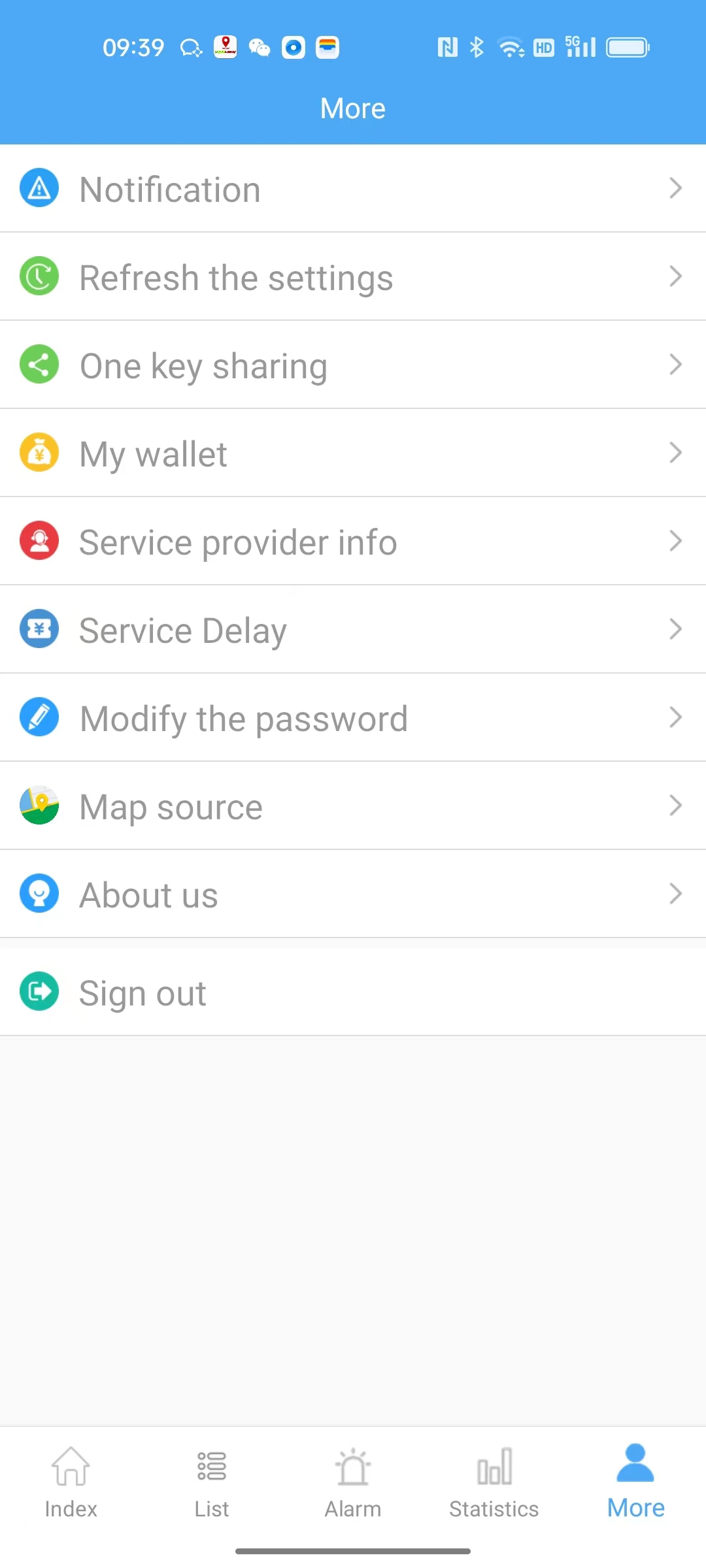
TASSLOCK is a Maps&Navigation application developed by Tasslock, but with the best Android emulator-LDPlayer, you can download and play TASSLOCK on your computer.
Running TASSLOCK on your computer allows you to browse clearly on a large screen, and controlling the application with a mouse and keyboard is much faster than using touchscreen, all while never having to worry about device battery issues.
With multi-instance and synchronization features, you can even run multiple applications and accounts on your PC.
And file sharing makes sharing images, videos, and files incredibly easy.
Download TASSLOCK and run it on your PC. Enjoy the large screen and high-definition quality on your PC!
TASSLOCK is based on the GPS positioning terminal app, obd and non obd and other devices can use the app for remote operationSteps:
1. For the first time, please click "User Registration" below the app to register as required.
2. After registering, you can carry on the vehicle management, the fortification, the instruction to the equipment and so on to the equipment you have just registered!
App function summary:
1: app on the remote vehicle (person) positioning: the map shows the current location of the vehicle.
2: real-time trajectory: real-time display of vehicle location on the map and depict the route traveled.
3: track playback: playback designated a certain period of time the vehicle trajectory and the current stay.
4: electronic fence: the map defines a region, set to enter the area alarm or leave the area alarm.
5: remote power: the vehicle speed down to 30 km below, forced to cut off the vehicle ACC power, so that vehicles can not start (mainly used in the car rental industry).
6: restore power supply: to restore the vehicle's driving ability.
7: position fortification: set the vehicle position to move the automatic alarm (anti-theft).
8: position disarm: cancel the vehicle position to move the automatic alarm (to lift the anti-theft).
Account login
Username: apptest
Password: 123456